AI Is Shifting from 'Answering' to 'Acting' — Key Changes to Know in May 2026
Hello, this is Botonglee.
It might feel a bit unusual to bring up AI in a space where we usually talk about meditation. But these days, whether it’s meditation, content creation, or solo entrepreneurship, the tools we use every day are changing at an incredible pace. I’d like to share a summary of a lecture I attended yesterday (May 22, 2026), focusing on insights that are helpful even for those without a tech background.
No matter how far technology advances, what we want to create ultimately matters more. With that in mind, let’s look at these changes together.
The Biggest Change in a Nutshell
> AI is shifting from a tool that “answers” to a teammate that “acts” on its own.
Until last year, the AI we knew was a chatbot that answered questions. But as made clear at last week’s Google I/O 2026, we’re entering an era where AI works continuously in the cloud, even when your laptop is closed. It can sort your emails, search the web, compare prices, and even make purchases for you.
This shift has real implications for anyone creating meditation content or running a small business. Here, I’ll break down three major trends and how you can apply them.
1. Image Generation Has Crossed a Critical Threshold
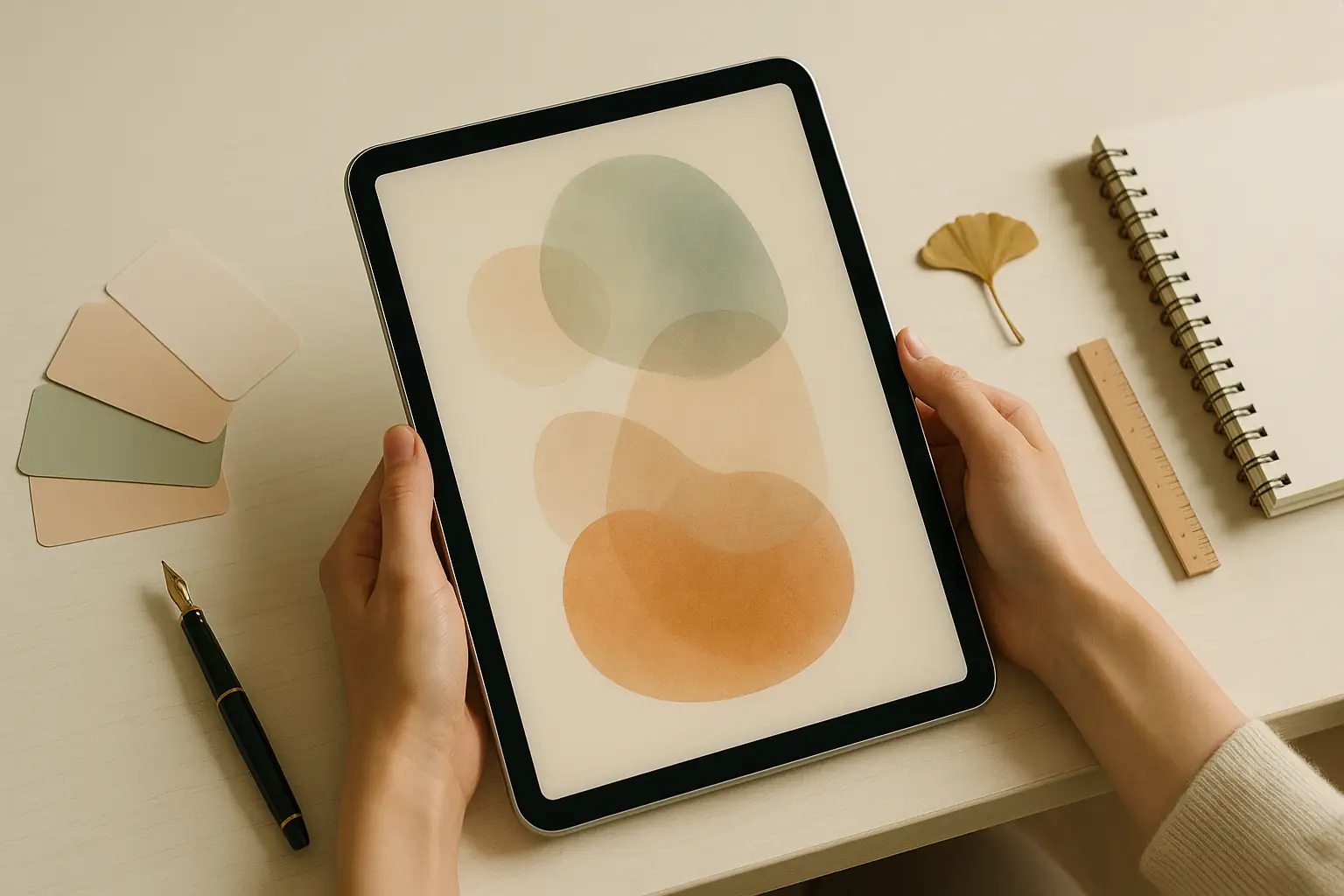
If you create blog headers, Instagram card news, or meditation guide cards, this is the most practical change for you.
OpenAI’s new GPT Image 2 (nicknamed Duck Tape) has become the clear leader in image generation. Here’s what’s different:
Key Tip: “Don’t Write Long Prompts—Write Clear Ones”
The quality of your results can vary dramatically depending on how you ask. Compare these two examples:
❌ Typical Request
> “Draw a woman drinking coffee at a beautiful café at sunset. Make it atmospheric and photo-realistic.”
✅ Structured Request
> [Purpose] Realistic product promotion photo
> [Scene] Modern outdoor café at sunset
> [Subject] Woman in her 30s holding an espresso cup
> [Composition] Subject on the right, space on the left for text
> [Constraints] No extra text or logos
With the second, more structured prompt, the AI delivers precisely controlled results. By specifying where text should go, the subject’s position, the mood, and what to avoid, you get much more predictable outcomes.
This is similar to the meditation principle of “clear attention.” When your intention is vague, the results are vague; when your intention is clear, the results are clear. If your purpose is fuzzy, so is the output.
Just Remember These 8 Elements
When requesting an image, check these eight points—what I call the 8-step formula:
The clearer you are on these eight, the exponentially better your results. If you do mockup work regularly, try making a table with these items and filling them in for each project—it’ll make your workflow much more efficient.
When Editing Images: Separate ‘Preserve’ and ‘Change’
One of the most common frustrations with AI images is when you want to tweak just the color, but the face changes too. Here’s how to avoid that:
> Preserve: Keep the subject’s facial features, background, lighting, and composition unchanged
> Change: Only change the color of the clothing to red
By explicitly stating what to keep and what to change each time, you prevent the image from falling apart. The key is to never skip specifying what should be preserved with every revision.
2. AI Video Can Now Create Full Commercials
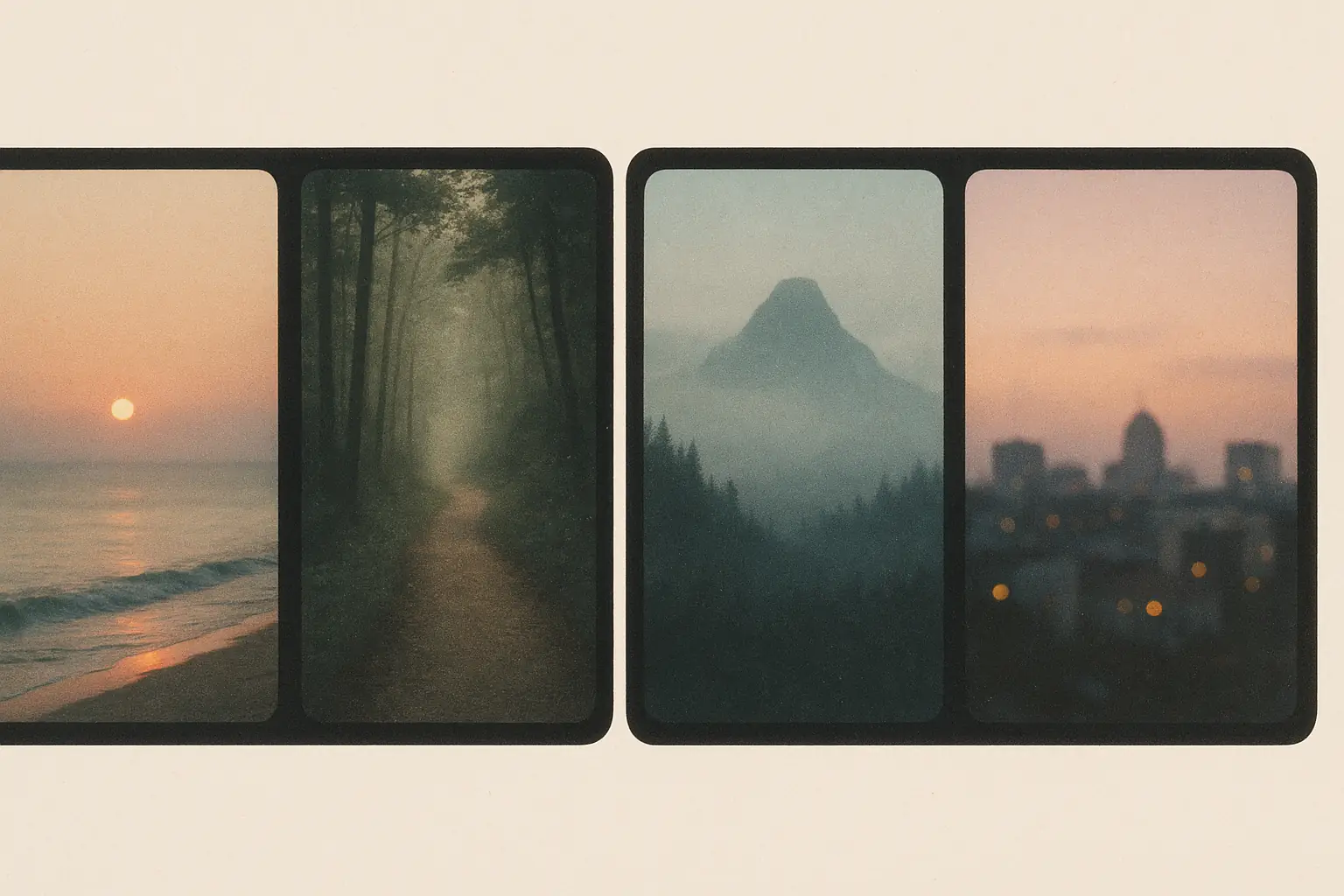
Until last year, AI videos were more of a novelty—interesting but awkward. But the latest models released this month are a different story.
To be honest, though, video models are still expensive—about $14 per minute via paid APIs. Making ten 1-minute videos costs around 140,000 KRW (roughly $100 USD). For small teams like ours, it’s more practical to combine open-source tools run locally (like WAN, LTX, HunyuanVideo, etc.).
One crucial tip: The biggest issue with AI video is faces changing unexpectedly. The solution is surprisingly simple: explicitly state what to preserve and what to change every time. If you only want to change the clothing color, repeat, “Keep the face, hair, background, and lighting the same,” with each request.
It’s fascinating that the same principle from image editing works just as well for video. Ultimately, when you clearly state what you want to preserve, the AI will follow your intent.
3. Google’s ‘Agent Era’ — What It Means for Small Businesses

At Google I/O 2026 (May 19–20), the most striking announcement was Gemini Spark, a personal AI assistant.
Until now, AI only responded when you asked. Spark is different:
At first, this might sound both scary and convenient—and honestly, both are true.
What This Means for Small Business Owners
Search Is Moving from ‘Finding’ to ‘Doing’
Another major shift from the same event: the meaning of the search bar is changing.
Traditionally, “search” meant typing in keywords, getting results, and clicking through. Now, dashboards are created directly from the search bar, videos are analyzed to jump to key moments, and requests like “Find vegetarian restaurants near my business trip location tomorrow and make a reservation” are handled in one go. Search is becoming more about ‘doing’ than just ‘finding.’
From a meditation practitioner’s perspective, this is a double-edged sword. When your intention is clear, these tools are incredibly powerful; but if you get swept along, it’s easy to lose sight of your purpose and just follow the results.
A Note from a Meditation Practitioner
As rapidly as AI evolves, one thing remains unchanged:
The better the tools get, the more important it is to know what you want to create.
The reason the 8-step formula for GPT Image 2 works so well is that AI can only reflect your intent when you’re able to articulate it clearly. If your intent is vague, so are your results. In a way, the core skill we’ve always practiced in meditation—recognizing what we truly want in this moment—has become more important than ever.
No matter how advanced technology becomes, how we use it and with what mindset is still up to us. In an era where AI can work for us 24/7, the clarity of our intention—what we see and what we create during our waking hours—will make all the difference.
In my next post, I’ll share concrete examples of applying the GPT Image 2 prompt formula to meditation content. I’ll show you the exact prompts I use to consistently create card news, YouTube thumbnails, and blog headers in one go.
Wishing you peace today, and warmth at the center of your creative work.
— Botonglee
Services by Botonglee