Claude Artifacts — In-Depth Review of AI Real-Time Coding and Productivity Tools
The recent advances in AI technology have brought about revolutionary changes in the programming world. In particular, tools that automate and optimize coding tasks through real-time interaction with AI are drawing significant attention. Among them, Claude Artifacts is emerging as a highly accessible productivity tool, not only for professional programmers but also for beginners interested in leveraging AI. In this review, we'll provide an honest analysis of the concept, installation and usage, pricing, and limitations of Claude Artifacts, along with a practical guide for getting started.
This article is structured around real user experiences and step-by-step instructions, making it immediately useful for anyone interested in AI automation and digital transformation. Experience firsthand what it's like to code alongside an AI agent.
What is Claude Artifacts? — An Innovative AI Real-Time Coding Tool
Claude Artifacts is a real-time AI coding assistant built on the Claude AI platform. It goes far beyond simple code autocompletion: the AI analyzes your code as you write, fixes and suggests corrections for errors in real time, and even helps with documentation.
Positioned at the intersection of AI automation and programming productivity, Claude Artifacts enables users to handle complex coding tasks more efficiently. If you're seeking a new experience that blends AI with your existing IDE (Integrated Development Environment), this is a service you shouldn't overlook.
Installation & Sign-Up — Step-by-Step Practical Guide
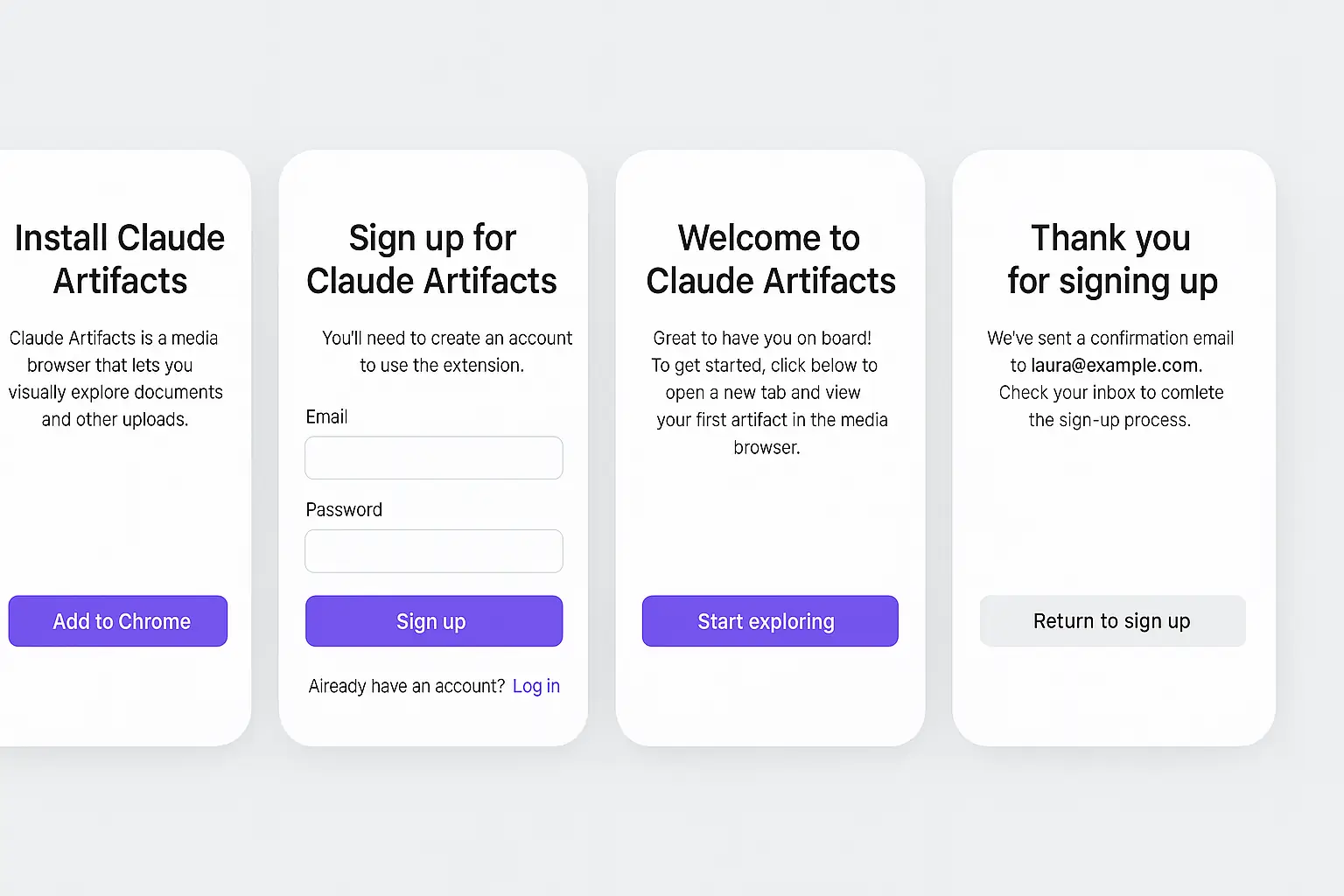
Claude Artifacts is available as both a web-based and desktop application. Here’s a step-by-step guide to signing up and getting started on the web:
Go to the official site (claude.ai) and click the Sign Up button on the main page.
Enter your email address and password to create an account. Social logins via Google, GitHub, and others are also supported for convenience.
Click the verification link sent to your registered email to activate your account.
Once verified, log in to see your dashboard. From here, you can use the web app immediately or find the link to download the desktop app.
If you prefer the desktop version, download and run the installer. The setup process is simple and takes just 1–2 minutes.
Choose your preferred programming language, theme, and default project folder, and you’re ready to start coding with AI.
> Tip: Right after signing up, try out the chat interface by asking a simple question or generating a snippet of code—this is a quick way to get familiar with the tool.
Core Features and Real-World Examples
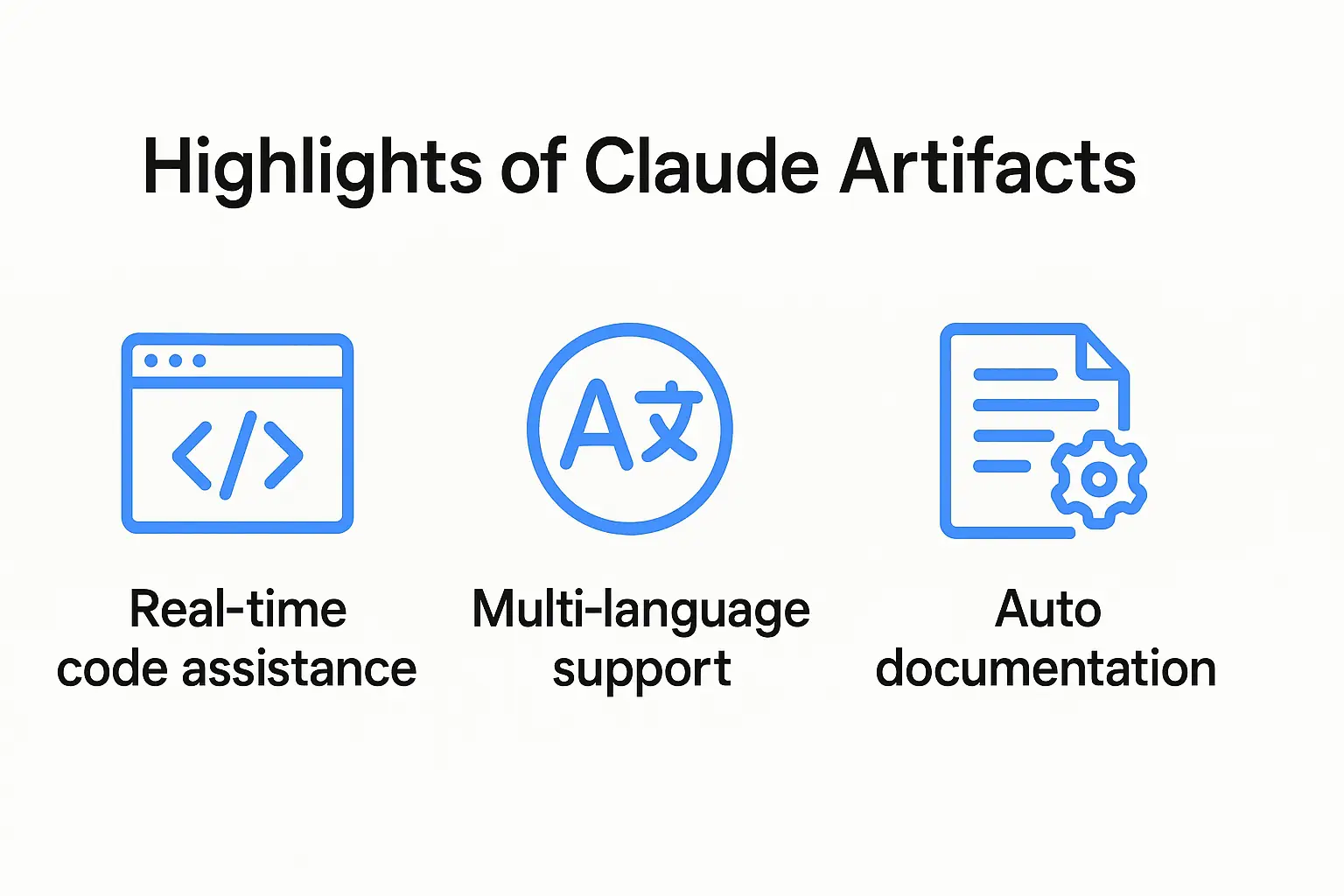
Claude Artifacts offers a range of powerful features. Here are the main ones, along with practical examples from hands-on use:
1. Real-Time Code Writing and Enhancement
As you type, the AI detects syntax errors, logical mistakes, and potential performance improvements, providing instant feedback.
2. Support for Multiple Programming Languages
Claude Artifacts supports a wide range of languages, including Python, Java, JavaScript, Go, Ruby, and C#, so you can choose the best fit for your project.
3. Automatic Documentation and Comment Generation
The AI can automatically add comments explaining functions, usage, and parameter meanings, or generate separate documentation files for your code.
4. AI Code Review and Suggestions
After you finish coding, the AI reviews your entire codebase, pointing out security vulnerabilities, optimization opportunities, and style issues.
5. Project-Specific AI Learning
The AI learns your project’s coding style, preferred libraries, and team rules over time, providing increasingly tailored support.
Real-World Usage Scenario — Botonglee’s Project Experience
Here’s a concrete example of how I used Claude Artifacts in a recent personal web application project:
I decided to build a simple scheduling app using React and Node.js.
I asked the AI to set up the initial folder structure. By typing, “Set up a basic React project template,” it instantly generated the necessary files and starter code.
While developing components, the AI pointed out issues like variable names, function separation, and inefficient loops, allowing me to fix them on the spot.
The AI automatically added comments to key functions and API calls, reducing my documentation time by over 40%.
After adding new features, I asked the AI to review my code. It found missing asynchronous handling and security vulnerabilities, which I was able to address right away.
I shared the AI-generated documentation with my team, helping them understand the project quickly and reducing meeting times.
Through this experience, I confirmed that real-time interaction with an AI agent is more than just a convenience—it’s a core tool for improving both development quality and speed.
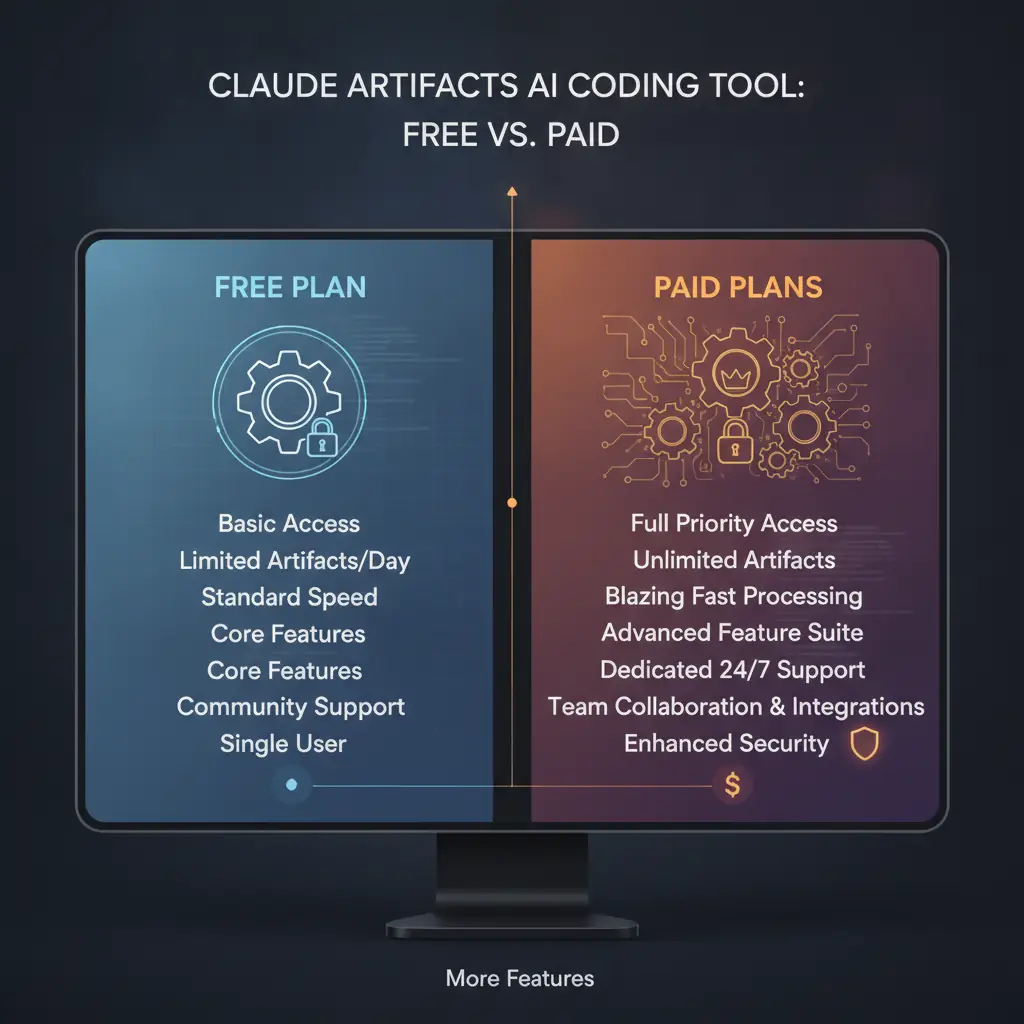
Pricing — Free vs. Paid Plans
Claude Artifacts offers several pricing tiers depending on your needs:
The free version is sufficient for simple projects, but for team collaboration or large-scale work, the paid version is essential.
> Note: If you use multiple AI tools together, a paid Claude Artifacts subscription offers excellent value for the efficiency it brings (Related article).
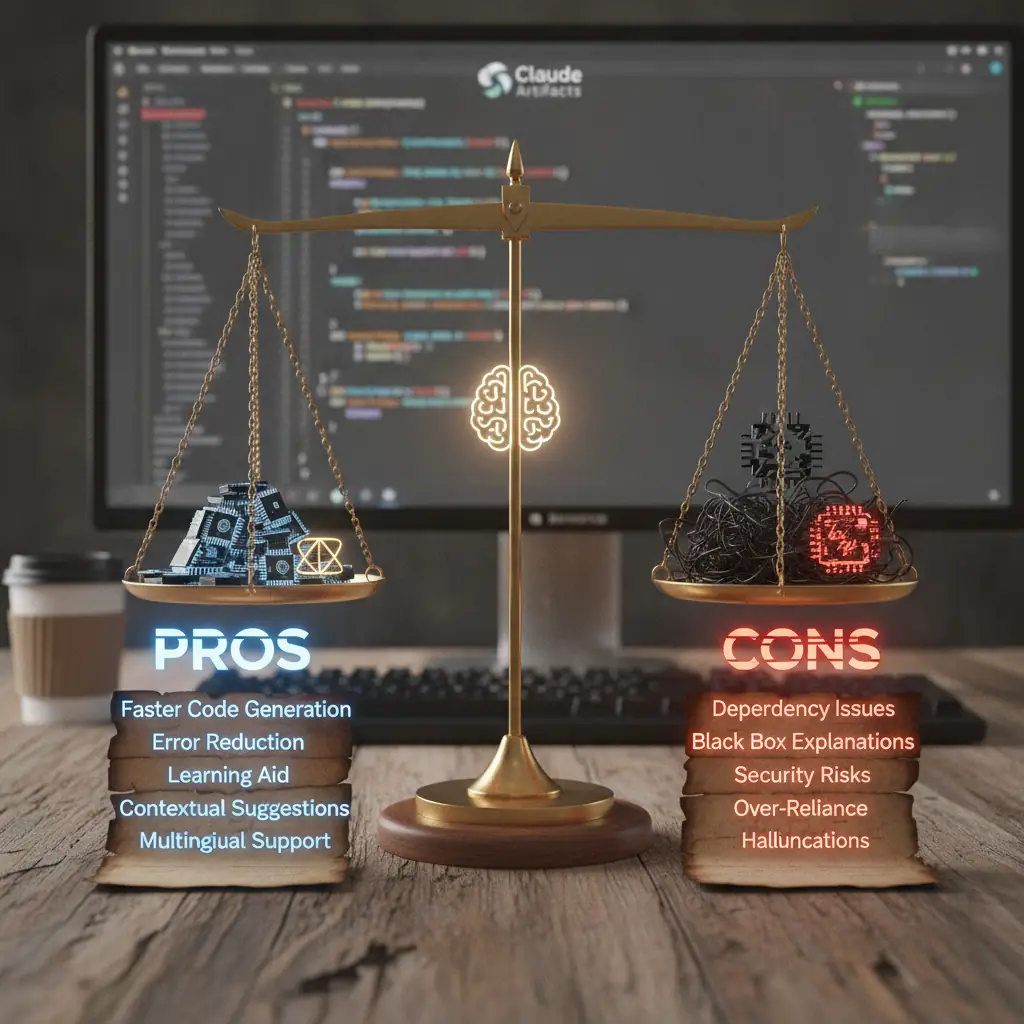
Honest Pros and Cons
Pros
Cons
Claude Artifacts is a highly useful real-time coding assistant, but due to the inherent limitations of AI tools, “fully automated” development is not yet possible. It should be seen as a powerful collaborator, not a replacement for human developers.
Who Should Use It?
The real-time feedback and error correction features help reduce trial and error and enable efficient learning.
Those who want to boost project quality and development speed with fast code writing, automatic documentation, and AI code reviews.
Ideal for those who need rapid prototyping and code quality management with limited manpower.
Perfect for users seeking hands-on experience with digital transformation through AI agents.
Conclusion: Entering the Era of AI Automation with Claude Artifacts
Claude Artifacts is opening new horizons for programming as an AI-powered code assistant. Its real-time interaction cements its role as a productivity tool and provides an essential AI agent experience in the age of digital transformation. However, it’s important to balance AI support with human review and judgment, rather than relying solely on automation.
For more in-depth reviews of AI trends and productivity tools, as well as practical usage tips, check out In-Depth Review of AI Trends and Productivity Tools. Integrating AI into your programming workflow can help you take your skills to the next level.
If you’d like more tips and guides, consider subscribing to the newsletter!



Services by Botonglee