Creating Your Own Music with Suno AI — A Practical Review of AI Trends and Productivity Tools for Music Generation
If you're interested in making music but find composing intimidating, this hands-on guide is for you. Suno AI is an innovative tool that leverages artificial intelligence to let anyone easily create their own music. As AI automation and digital transformation accelerate, Suno AI is gaining significant attention. Its greatest value lies in breaking down the barriers to creativity—even if you lack formal music theory knowledge, generative AI can help you compose with ease.
In this article, I’ll walk you through how beginners can get started with Suno AI step by step, introduce its core features with real-world examples, and cover everything from pricing to pros and cons and who would benefit most from this tool. If you’re curious about the future of AI music generation, I recommend reading to the end and trying it out for yourself.
What is Suno AI? — A Music Creation Tool for the Age of AI Automation
Suno AI is a generative AI service that composes music automatically based on your input. Simply enter your desired style, mood, and theme, and the AI generates melodies and lyrics, making it easy for beginners to complete a song.
In the past, producing music required specialized knowledge or experience with DAWs (Digital Audio Workstations), but Suno AI has dramatically simplified the process.
These three points are what make Suno AI especially appealing.
> Highly recommended for those just starting out in music creation, content creators needing background music, and anyone interested in the latest AI trends.
If you’re curious about more AI productivity tools, check out the Perplexity AI hands-on review.
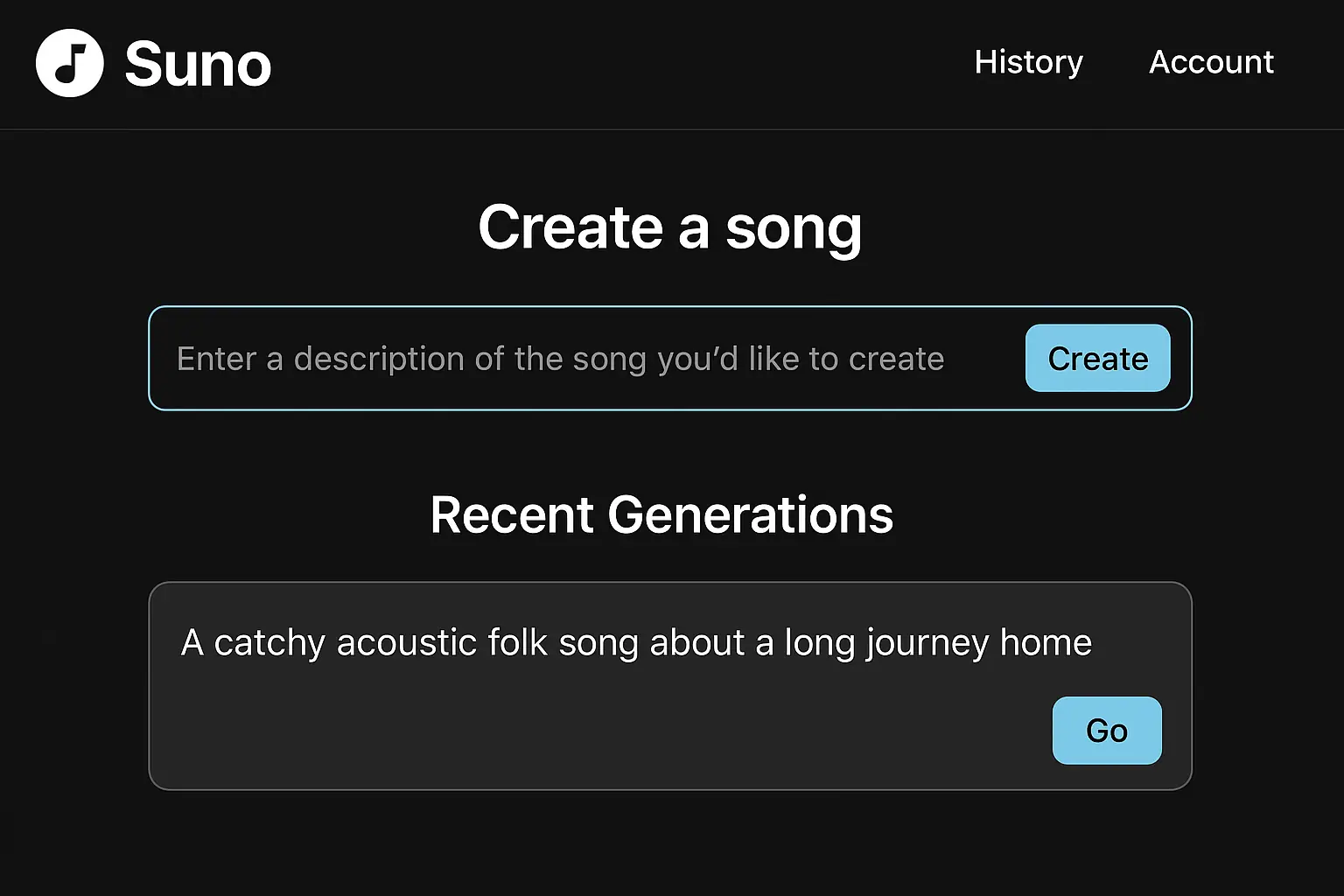
How to Sign Up and Get Started — 5 Simple Steps for Anyone
Suno AI is web-based, so you don’t need to install any software—just a web browser is enough. Follow these steps to go from sign-up to your first song.
Go to https://suno.ai.
On the homepage, click 'Sign Up' and enter your email and password.
Check your inbox for a verification email and click 'Verify Email' to complete registration.
After logging in, select either the free or paid plan. For first-time users, the free plan is recommended.
If you choose a paid plan, enter your payment details and you can start using premium features immediately.
Because it’s a web-based service, there’s no installation required, and the registration process is so simple that you can get started in under three minutes.

Key Features of Suno AI and Real-World Examples
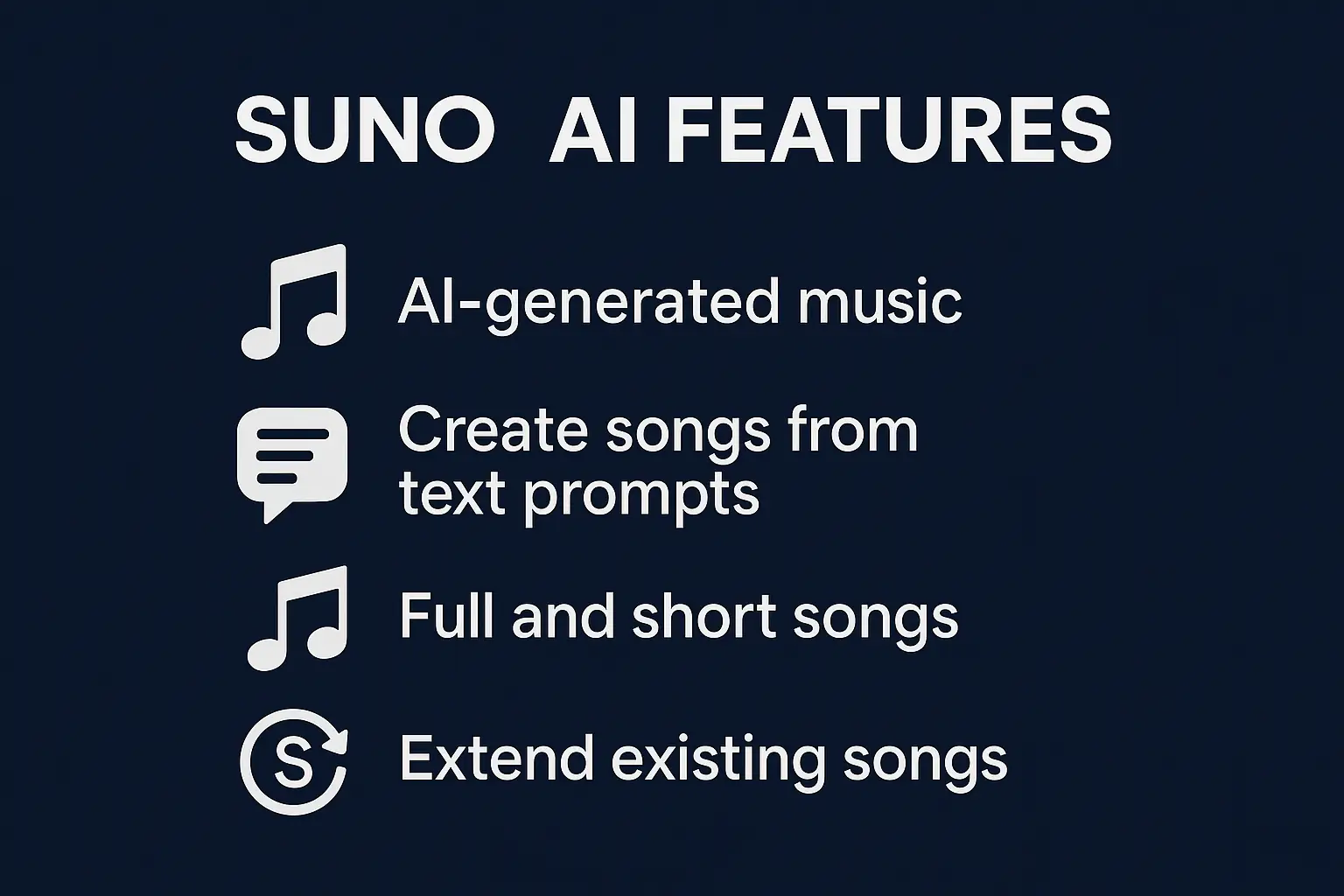
Suno AI integrates all the steps needed for music creation, allowing even beginners to complete songs without complex tasks thanks to AI automation. Based on my own experience, here are five standout features worth noting.
1. Style Selector
Choose your preferred genre and mood, and the AI will generate music to match. For example, if you select 'jazz' and enter 'relaxing evening' as a keyword, the AI creates an emotional jazz melody automatically.
> In practice, when I chose the 'pop' style and the theme 'happy day,' the result was an upbeat rhythm with naturally fitting lyrics suggested by the AI.
2. Lyric Generator
Enter a theme, and the AI instantly creates matching lyrics. Typing in a keyword like 'love' yields emotionally resonant lines within seconds, so you don’t need to be a lyricist yourself.
> For a song themed around 'friendship,' the generated lyrics used appropriate metaphors and rhythm, fitting the music nicely.
3. Track Mixing
Beyond the basic melody, you can generate and mix various instrument tracks like drums, bass, and guitar. For instance, selecting 'enhanced bass' gives your song a richer low end and a more polished feel.
4. Real-time Feedback
While composing, the AI offers suggestions for improvements or style changes, allowing you to adjust quality on the fly. For example, after receiving feedback that the melody was too monotonous, I experimented with scale changes and ended up with a more dynamic song.
5. Downloading and Sharing Songs
Once your song is complete, you can download it in MP3 and other formats, or easily share it on social media or YouTube.
Real-World Scenario — Creating Custom Music for Botonglee
I needed background music for a content project, so I tried out Suno AI from a beginner’s perspective. Here’s a concrete example of how I used it:
I logged in and chose 'jazz'—it was easy to pick a smooth jazz vibe.
I entered the keyword 'relaxed afternoon' to clarify the mood I wanted.
I reviewed the AI’s suggested lyrics, and even without tweaking the melody myself, the flow felt natural and stylish.
Adding drums and bass deepened the song, and adjusting volume balance was straightforward.
The AI suggested adding variation to the bridge, so I made the change and the song felt more complete.
I downloaded the finished track as an MP3 and used it as background music for my video. The feedback from others was very positive, making the experience satisfying.
> The whole process took less than 30 minutes, and not having to deal with complicated music software was a huge plus.
Pricing — Start for Free and Upgrade as Needed
Suno AI offers clearly defined free and paid plans, so anyone can try it without commitment.
The free plan is more than enough for simple music creation and to experience the latest AI trends. If you plan to compose regularly or use your music commercially, consider upgrading to a paid plan.

Pros and Limitations — An Honest User Review
Pros
You can generate songs with just a few clicks, making the learning curve very gentle.
Easily create music tailored to your desired mood, whether it’s jazz, pop, classical, or more.
You can produce high-quality songs without needing a separate lyricist or arranger.
The AI highlights weak points, making it easy to make quick adjustments.
Limitations and Cautions
Occasionally, generated music may sound generic or lack smoothness.
Always check the terms of service and clarify copyright issues before using music commercially.
If emotional nuance is important, consider editing the lyrics yourself.
As a web-based service, you must be online to use it.
Who Should Use Suno AI?
Even without music theory knowledge, the AI helps you get started smoothly.
Quickly make custom background music for your videos.
Use it for demo creation or as an inspiration tool.
Experience the latest in generative AI and expand your creative horizons.
Save time and costs on music production.
If you want to experience firsthand how AI is lowering the barriers to music creation, start with the free plan on the Suno AI official website. You’ll see how automation through AI agents can directly boost your productivity.
Curious about where AI music generation is headed? Check out The Future of AI Music Generation.
For more examples of how AI is revolutionizing research and information gathering, the Perplexity AI hands-on review is also a valuable resource.
Try making your own music with Suno AI. A new world of creativity is waiting for you.
Services by Botonglee