How to Use Suno AI: Catching Up with AI Trends and a Guide to Music Creation & Download
Does music production feel intimidating? Many people hesitate to even start because it traditionally requires specialized knowledge and a lot of time—think instrument skills, arranging, recording, and mixing. However, with recent advances in artificial intelligence, even complete beginners with no music background can now create songs easily using AI-powered tools.
Among these, Suno AI stands out as one of the most prominent services in the AI music generation space. In this post, you'll find a comprehensive guide covering everything from setting up and signing up for Suno AI, to its core features, practical use cases, pricing, pros and cons, and who it's best suited for. By following this guide, anyone can create and download their own music in just five minutes.
If you're interested in music production, start your journey quickly and easily with Suno AI today.
Go to guideDownloadStart Creating Music with Suno AIWhat is Suno AI? A New Path for Music Creation in the Age of AI Trends
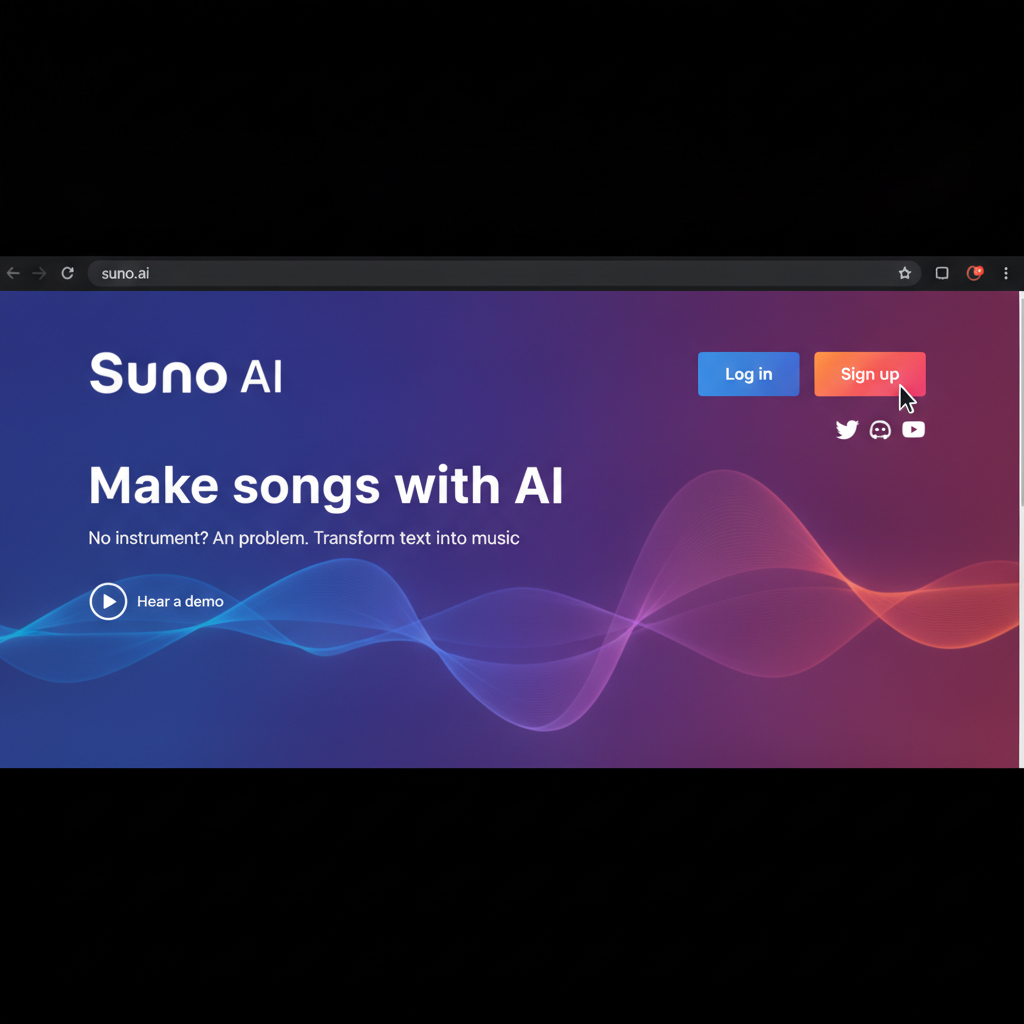
Suno AI is a web-based music creation tool that uses artificial intelligence to automatically generate music. You don’t need complex software or instrument skills—anyone can easily create music in the genre and style they want. As a leading example of the latest AI trends, Suno AI’s biggest strength is that even total beginners can quickly get results.
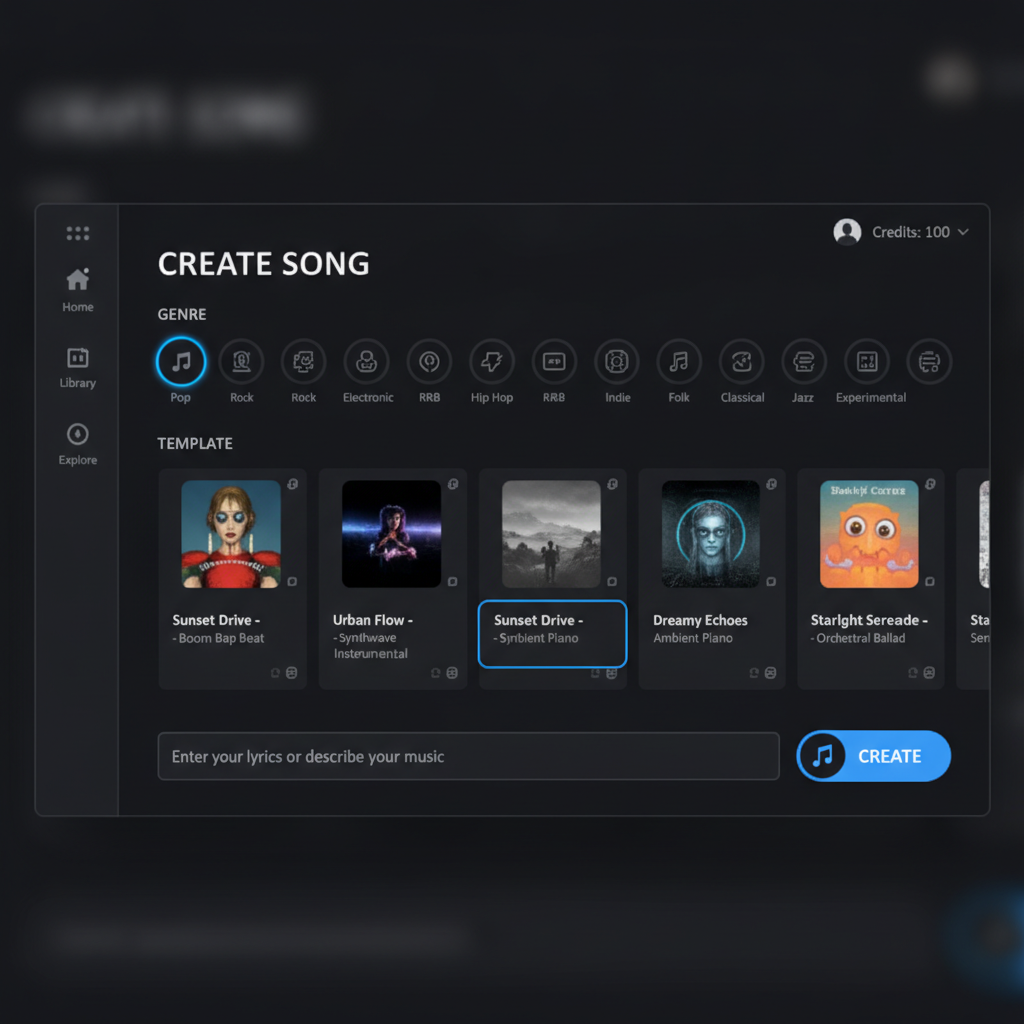
Users simply select the music genre, style, or template, and the AI takes care of composing and arranging. It supports a wide range of genres including pop, hip-hop, jazz, and classical, making it easy to create custom music for YouTube, vlogs, presentations, and more.
> Curious about how different AI music generators compare? Check out Comparison of AI Music Creation Tools.
How to Set Up and Sign Up for Suno AI: Start Making Music in 5 Minutes
Suno AI is available directly on the web—no installation required. All you need is to sign up for an account to try out all its features. Here’s a step-by-step guide:
> Tip: When you sign up, check your email for free credits or a beginner’s guide PDF.
Key Features of Suno AI and Real-World Usage Examples
Suno AI focuses on letting the AI handle the complex parts of music production. Here are the main features that proved useful in practice:
1. Genre Selection
Choose your desired genre, and the AI will automatically generate music in that style.
2. Using Templates
You can pre-set the song structure (intro, verse, chorus, etc.) with ready-made templates.
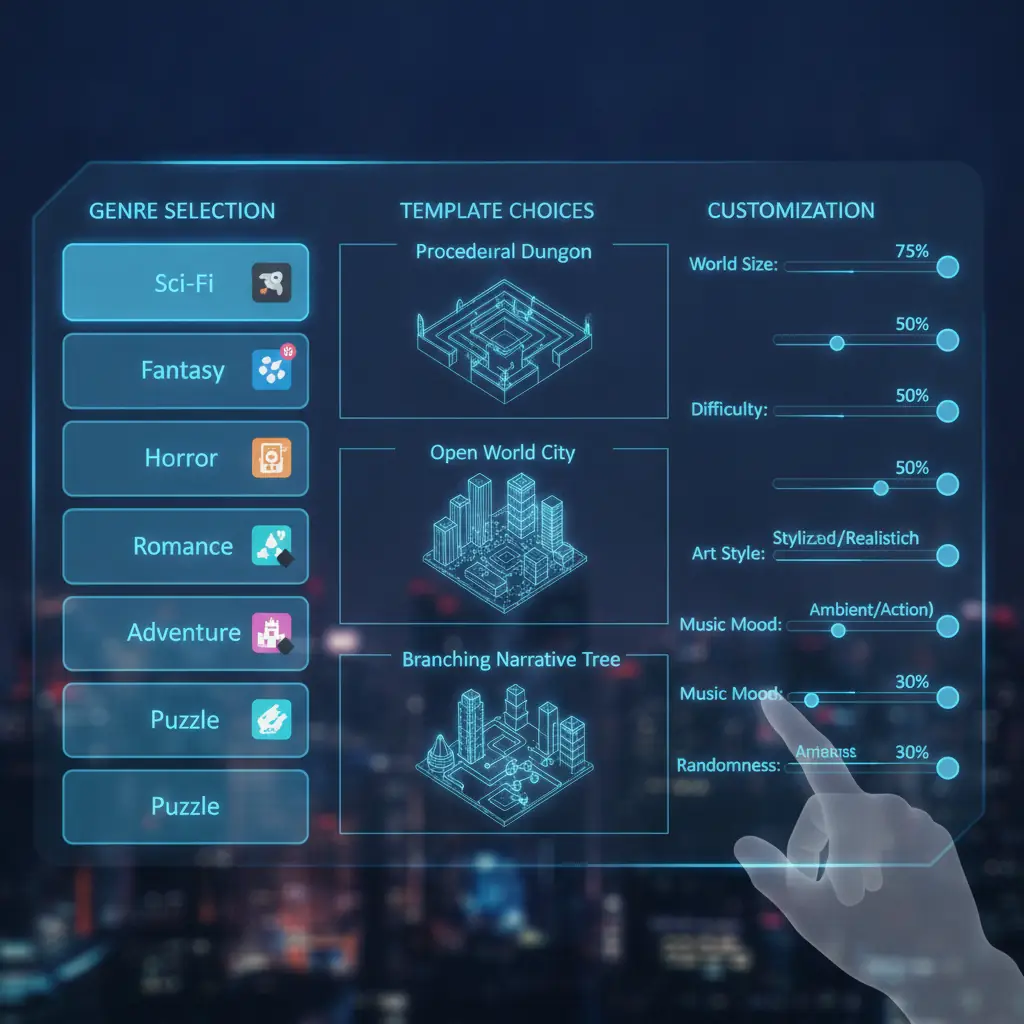
3. Customization (Editing Musical Elements)
Adjust the BPM, instrumentation, and length of the generated music to your liking.
4. Multi-Track Separation
Paid subscribers can download individual instrument tracks, which is great for advanced editing.
5. Text-Based Music Generation
Enter keywords or sentences to set the mood, and the AI will compose a matching track.
Practical Use Cases: Botonglee’s Music Production Routine
Let’s look at some concrete examples of how Suno AI can be used in real life:
For weekly vlog uploads, generate pop tracks, tweak tempo and instrumentation as needed, and use the multi-track feature to easily adjust volume during video editing.
Instantly create lively hip-hop or dance tracks for small gatherings by simply entering a few keywords. Templates make it easy to set the song length.
When you’re stuck for ideas, generate music with prompts like “relaxing break” for inspiration, or use the tracks as remix material by mixing them with existing songs.
For long-form conversations, select jazz or instrumental templates, then use multi-track downloads to exclude vocals and edit just the music.
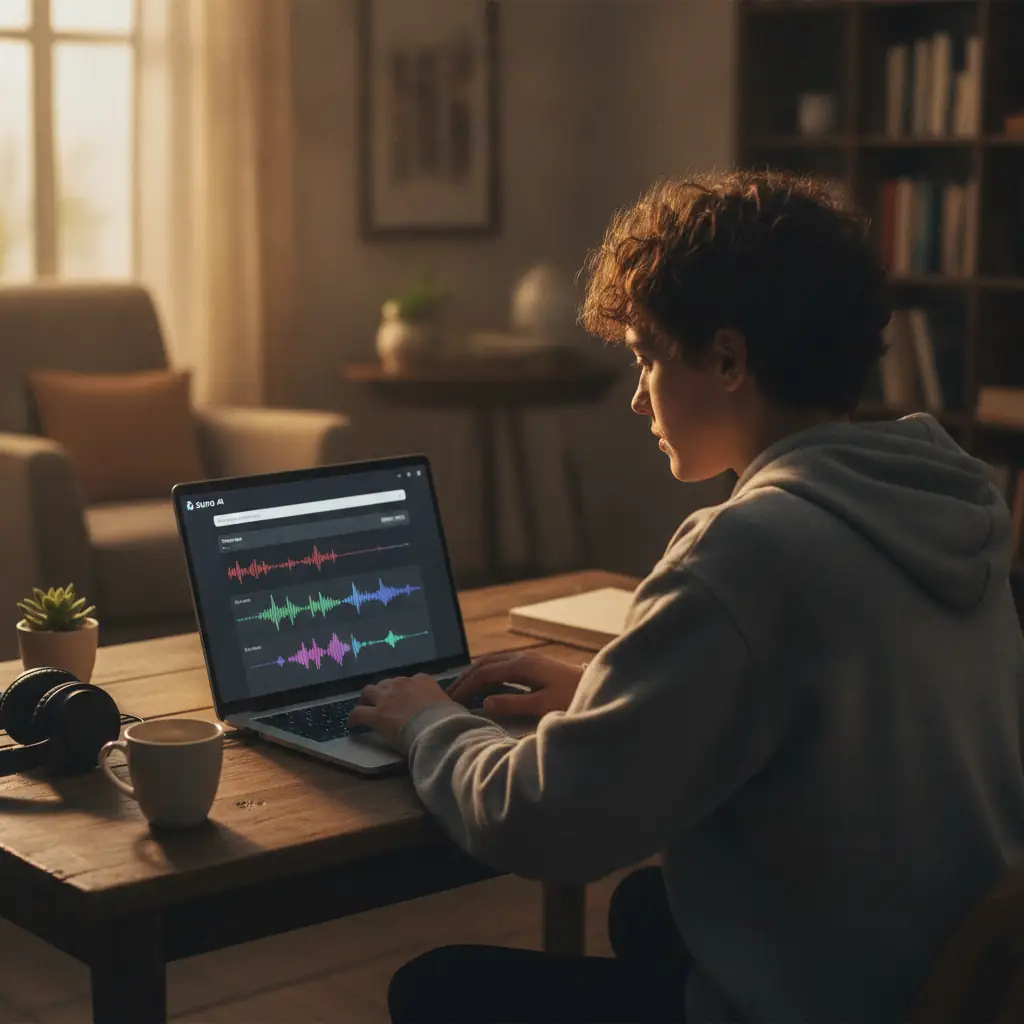
Since the AI handles the basic structure, you only need to add your own touch, which greatly speeds up the workflow. Even without technical expertise, you can quickly produce results and boost your productivity.
> Interested in automating AI image generation? Check out Complete Guide to Building an Automated AI Image Generation Pipeline with ComfyUI.
Pricing: Free vs. Paid—Which Plan is Right for You?
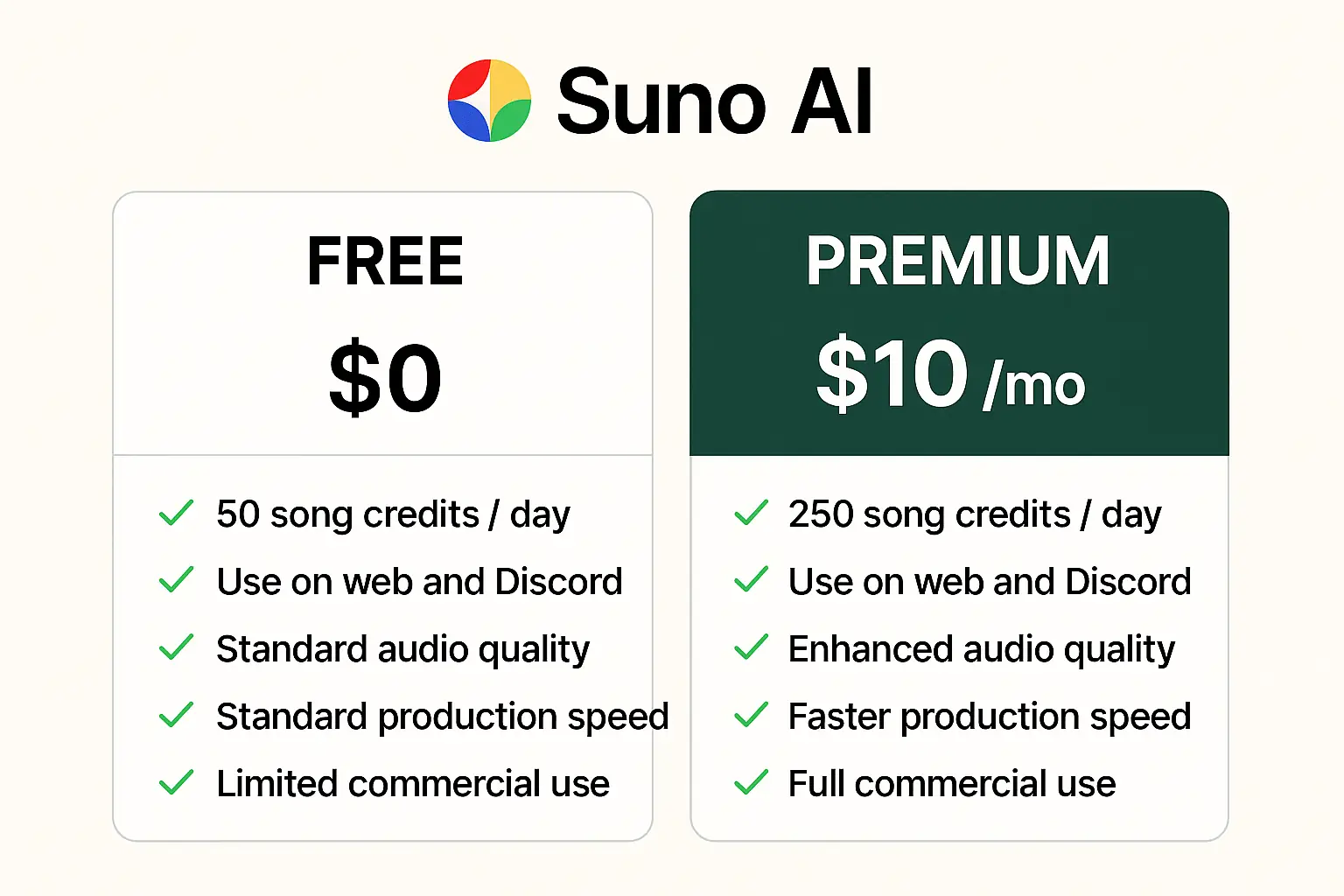
Suno AI offers both free and paid plans, with key differences as follows:
It’s recommended to start with the free plan and upgrade to premium if needed. For beginners, the free plan is more than enough to experience music creation.
> For official pricing details, visit the Suno AI official website.
Pros and Limitations: An Honest Review
Pros
Limitations
These aren’t major drawbacks for beginners, but professional musicians or advanced editors may find the limitations restrictive.

Who Should Use Suno AI? The Ideal User Profile
For professional producers or those needing detailed mixing, it’s best to use Suno AI alongside traditional DAWs.

Suno AI is a prime example of how AI trends and automation are making music production more accessible than ever. Trying it for free first, then upgrading if needed, is the most practical approach.
If you’re interested in other AI tools and productivity automation, check out Claude Artifacts — In-Depth Review of AI Real-Time Coding and Productivity Tools.
Final Summary
Services by Botonglee