In-Depth Review of AI Trends and Productivity Tools — The Ultimate Guide to Optimizing AI Tool Subscription Costs
As artificial intelligence rapidly becomes the driving force behind workplace efficiency and digital transformation, interest in AI automation and productivity tools has surged. However, with the sheer variety of AI tools—each offering different features and pricing models—choosing the right one can be overwhelming. For freelancers, startup founders, and small business owners in particular, it’s crucial to minimize unnecessary monthly subscription fees and focus on selecting only the essential AI tools for maximum cost-effectiveness.
This article goes beyond simply introducing AI trends and productivity tools; it serves as a practical guide focused on real-world AI tool selection and monthly subscription optimization. Rather than stopping at tool overviews, you’ll find honest insights on installation and sign-up processes, key features, realistic use scenarios, pricing analysis, and the pros and cons of each tool. By the end, you’ll not only be ready to implement AI tools in your workflow immediately, but you’ll also know how to cut down on subscription costs—achieving both efficiency and savings.
What Are AI Tools? — The Essentials of AI-Powered Productivity
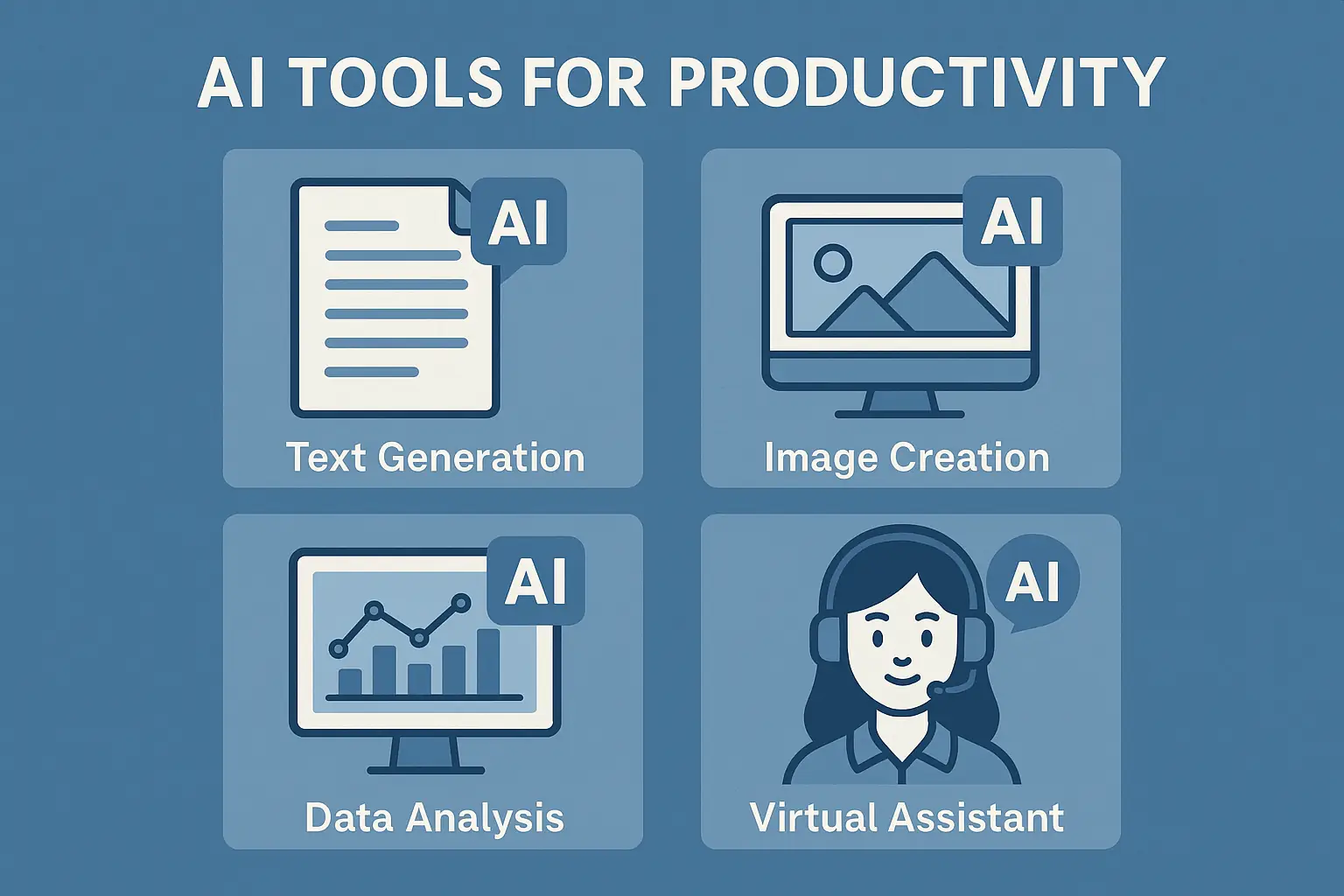
AI tools are software solutions that leverage artificial intelligence to automate complex or repetitive tasks and provide insights through data analysis. Examples include automated email sorting, customer service chatbots, content generation, and workflow automation. These tools help reduce the time spent on routine work, allowing you to focus on more strategic and creative tasks.
For freelancers and small business operators, where time and manpower are limited, maximizing productivity through AI automation tools is essential. Choosing the right AI tools can speed up your workflow, reduce errors, and boost your business’s competitiveness. However, since features and pricing vary widely, it’s important to select only the core functions you truly need.
> For a detailed guide on using AI productivity tools, check out In-Depth Review of AI Trends and Productivity Tools.
How to Get Started — The First Steps to Optimizing AI Tool Subscription Costs
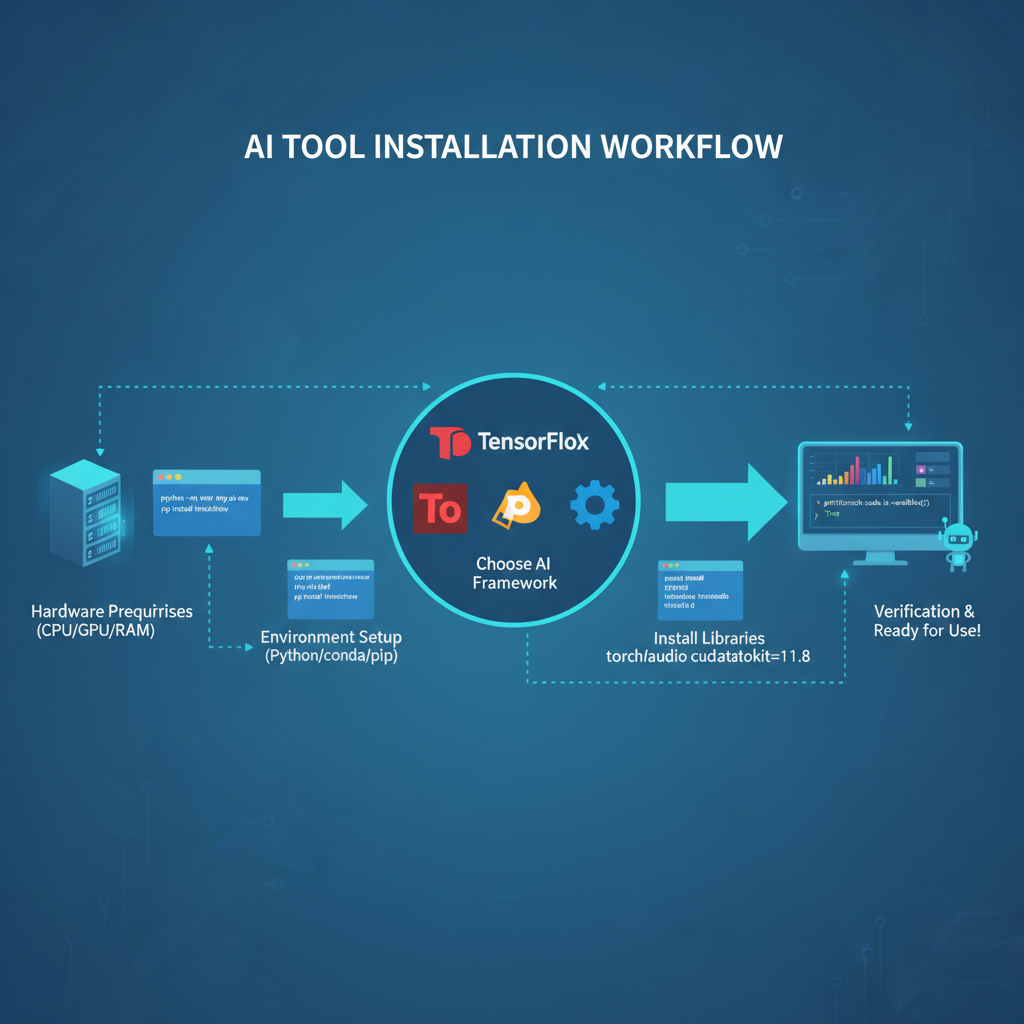
To use AI tools effectively, start by identifying the features you need and your budget, then proceed systematically with sign-up and installation. Here’s a step-by-step guide for subscription-based AI tools:
Personally, I integrated tools like Zapier, Notion AI, and ChatGPT into my workflow using these steps, and by thoroughly testing features during the free trial period, I was able to avoid unnecessary subscriptions.
Core Features and Real-World Use Cases — 4 Must-Know Functions
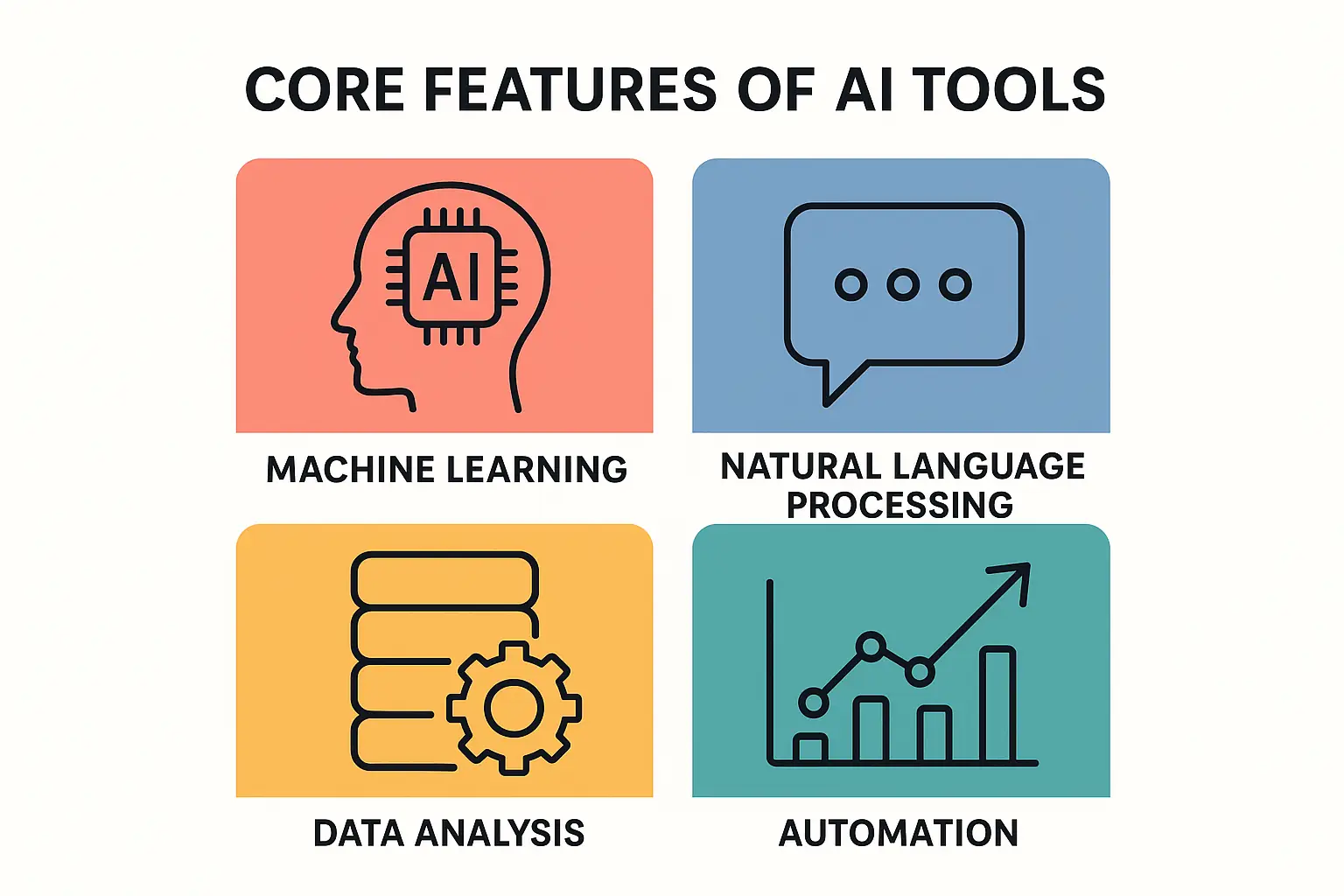
While AI tools come in many forms, several core features consistently deliver major productivity gains. Let’s explore four key functions and how they’re used in practice.
1. Automation of Repetitive Tasks
→ Saves over 30 minutes daily and prevents data omissions.
2. Content Generation and Editing
→ Especially helpful when you’re out of ideas.
3. Data Analytics and Insights
→ Facilitates data-driven decisions and improves inventory management.
4. Customer Support Automation
→ Achieves both labor cost savings and higher service quality.
Real-World Scenario — Botonglee’s Experience Optimizing AI Tool Subscription Costs
In the field, the key to optimizing AI tool subscriptions for freelancers and startups is to focus on tools that are actually used frequently and deliver measurable productivity gains. Here are some real-life examples:
By combining Notion AI and Zapier, I automated client project tracking and scheduling reminders.
Instead of expensive premium plans, I used basic plans and automated only essential tasks, saving over 100,000 KRW (about $75) per month.
With Mailchimp AI and ChatGPT-based copywriting tools, I automated email marketing and shared the workload of content creation.
This balanced content quality and automation efficiency, achieving results without wasted costs.
Even as a small team, introducing an AI chatbot reduced repetitive inquiries and minimized the need for seasonal staffing.
To keep subscription costs low, I chose a custom plan focused on chatbot features.
The most important habit is distinguishing between “features you truly need” and “features you actually use.” Always test tools thoroughly during the free trial, and don’t hesitate to skip expensive plans that include unnecessary extras. Rather than overcomplicating your workflow with too many integrations, it’s more effective to master two or three core tools.
Pricing Analysis — Free vs. Paid, Maximizing Value for Money
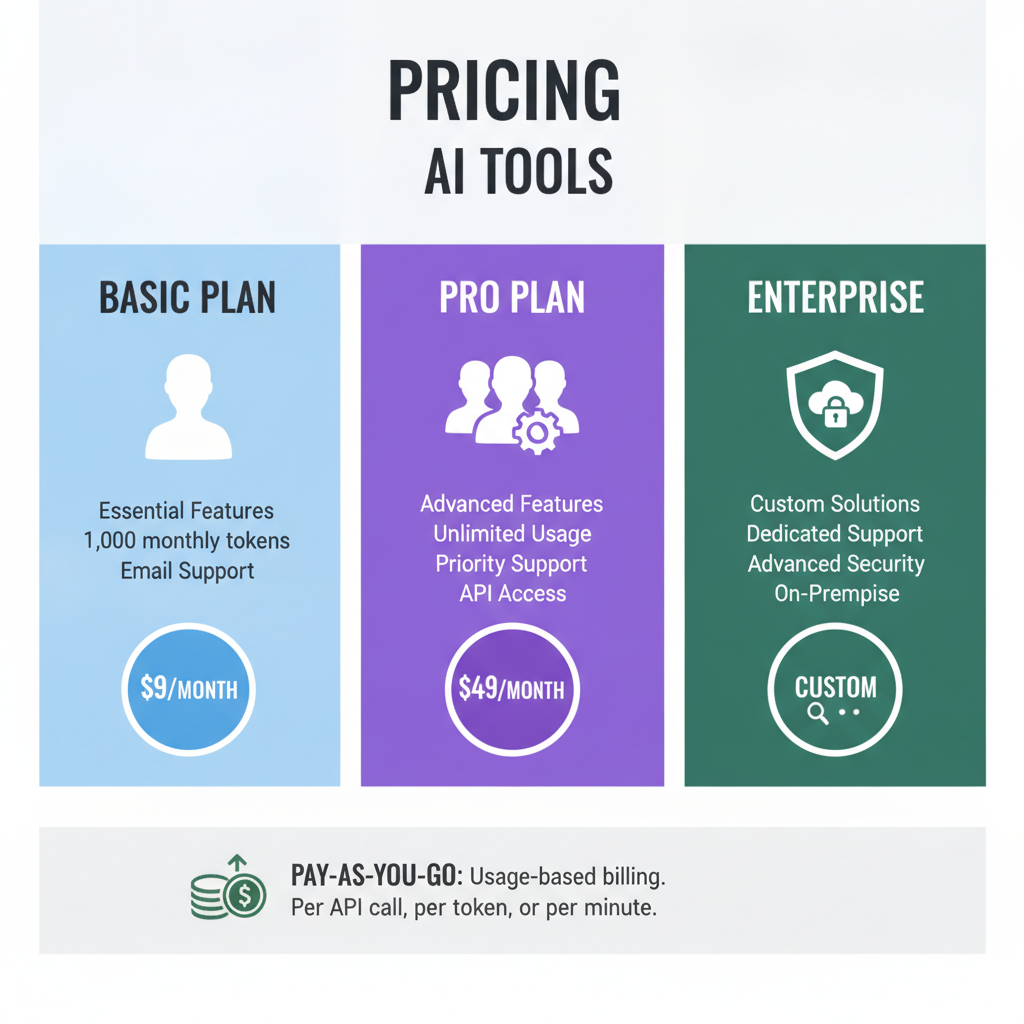
AI tool pricing varies widely, and the gap between free and paid versions can be significant. To optimize your monthly subscription costs, it’s essential to understand each tool’s pricing structure.
Good for testing basic features or handling small workloads.
For example, ChatGPT’s free tier limits daily queries, and Zapier’s free plan allows only 100 tasks per month.
As your needs grow, these limits can become restrictive.
Offers unlimited tasks and advanced features (e.g., API integration, team collaboration, advanced automation).
Prices typically range from $10–$50 per month, with enterprise plans running into the hundreds.
Assess cost-effectiveness based on actual usage.
For instance, a $10/month plan that saves you 10 hours of work is a worthwhile investment.
1) Fully test features during the free trial
2) Eliminate redundant subscriptions
3) Choose the right plan for each team member’s role
4) Take advantage of annual payment discounts
> For a detailed look at NotebookLM’s subscription model and how to use it, see Complete Guide to Google’s AI Research Assistant.
Pros and Cons — An Honest Review of AI Tool Usage
Pros
Cons
From my experience, “initial setup and user training” are the most critical factors. If you install a tool and then neglect it, it can end up wasting more time, so ongoing tuning and monitoring are highly recommended.
Who Should Optimize AI Tool Subscription Costs?
With limited time, automating repetitive tasks and using AI content tools is essential for maximum efficiency.
With limited staff and budget, it’s important to select only the most cost-effective tools and features.
Reducing upfront costs and automating workflows quickly is key to staying agile in the market.
AI analytics tools help process large datasets quickly and support strategic decision-making.
Conclusion & Call to Action
Optimizing your AI tool subscriptions isn’t just about cutting costs—it’s about deeply understanding and leveraging the tools that truly fit your workflow and needs. Use the sign-up steps, core features, pricing analysis, and real-world scenarios shared in this article to select only the AI tools you really need. Free yourself from repetitive tasks and focus on what truly matters.
For more AI tips and the latest tool reviews, consider subscribing to the newsletter.
[Related Articles]



Services by Botonglee