Kling AI: A Practical Guide to Creating Videos from a Single Image – In-Depth Review of AI Trends and Productivity Tools
The recent surge in AI automation and generative AI technology is revolutionizing the way video content is produced. Today, powerful tools like Kling AI have emerged, enabling anyone—from beginners to professionals—to automatically generate high-quality videos from just a single image. In this review, I’ll walk you through how to get started with Kling AI, including installation, usage tips, real-world examples, pricing, and a balanced look at its pros and cons. By the end of this guide, you’ll have everything you need to jump right in.
If you’re interested in video creation but want to skip complicated editing, Kling AI offers an easy way to achieve stunning visual effects in minutes. See for yourself how AI agents are simplifying the entire video production process.
What is Kling AI? – An AI Agent That Automatically Generates Videos from a Single Image
Kling AI is a web-based service that lets you upload an image and have artificial intelligence automatically create a video from it. With no need for complex editing skills, anyone can produce visually appealing videos, making Kling AI a standout tool in the fast-evolving world of AI-powered content creation.
Kling AI dramatically reduces video production time while allowing for a variety of styles and effects. Compared to traditional editing tools, it offers a much lower barrier to entry, making it ideal for social media content and marketing videos.
How to Sign Up and Get Started with Kling AI – A Step-by-Step Guide for Beginners (5 Minutes or Less)
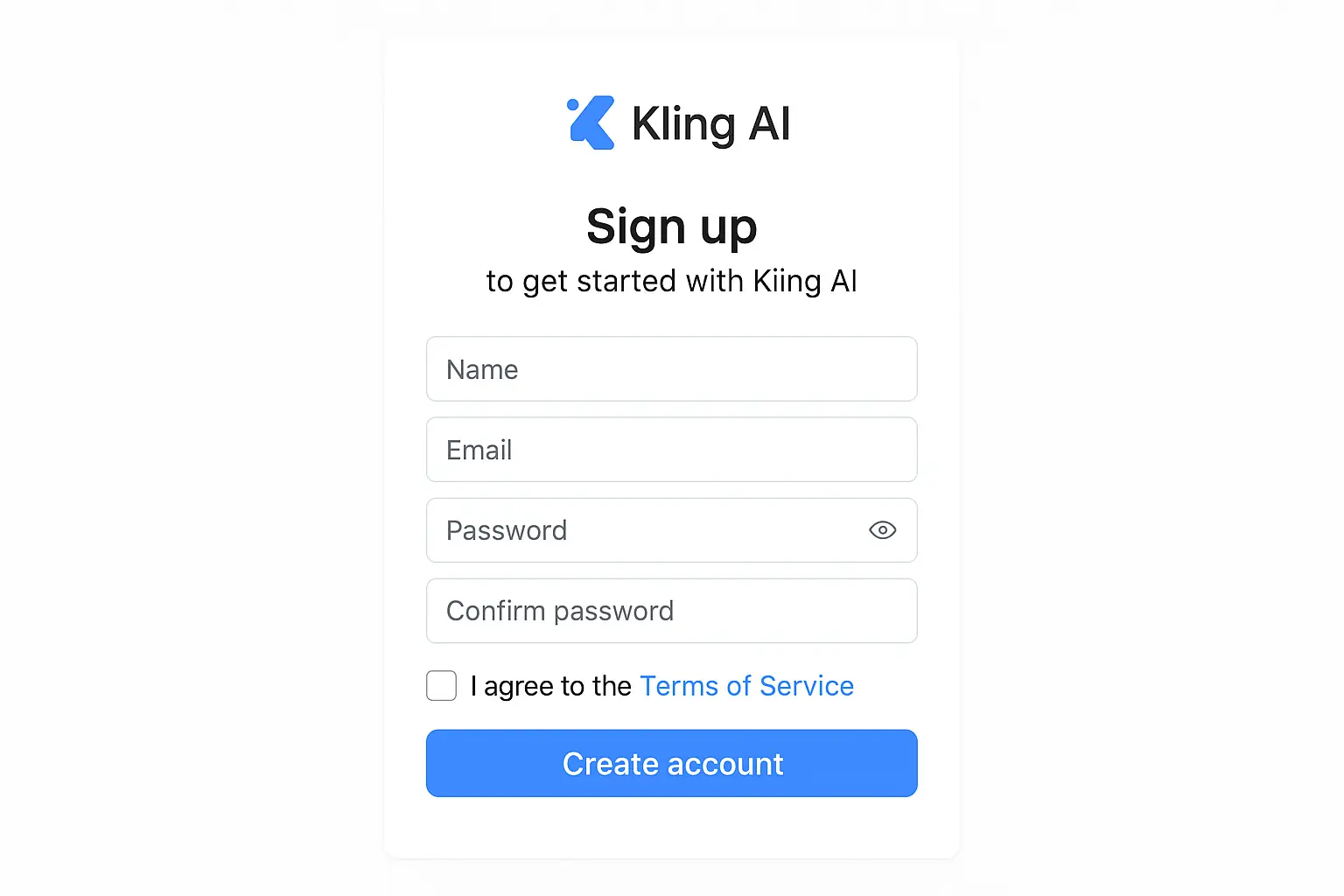
Kling AI is entirely web-based, so there’s no need to install any software. Just follow these simple steps to get started:
Go to https://kling.ai.
Click the 'Sign Up' button at the top right corner.
Provide your email address and set a password (at least 8 characters, including numbers and special characters is recommended).
You’ll receive a verification email—click the link inside to activate your account.
After logging in, fill in your nickname and areas of interest.
Follow the quick in-service tutorial to get familiar with the interface and basic video creation steps.
> Tip: Kling AI also supports social logins (Google, Facebook), so you can sign up even faster if you prefer.
Core Features and Real-World Use Cases – Accelerate Video Production with AI Automation
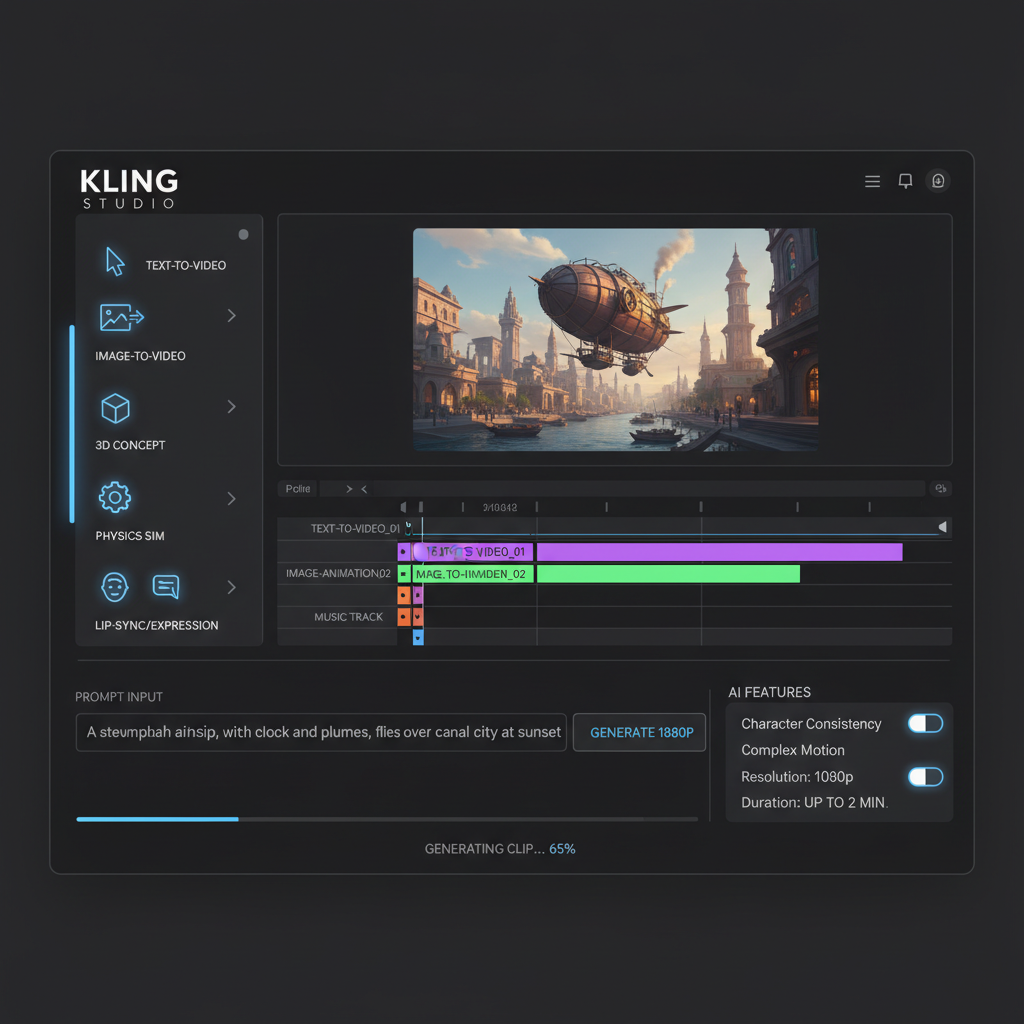
1. Automatic Video Generation from Images
2. Video Template Selection and Customization
3. Add Music and Sound Effects
4. Text Overlays and Subtitles
5. Fast Export and Sharing
Real-World Scenarios – How Botonglee Uses Kling AI for Video Creation
Here are some practical ways I’ve found Kling AI to be especially useful:
Quickly produce short video content for platforms like Instagram and Facebook using just a single product image. For example, I uploaded a new product launch photo, added a 'New Arrival' text overlay and upbeat background music, and had a 30-second promo video ready in under 10 minutes. The automatic editing process greatly boosted my productivity.
When working with clients who need high-quality videos, I could easily create short, impactful ads using just a basic image and a slogan. The template and music recommendation features helped ensure the videos looked polished and professional.
Designers and creators can turn their work into videos for their portfolio sites. The motion and subtitle effects made it easy to explain my projects, and the response from viewers was very positive.
Kling AI helped me cut video production time by over 70%, making it much easier to quickly generate content tailored for social media.

Kling AI Pricing – Where Does Free End and Paid Begin?
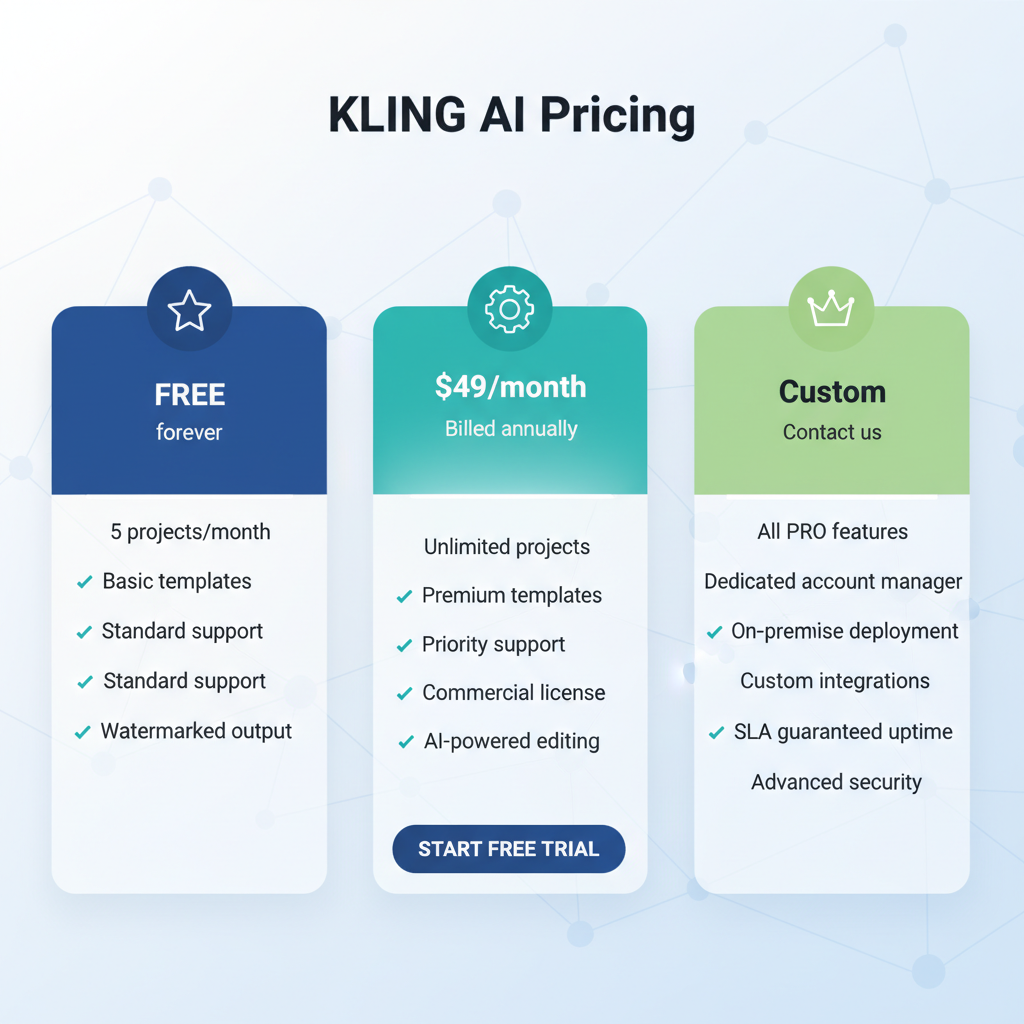
Kling AI offers both free accounts and paid plans (Pro, Business):
The free version is great for testing, but if you’re making videos for social media or marketing, the resolution and watermark limitations mean the Pro plan is recommended. For brands that require the highest video quality, the Business plan is the best fit.
Kling AI Pros and Limitations – An Honest User Review
Pros
Anyone can generate a video in under 5 minutes, with no editing expertise required.
Deep learning video processing delivers natural motion and effects.
Easily customize your video’s style.
Use it anywhere, anytime, right from your browser.
Limitations and Things to Note
Fine-tuned subtitle timing or detailed cut editing is not supported.
Exporting 1080p or higher videos can take 3–5 minutes.
The free version adds a watermark, making it unsuitable for commercial use.
Optimized for videos under 1 minute—if you need longer videos, you’ll need to use other tools alongside Kling AI.
While Kling AI excels at quick, automated video creation, it does have limitations for more complex editing or storytelling projects.
Who Should Use Kling AI? – Ideal Users
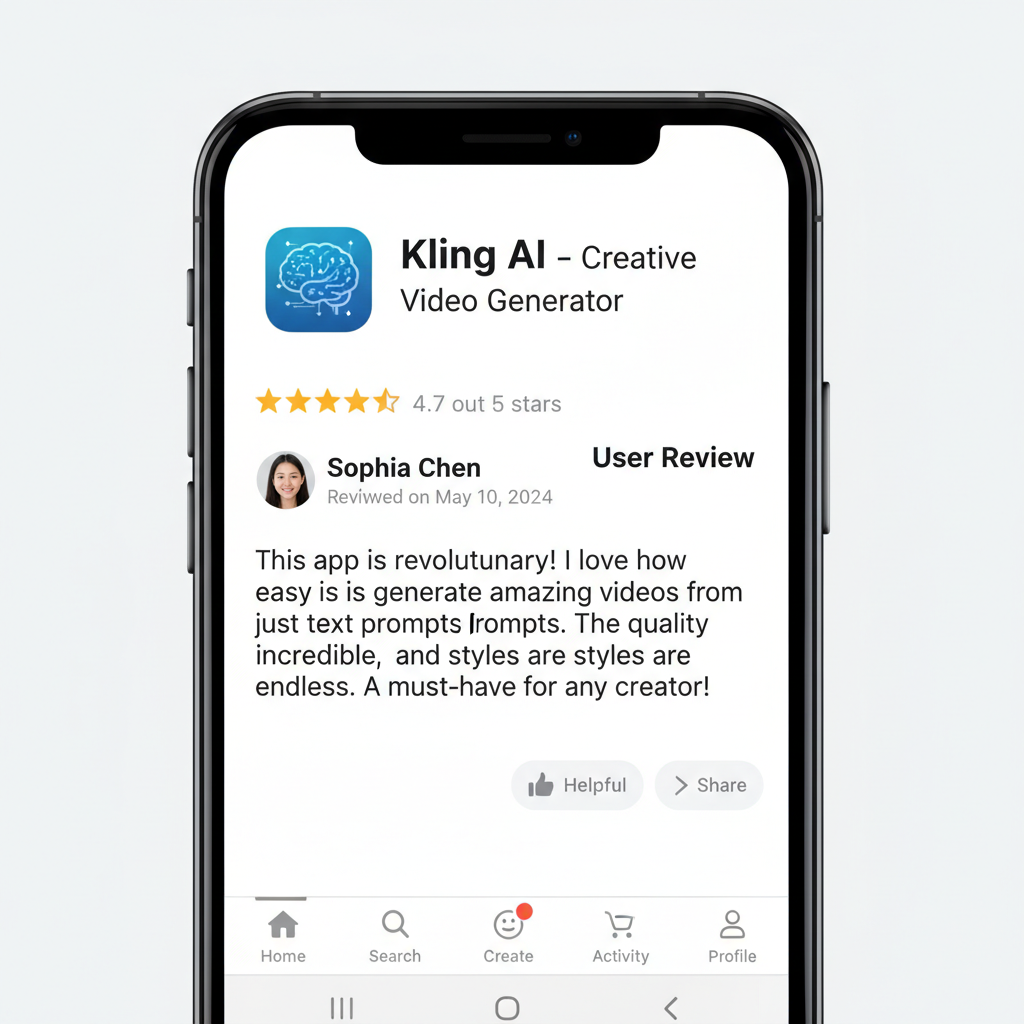
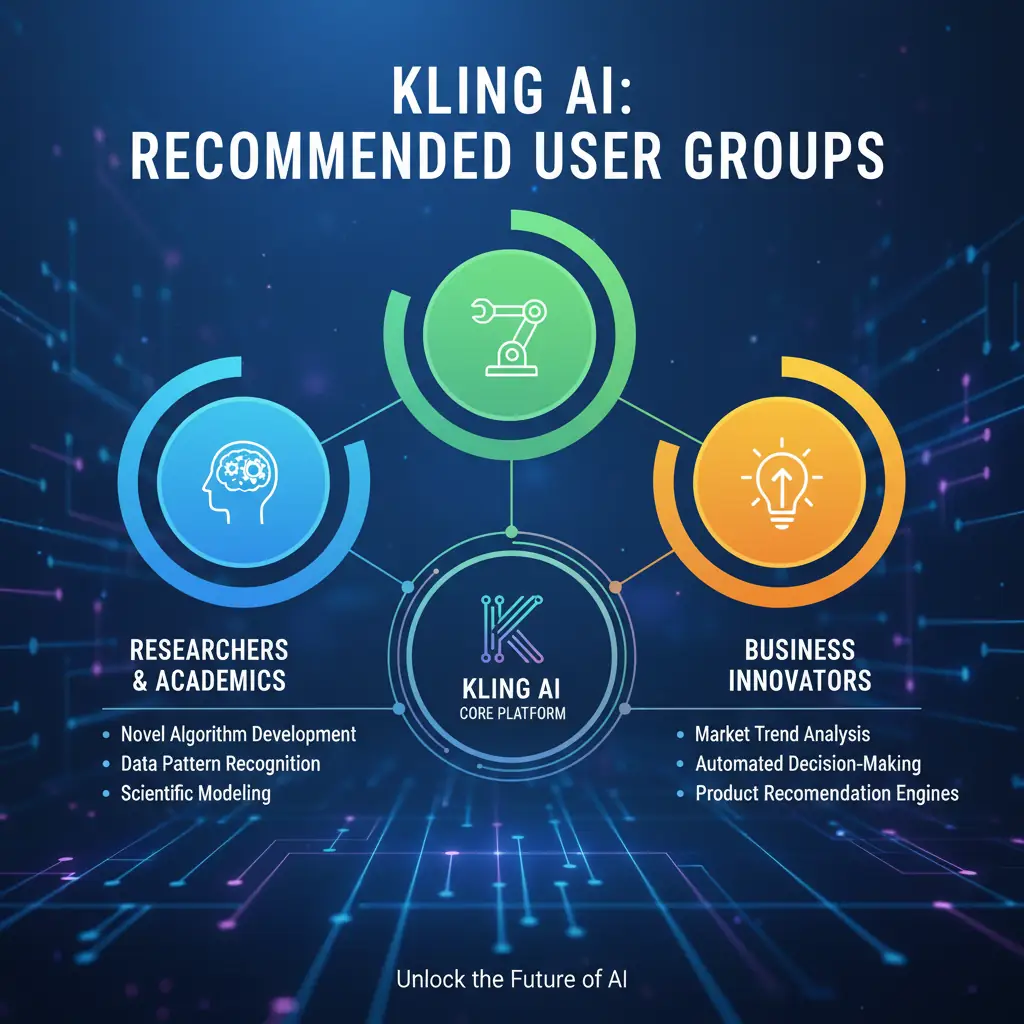
Anyone who wants to create video content from a single image, even with no prior editing experience.
Those who need to quickly produce promotional videos or social media stories.
Teams without dedicated video production staff who want to leverage video for brand promotion.
Individuals looking to easily convert their work into videos for portfolios or proposals.
On the other hand, professional video editors or filmmakers who require multi-clip editing or advanced effects may find Kling AI lacking for their needs.
Final Thoughts: Enter the Era of AI Video Creation with Kling AI
Kling AI is a prime example of how generative AI and automation are maximizing productivity in video production. If you need to create content quickly without the hassle of traditional editing tools, this intuitive AI-powered platform is a valuable addition to your creative toolkit.
For more in-depth AI tool reviews, the latest AI trends, and practical tips on leveraging artificial intelligence, check out NotebookLM AI Research Assistant and Cursor AI Editor.
Try Kling AI today! A new world of video creation awaits, ready to unleash your creativity.
Services by Botonglee