본문으로 건너뛰기
← Back to Blog
테크

Latest Midjourney Update: Generative AI Trends and Practical Applications

공유

As generative AI becomes central to content creation and digital transformation, Midjourney has emerged as one of the most prominent AI image generation tools. This platform enables users to create professional digital artwork in minutes using only text prompts, unlocking new possibilities for creativity and productivity through artificial intelligence. In this article, we'll explore the latest Midjourney updates and core features with a hands-on approach, and provide a step-by-step guide so anyone can get started quickly and easily.

What is Midjourney? The Heart of the Generative AI Trend

Midjourney is an AI image generation service that operates via the Discord platform. Users simply enter text prompts, and the AI interprets them to produce original images. More than just a basic image generator, Midjourney allows for detailed adjustments to style, composition, and mood through prompts, making it especially popular among creators. It represents the evolution of productivity tools powered by AI and has become a key service in the era of digital transformation.

  • Enables creative design through AI-based image generation
  • Supports a wide range of art styles and customization options
  • Broadly used by designers, marketers, and content creators
  • Midjourney is a prime example of how "AI automation" can be integrated into the content creation process. With its latest updates, image resolution, speed, and user interface have been significantly improved, offering a more practical and intuitive user experience.
    Midjourney Logo
    Midjourney Logo

    How to Set Up and Join Midjourney: A 5-Minute Beginner's Guide

    Midjourney isn't a standalone app; it's a bot that operates within a Discord server. To get started, you'll need to create a Discord account and join the Midjourney server by following these steps:

  • Create a Discord Account
  • Sign up with your email and password at the official site (https://discord.com)
  • It's recommended to install the mobile app or desktop version
  • Join the Official Midjourney Discord Server
  • Visit https://midjourney.com/ and click the ‘Join the Beta’ button
  • The Discord app will launch automatically, and you can accept the Midjourney server invite
  • Access the Beginner Channel
  • After joining, navigate to the ‘#newbies’ channel
  • Practice using bot commands and learn the basics
  • Start Your Free Trial
  • You can generate about 25 images for free upon signing up
  • If you exceed this limit, you'll need to purchase a subscription plan
  • Choose and Pay for a Subscription Plan
  • Use the ‘/subscribe’ command to access the subscription page
  • Various payment methods are supported, including credit cards and PayPal
  • > If you're new to Discord, check out the official help guides and pinned messages in the server to get started more easily. Bot commands are not case-sensitive, so feel free to experiment without worry.
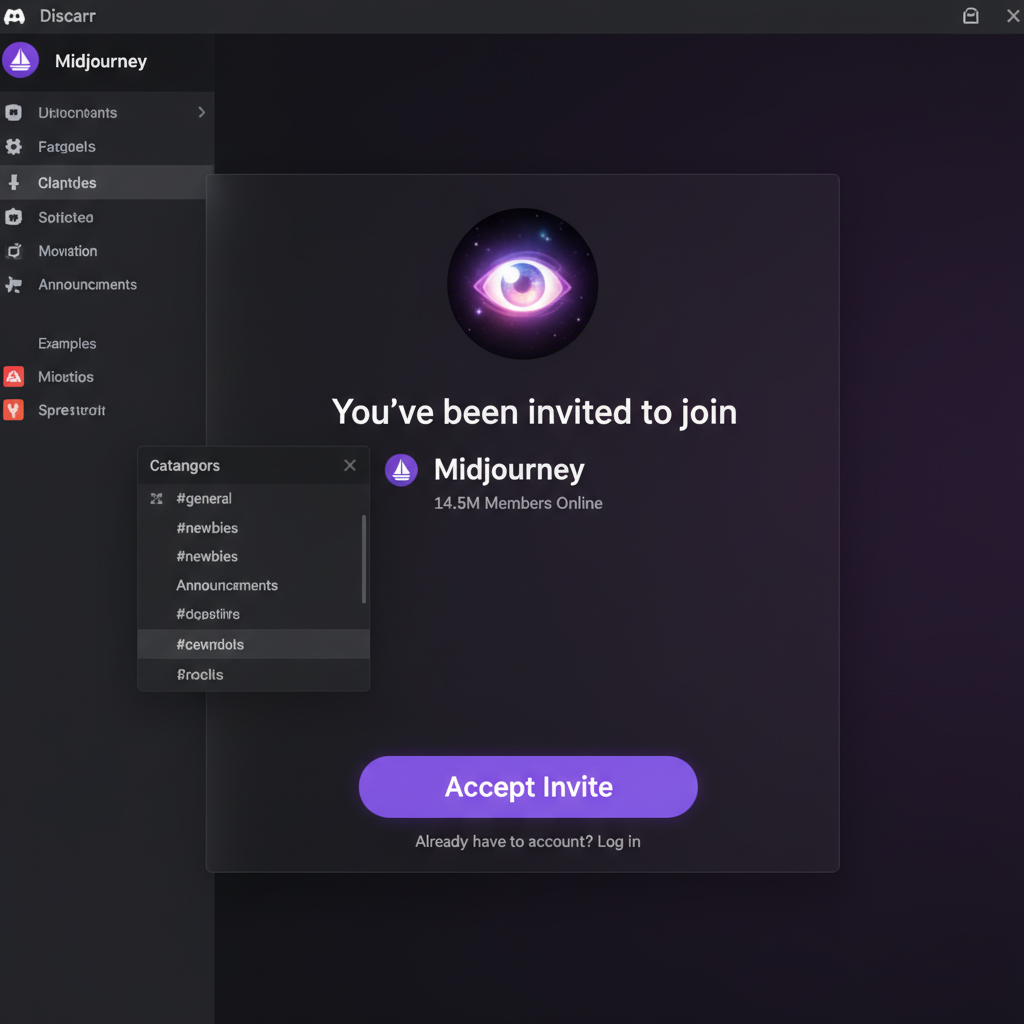
    Midjourney Signup Process Screenshot
    Midjourney Signup Process Screenshot

    5 Key Features of Midjourney and How to Use Them

    Midjourney's biggest appeal lies in its powerful text-to-image generation and detailed customization. As of the latest update, here are five core features you should know:

    1. Generate Images from Text Prompts

  • Enter the `/imagine` command in the chat, followed by your image description
  • Example: `/imagine a futuristic city skyline at dusk, vibrant colors, cyberpunk style`
  • The AI generates four draft images within 1–2 minutes
  • You can select and upscale your preferred image to high resolution
  • Use Case: Creating visual content for social media or blog illustrations

    2. Apply Various Style Options

  • Add the `--style` tag to your prompt to specify an art style
  • Example: `--style 4a` (latest version style), `--style 3` (realistic style)
  • You can also adjust mood, saturation, and texture for diverse results
  • Tip: Combine style tags to create your own templates.

    3. Customization Tools (Upscale, Variations, Regeneration)

  • After image selection, use commands like ‘U1’, ‘U2’ to upscale to high resolution
  • Use ‘V1’, ‘V2’ to generate four similar variations
  • Experiment with different variations for creative exploration
  • Practical Example: Generate multiple concept art options for client projects and select the best one

    4. Download High-Resolution Images

  • Upscaled images can be downloaded at up to 1024×1024px resolution
  • Images can be used for personal or commercial purposes, but always check the subscription terms
  • 5. Latest ‘Remix’ Mode and Noise Reduction

  • The Remix feature lets you apply new prompts or make modifications to existing images
  • Enhanced noise reduction improves detail and clarity
  • The latest version has also increased image generation speed by over 20%, greatly boosting workflow efficiency.
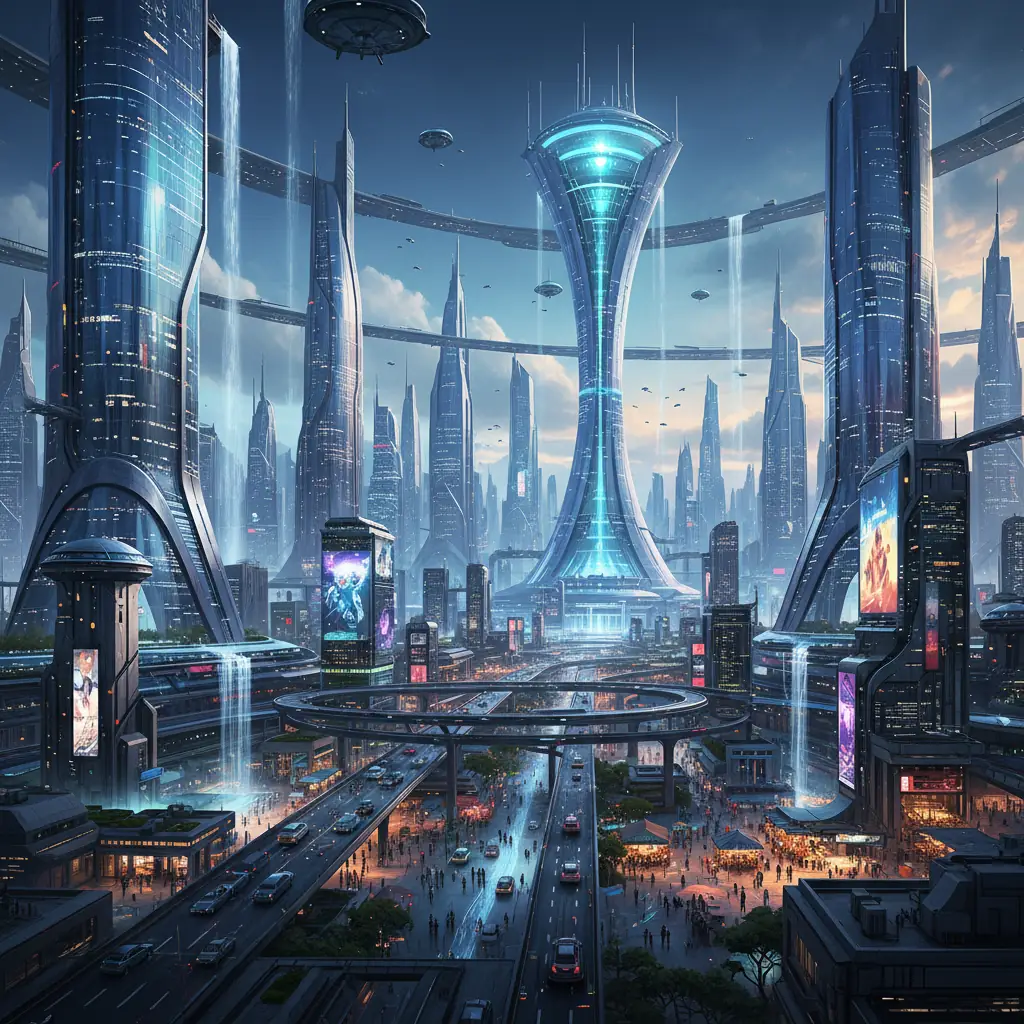
    Midjourney Image Generation Example
    Midjourney Image Generation Example

    Practical Midjourney Workflow: Botonglee’s Creative Routine

    I primarily use Midjourney for personal branding content and newsletter illustrations. For example, it's extremely helpful when I need to quickly create a key visual tailored to a specific topic.

  • Ideation
  • Write text prompts that are specific and intuitive
  • Example: “minimalist flat design of a person meditating, calm blue tones”
  • Image Generation
  • Enter the `/imagine` command and review the four candidate images
  • Apply style options to match your preferences
  • Upscale and Variations
  • Upscale your chosen image to high resolution and download it
  • Experiment with variations as needed
  • Post-Processing
  • Further edit in Photoshop or similar tools (color, text placement, etc.)
  • Use the finished image for blogs, social media, or newsletters
  • This workflow reduces what used to be a 1–2 hour process with illustration or stock image searches to just 10–15 minutes. The ability to quickly try different styles also maximizes creativity.

    > If your text prompt is vague, the AI may generate images that don't match your intent. For best results, try several times and refine your keywords for clarity.
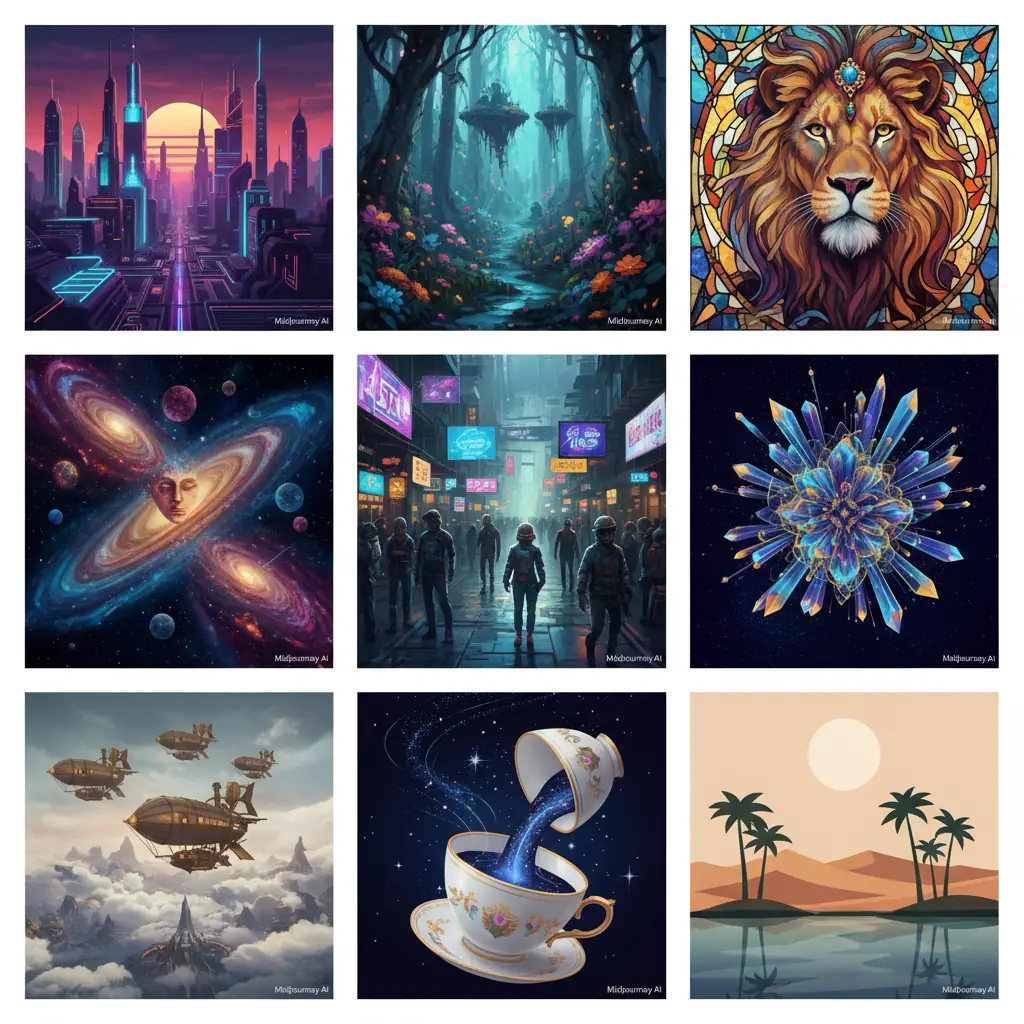
    Artwork Created with Midjourney
    Artwork Created with Midjourney

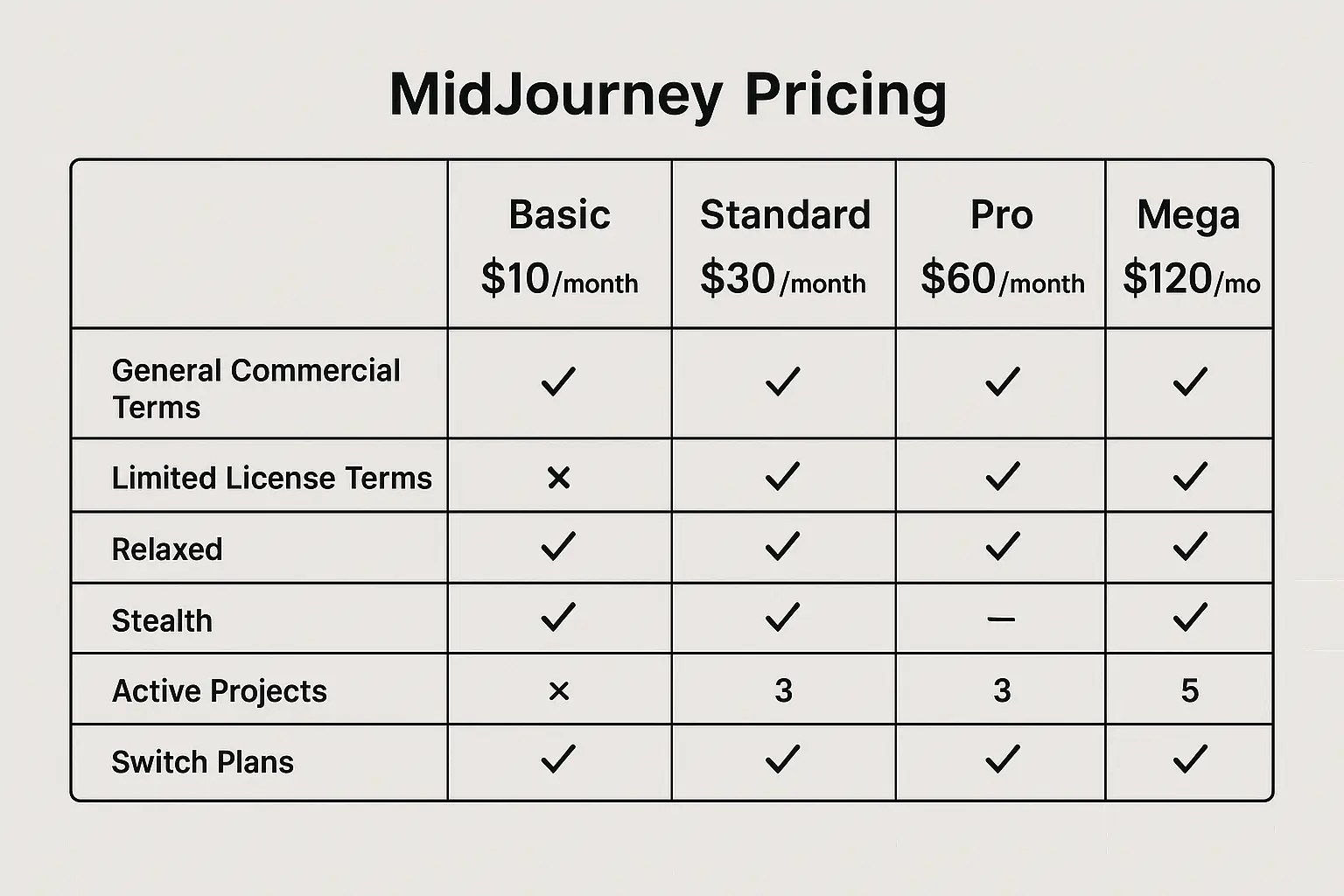
    Midjourney Pricing: From Free Trial to Pro Subscription

    Midjourney offers both a free trial and paid subscription models.

  • Free Trial
  • About 25 image generations are available for free upon signup
  • Free users can only work in public channels within the server
  • Paid Subscriptions
  • Basic Plan: $10/month, 200 images per month, suitable for personal projects
  • Standard Plan: $30/month, unlimited image generation, faster processing, access to private channels
  • Pro Plan: $60/month, aimed at businesses and professional creators, includes API access
  • Multiple payment methods are supported, including credit card and PayPal
  • While the free trial is a great way to experience AI trends, the Standard Plan is recommended if you want to use Midjourney as a serious productivity tool. Paid plans are essential for high-res downloads, faster processing, and private workspaces.
    Midjourney Pricing Screenshot
    Midjourney Pricing Screenshot

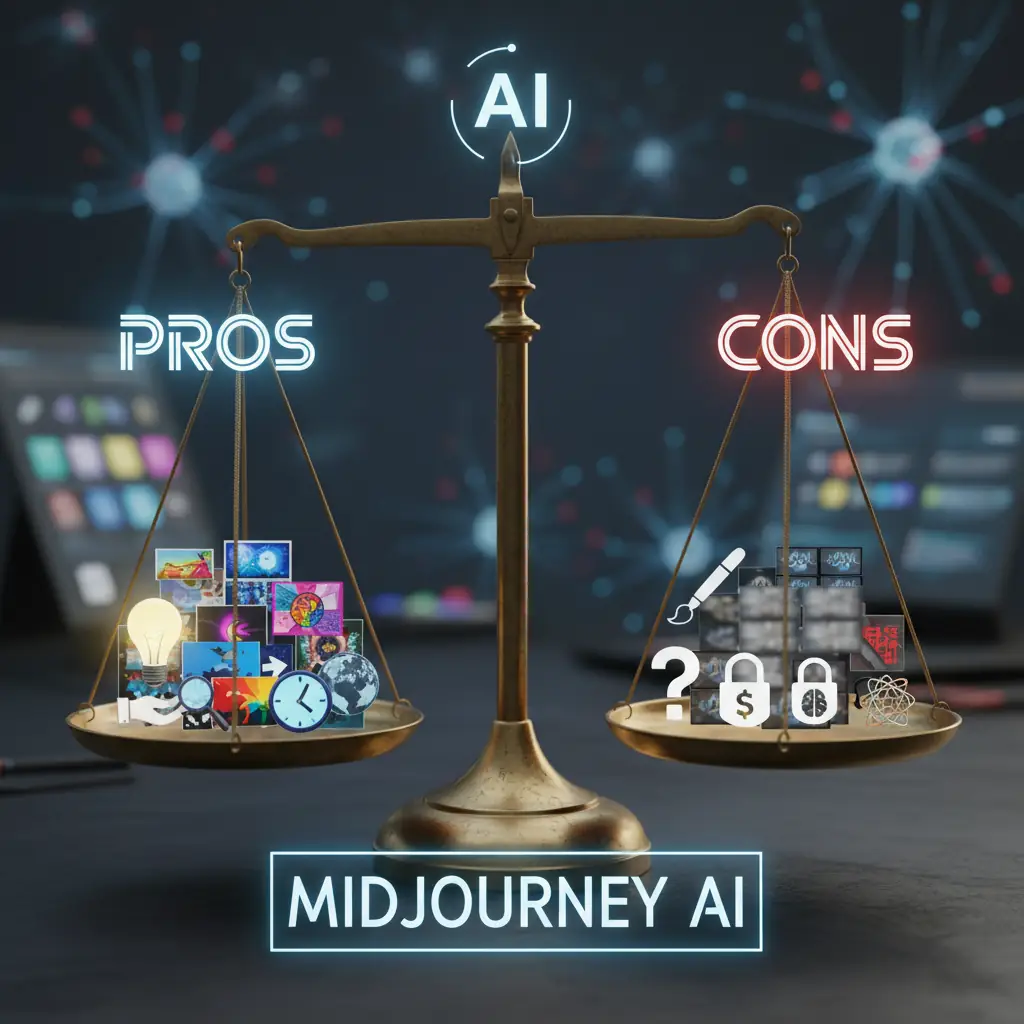
    Honest Review: Strengths and Limitations of Midjourney

    Strengths

  • Maximizes Creativity and Diversity: Well-crafted prompts can produce high-quality digital art
  • Ease of Use: Runs on Discord, so no separate installation is required
  • Extensive Customization: Fine-tune results with style, upscale, and variation features
  • Rapid Output: Can reduce design time by up to 80% compared to traditional methods
  • Active Community Support: Vibrant sharing of tips and creations across server channels
  • Limitations and Cautions

  • Discord Dependency: The Discord UI can be a barrier for new users
  • Prompt Writing Learning Curve: Achieving desired results often requires trial, error, and learning
  • Style Limitations: Even in the latest version, generating extremely realistic styles (such as photorealistic portraits) has its limits
  • Copyright/Terms of Use: Always review the terms if you plan to use generated images commercially
  • Potential Slowdowns During Peak Hours: Processing may be delayed when the server is busy
  • Midjourney leads the way in AI automation and generative AI, but it's not an all-in-one solution. With the right approach and practice, however, it can become a powerful productivity tool.
    Midjourney Pros and Cons Comparison
    Midjourney Pros and Cons Comparison

    Who Should Use Midjourney?

  • Digital Artists: Ideal for rapid concept art and experimenting with various styles
  • Content Creators and Marketers: Greatly reduces time for producing visuals for social media, blogs, and ads
  • Startups and Small Businesses: Perfect for creating brand images and visualizing ideas in-house
  • Educators and Researchers: Useful as a hands-on tool for understanding AI trends and generative AI
  • Freelance Designers: Helps cut project costs and increase output simultaneously
  • On the other hand, those unfamiliar with text input or who find Discord challenging may face a learning curve. However, with official guides and community support, these hurdles can be overcome. If you're looking to embrace digital transformation with the help of AI agents, Midjourney is highly recommended.


    Midjourney's generative power and latest updates represent a major leap in AI-driven productivity tools. The ability to create unique content with just a text prompt is quickly becoming an essential skill in the digital age. If you're interested in video creation, check out Kling AI: A Practical Guide to Creating Videos from a Single Image. Google's AI research assistant is also covered in the NotebookLM Guide, which is a great resource for understanding AI trends.

    Try creating your own original works with Midjourney! For more information and practical tips, consider subscribing to the newsletter.
    Guide for Midjourney Users
    Guide for Midjourney Users

    Reference Links

  • https://botonglee.com/blog/kling-ai-a-practical-guide-to-creating-videos-from-a-single-image-in-depth-review-of-ai-trends-and-productivity-tools-20260506
  • https://botonglee.com/blog/notebooklm-the-complete-guide-to-googles-ai-research-assistant-transforming-ai-trends-and-productivity-20260429
  • Latest Midjourney Update: Generative AI Trends and Practical | 보통리