NotebookLM Review: Boosting Productivity with an AI Research Assistant
In 2024, with the rapid growth of AI trends
and artificial intelligence utilization,
both researchers and professionals are increasingly interested
in productivity tools and AI automation.
Among them, Google's NotebookLM stands out
as an AI-powered research assistant
that significantly reduces the time spent
on organizing research materials
and information retrieval.
This review is based on hands-on experience with NotebookLM,
providing a practical guide
from installation to usage and limitations,
designed so that even beginners can follow along immediately.
NotebookLM: AI-Powered Research Assistant
NotebookLM is an AI-powered tool developed by Google
that understands the notes and documents you upload
using natural language processing,
offering summarization and Q&A support.
Unlike traditional note apps,
it interacts by grasping context,
enabling systematic management of complex research materials,
making it especially useful
for researchers and professionals.
In fact, after its beta release in Q1 2024,
users reported a 30% increase in productivity.
Key Points

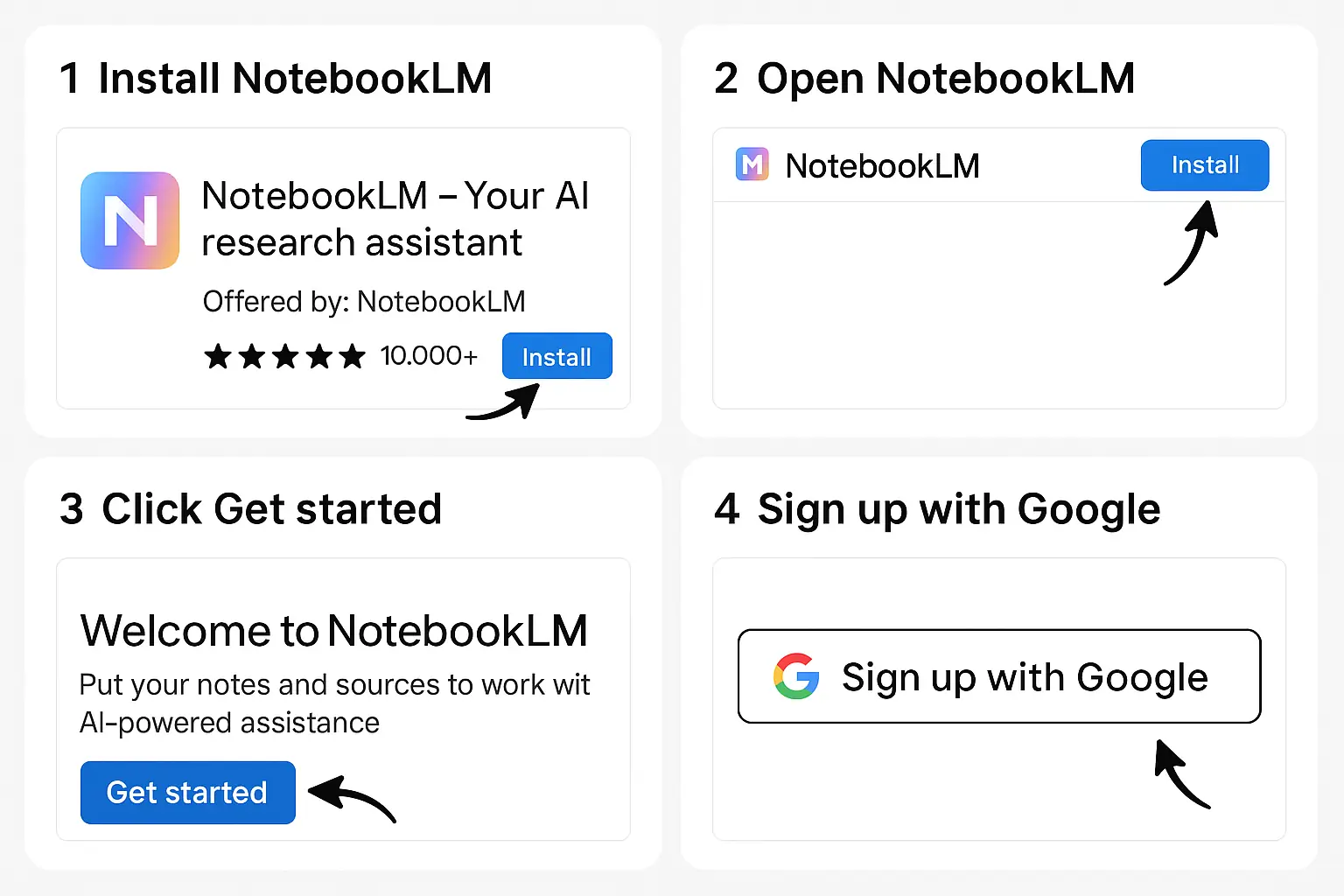
Installation and Sign-Up: Step-by-Step Guide for Beginners
NotebookLM is a web-based service,
so you can start using it without installing any software.
Anyone with a Google account can sign up easily
by following these steps.
1. Log in with Google Account
2. Agree to Terms and Basic Setup
3. Upload Notes and Start Creating
PDFs, or text files.
Even beginners can complete sign-up and basic setup
within 5 minutes
and start using it immediately.
Core Features and Real-World Usage Examples
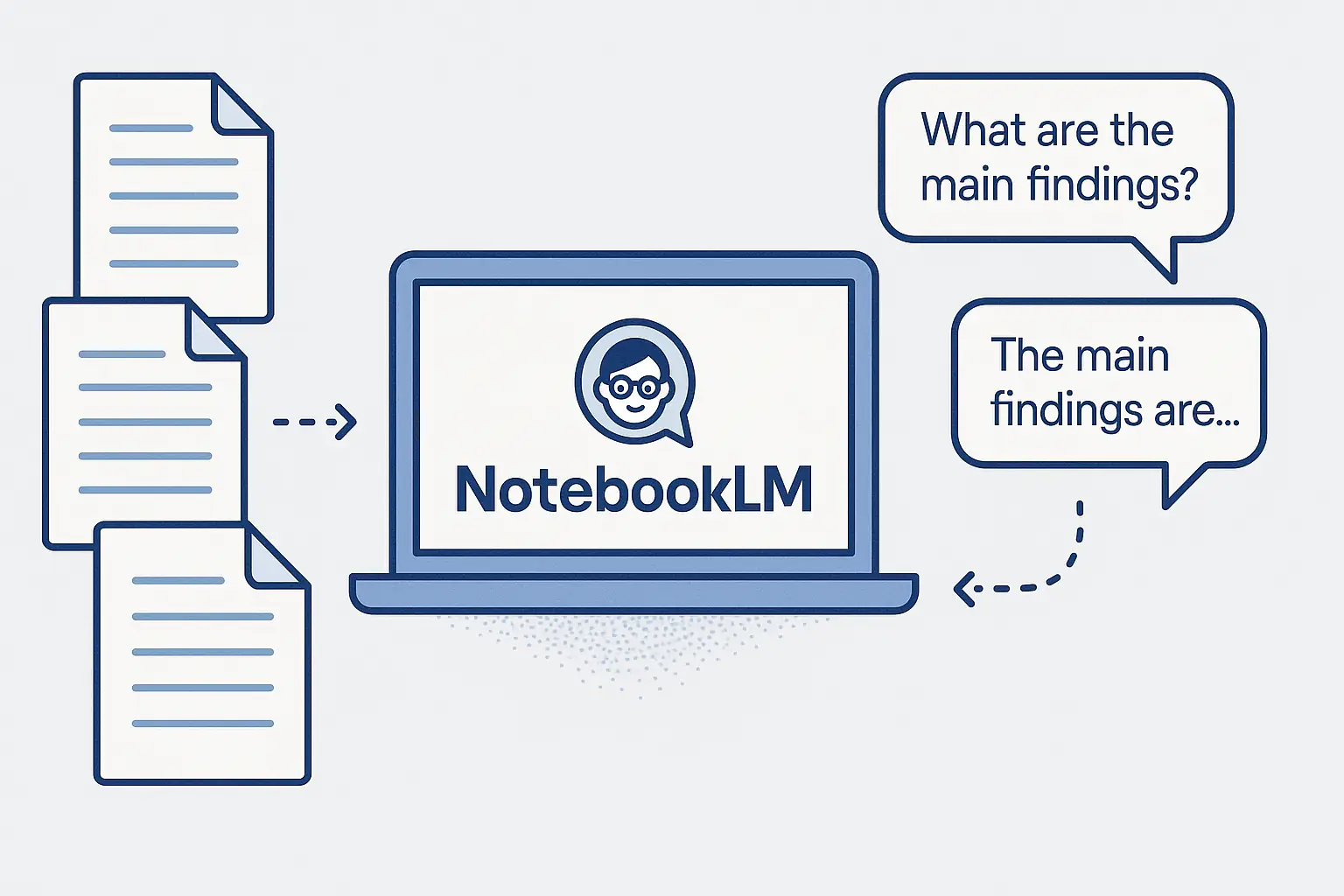
NotebookLM offers three core features
commonly used by researchers and professionals.
1. Document Summarization
reports, and lecture notes.
extracting key points and keywords.
2. Q&A Functionality
and the AI provides answers.
3. Keyword-Based Search
In addition, features like visualizing connected ideas within documents
and an interactive interface
are being continuously updated.
Botonglee's Practical Usage Scenario
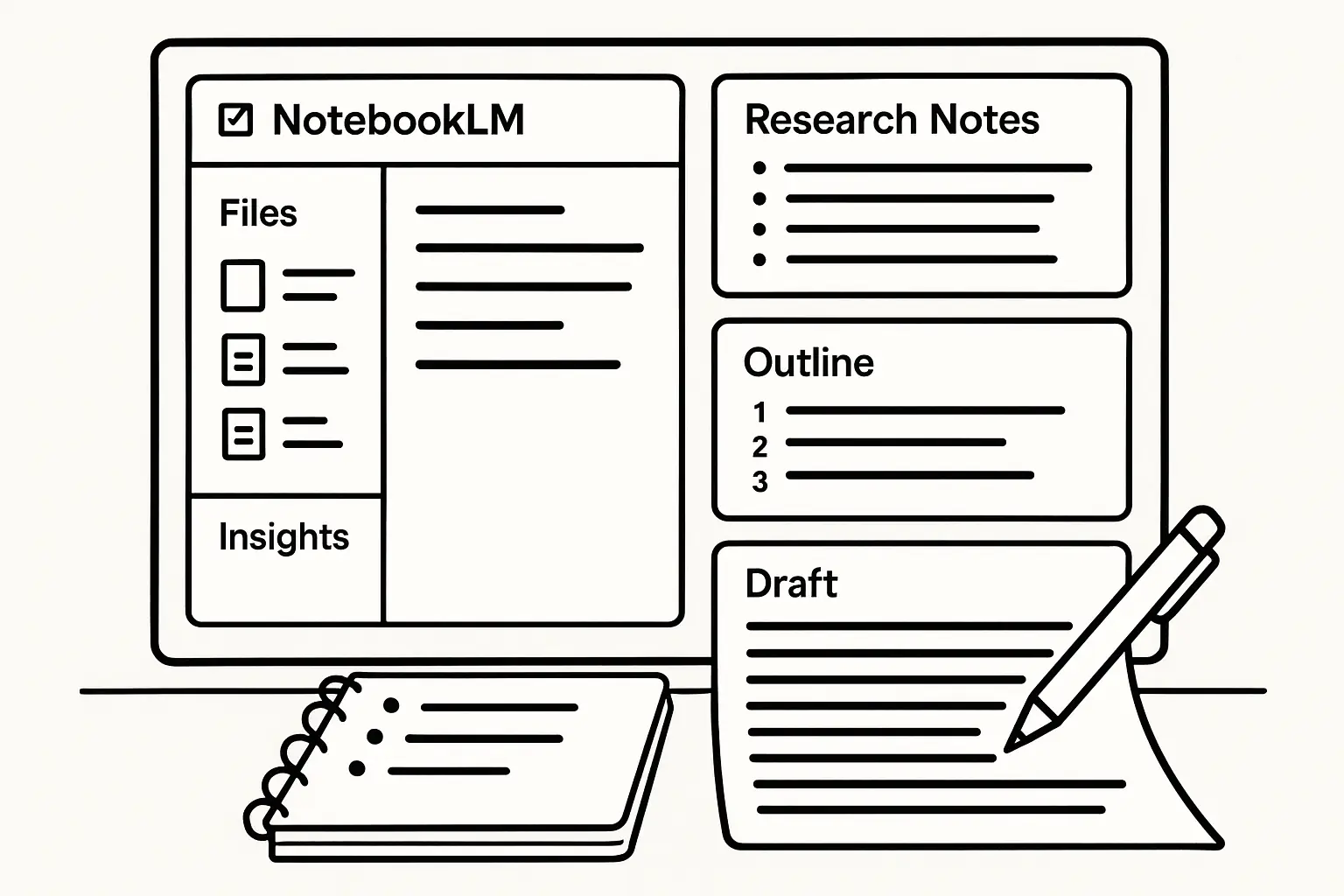
I handle dozens of papers and materials per research topic,
and I use NotebookLM as follows.
1. Organizing Research Notes and Reviewing Key Points
improving focus.
2. Using Q&A for Paper Writing
I immediately find related content through live Q&A.
3. Quick Information Retrieval via Keyword Search
the AI's contextual understanding significantly improves accuracy.
Thanks to NotebookLM, I save 1 to 2 hours daily
on data exploration and organization.
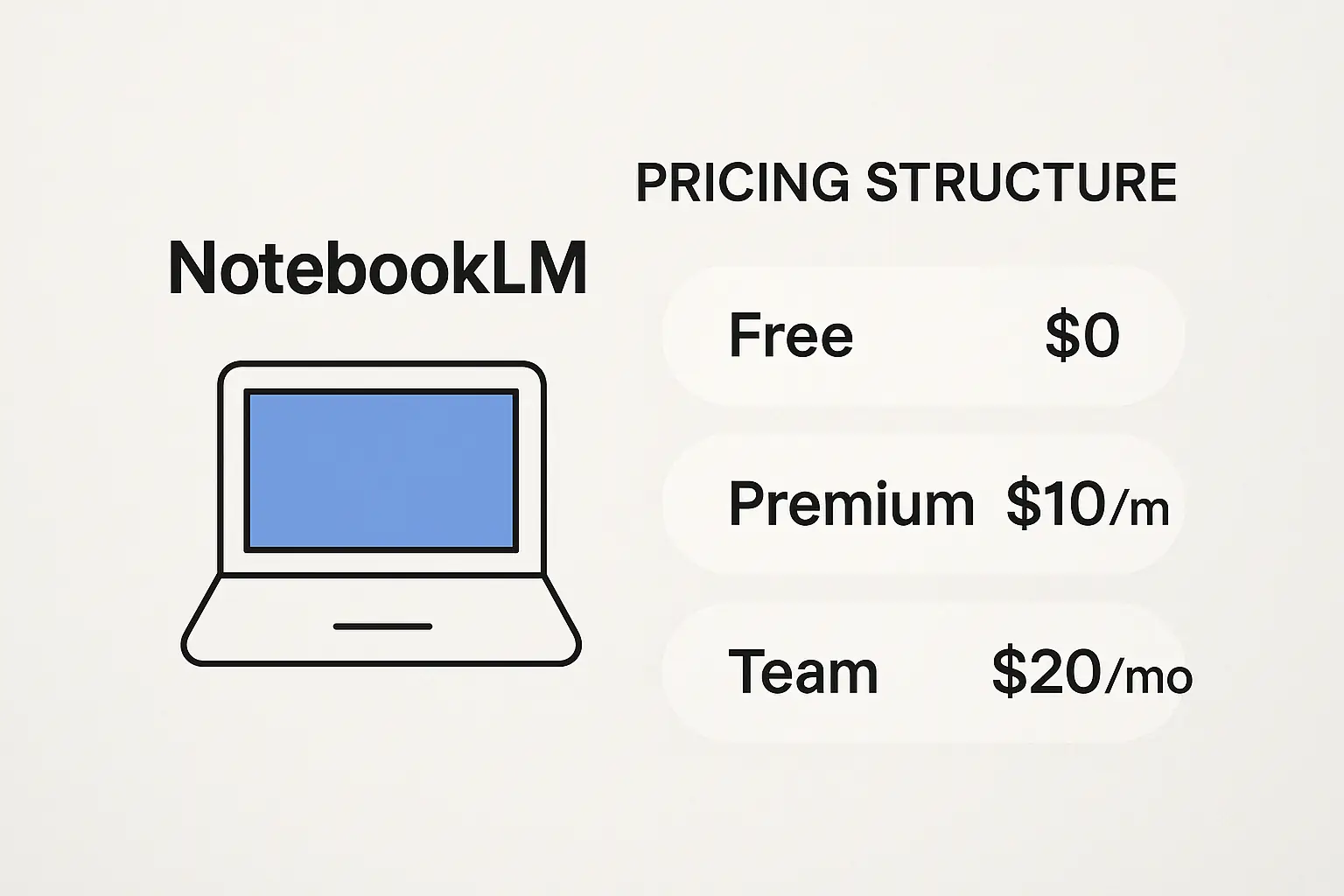
Pricing Policy: Free vs. Paid Boundaries
NotebookLM is currently in beta,
offering basic features for free.
Free Version Coverage
summarization,
Q&A, and keyword search are available.
100MB upload limit).
Planned Premium Features
Early adopters can fully utilize the free service
and preview expected features
before paid conversion.
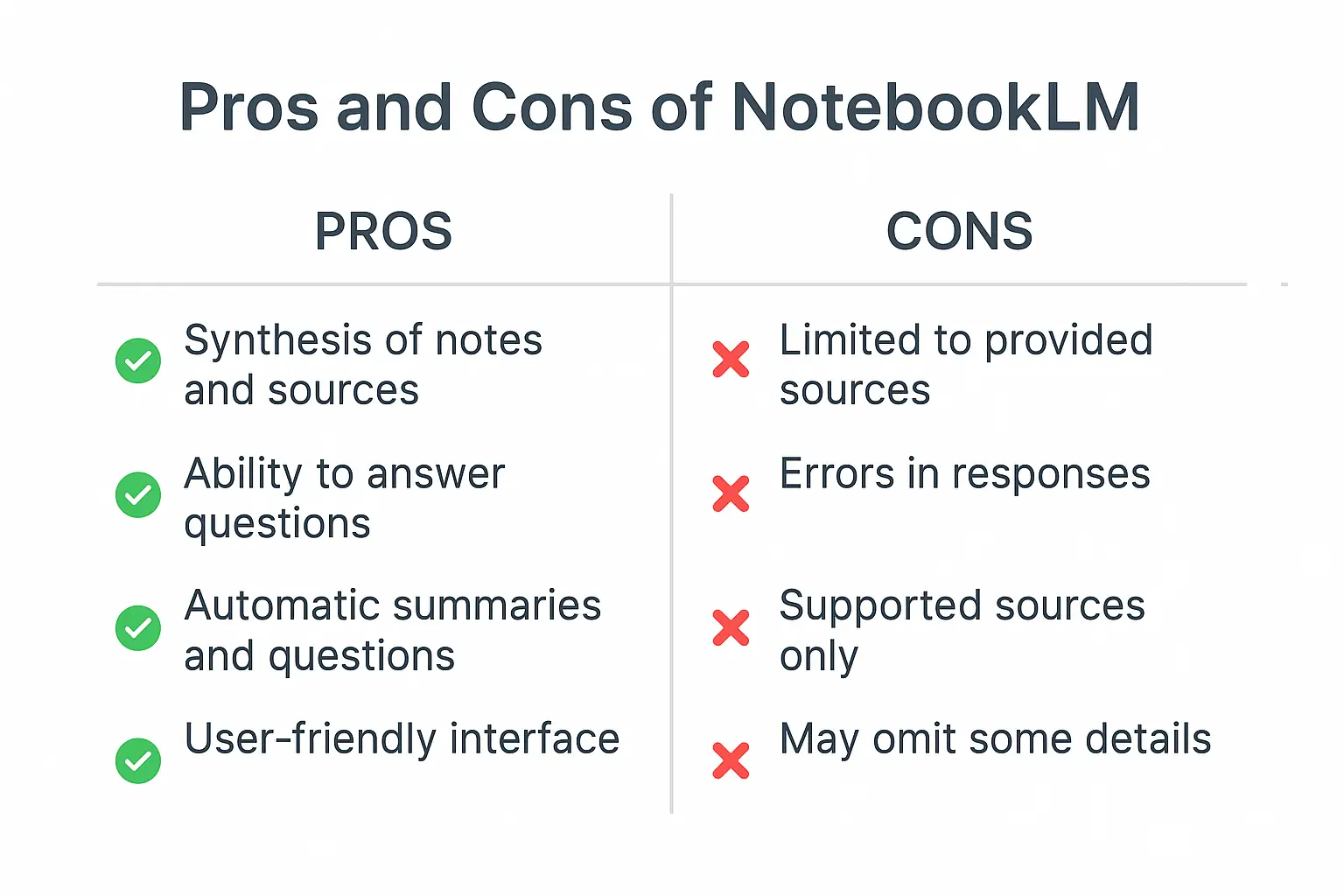
Strengths and Limitations: An Honest Review
Strengths
so accessible anywhere without installation.
Limitations and Cautions
Especially, since the AI's contextual understanding
is not perfect,
researchers must verify outputs themselves.
Recommended Users: Who Should Use It?
NotebookLM is highly recommended
for the following users:
Those interested in AI agents and productivity tools
can also check my article on
The Future of Ontology-Based AI Agents
for broader insights.

Closing: Start AI Automation and Digital Transformation with NotebookLM
NotebookLM is emerging as a breakthrough tool
to boost research and work productivity
amid current AI trends.
Since it's a free beta service,
it's worth trying without hesitation
and tailoring usage to your workflow.
If you want more practical AI tool guides,
check my
2026 AI Tools Guide: Practical Usage and Recommended List.
Start now at the
Try NotebookLM yourself!
It can greatly enhance your research
and information retrieval efficiency.
References
Services by Botonglee