NotebookLM — The Complete Guide to Google’s AI Research Assistant
As AI trends and the adoption of artificial intelligence tools accelerate, more people are integrating AI automation into their productivity workflows. In fields where information is vast and complex—such as research, academia, and professional work—AI agents are becoming the key drivers of digital transformation. Google’s recently launched NotebookLM is an AI-powered productivity tool that’s gaining attention for its ability to revolutionize research and writing processes.
This guide walks you through everything from getting started with NotebookLM to its core features and practical use cases. Even if you’re a beginner, you’ll find honest pros and cons, real user experiences, and step-by-step instructions so you can start using it right away.
What is NotebookLM? Google’s Cutting-Edge AI Research Assistant
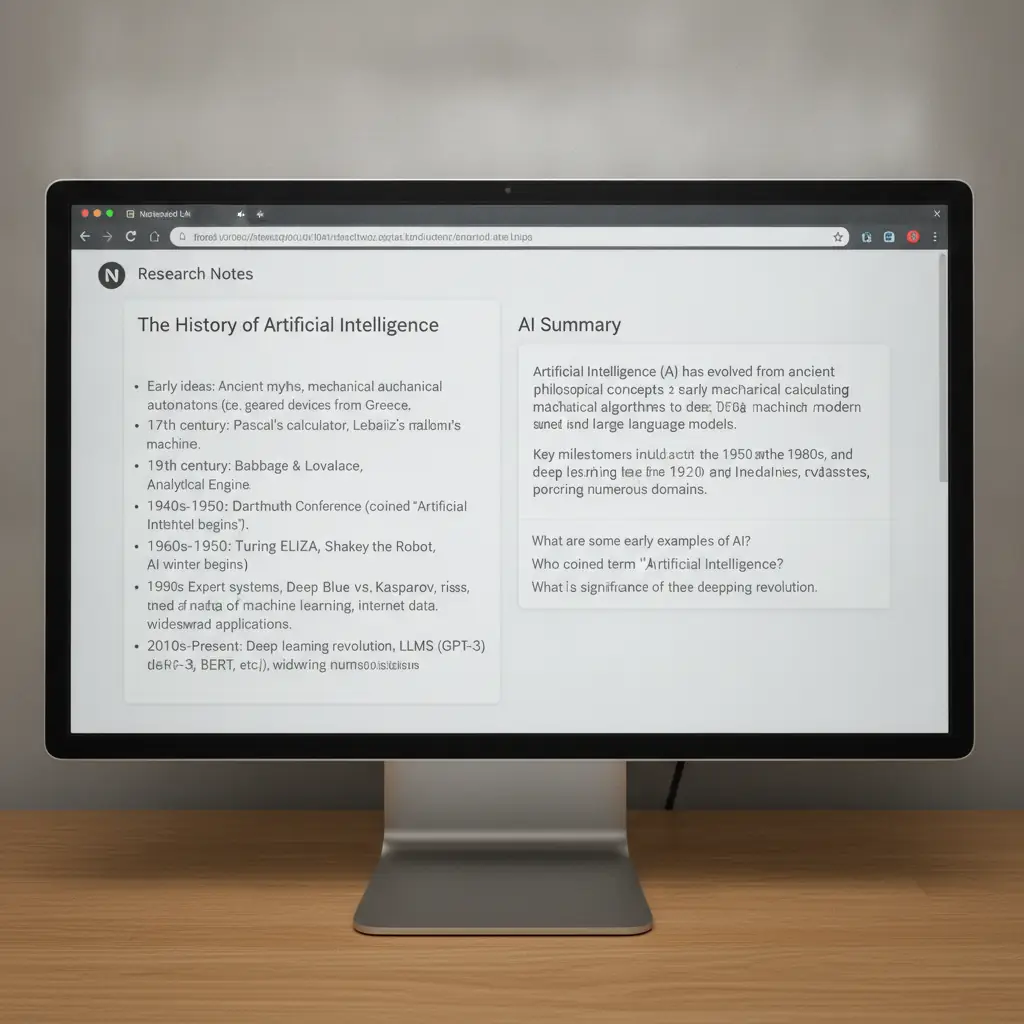
NotebookLM is an AI-based research assistant developed by Google. It automatically analyzes and suggests relevant information based on the text or research notes you provide. Its biggest advantage is dramatically reducing the time spent searching for papers, organizing materials, and summarizing research.
By automating repetitive research tasks, NotebookLM has become an essential tool in the era of digital transformation. The interface is highly intuitive, and anyone with a Google account can get started quickly and easily.
> NotebookLM is a prime example of an AI agent acting as a ‘digital assistant’ for researchers, making it highly recommended for professionals and academics who want to stay ahead of AI trends.
How to Sign Up — Get Started in 5 Minutes with Your Google Account
NotebookLM operates entirely on the web, so there’s no need to install any software. Signing up is simple if you already have a Google account.
Step-by-Step Registration Guide
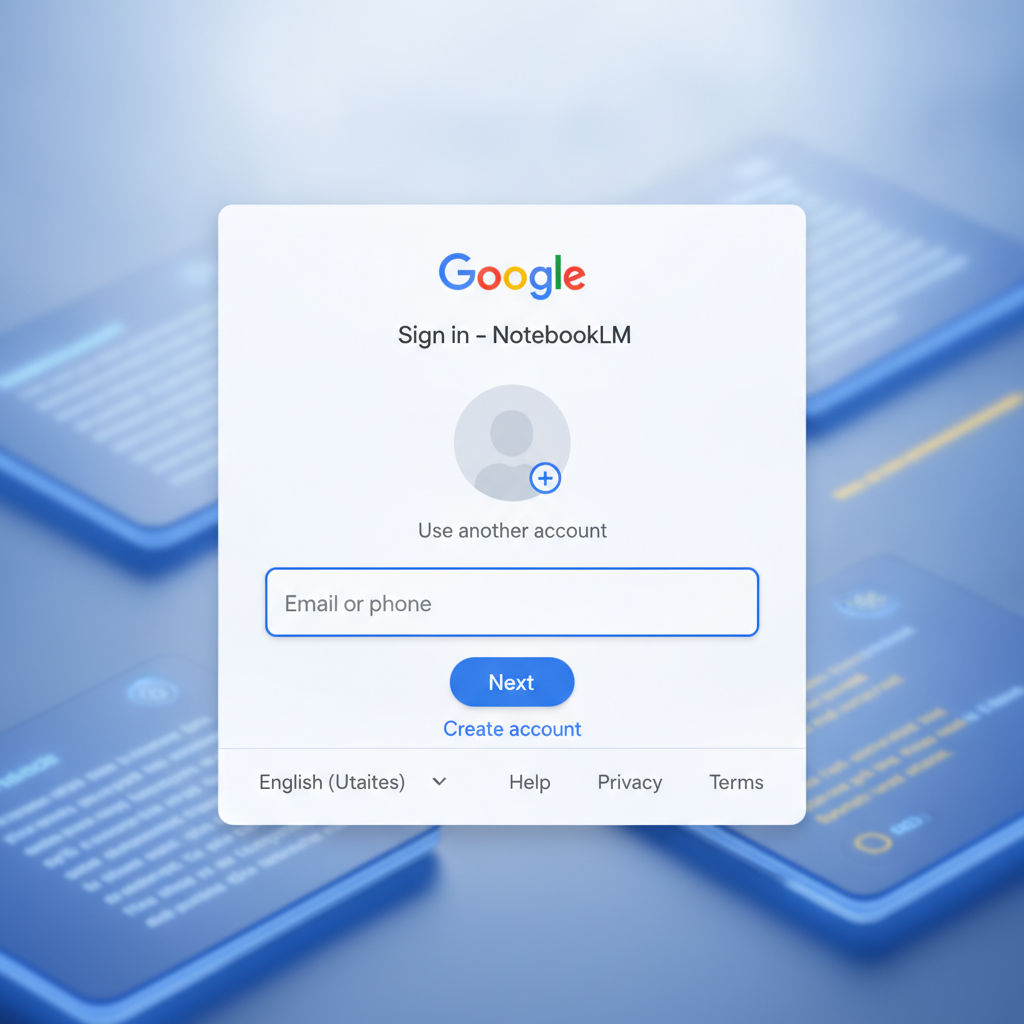
Go to https://notebooklm.google.com
Log in using your Google credentials. There’s no separate sign-up or email verification process.
When NotebookLM requests access to your Google Drive notes, click ‘Allow’.
You can choose your research field or areas of interest, or skip this step.
Click the ‘New Note’ button to immediately start creating research notes and using AI features.
> Since it’s web-based, you can use NotebookLM conveniently on laptops, desktops, tablets, and more—no installation files required.
4 Core Features and Real-World Examples
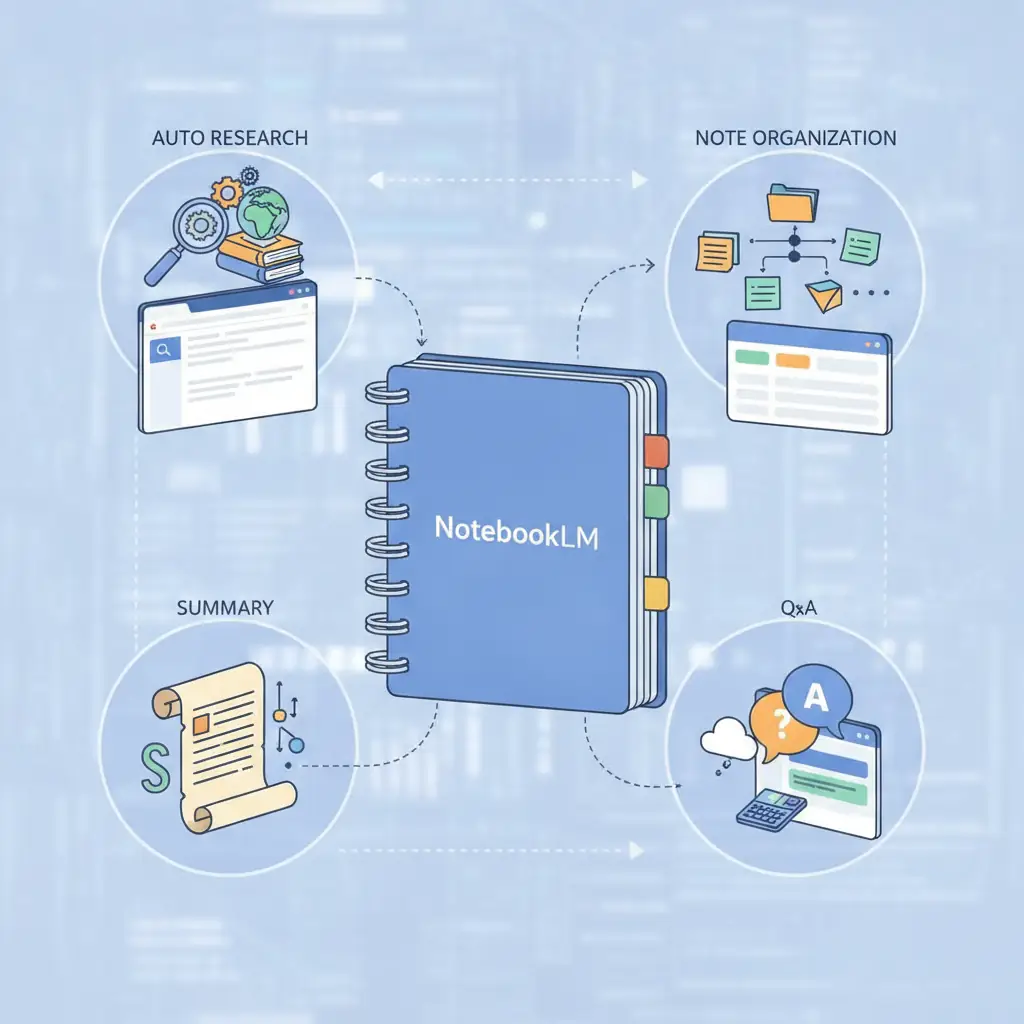
Let’s explore the four most popular features of NotebookLM and see how they can make a real difference in your research and work.
1. Automated Research
When you enter a research topic or question, the AI automatically searches Google, academic databases, and your own notes to find relevant papers and resources.
2. Note Creation and Organization
When you input text, the AI analyzes sentence structure and automatically tags and categorizes your notes. Searching within notes is also lightning fast.
3. AI-Powered Summarization
This feature condenses lengthy papers or reports into a single, concise paragraph.
4. Q&A and Conversational Learning
You can interact with the AI, asking questions about your research notes and getting instant answers.
Real-World Workflow — How Botonglee Uses NotebookLM for Research
Whenever I need to conduct preliminary research on a new topic, NotebookLM is my go-to tool. Here’s how my typical workflow looks:
In the morning, I enter a topic like “Digital Transformation and AI Agents,” then use the automated research feature to collect the latest papers and reports.
I upload a few of the most relevant papers recommended by the AI, then use the summarization feature to extract main points and record them in my notes.
If I’m confused about something—like how certain statistics are used—I use the conversational Q&A feature to ask the AI and get clarifications.
By narrowing down with keywords, I get more targeted recommendations and insert them directly into my notes.
With my notes neatly organized, I draft a report focused on the key findings, dramatically improving my work efficiency.
This approach cuts preparation time by 30–40% compared to traditional methods. By letting the AI handle repetitive data collection and organization, I can focus more on the core research itself—a huge advantage.
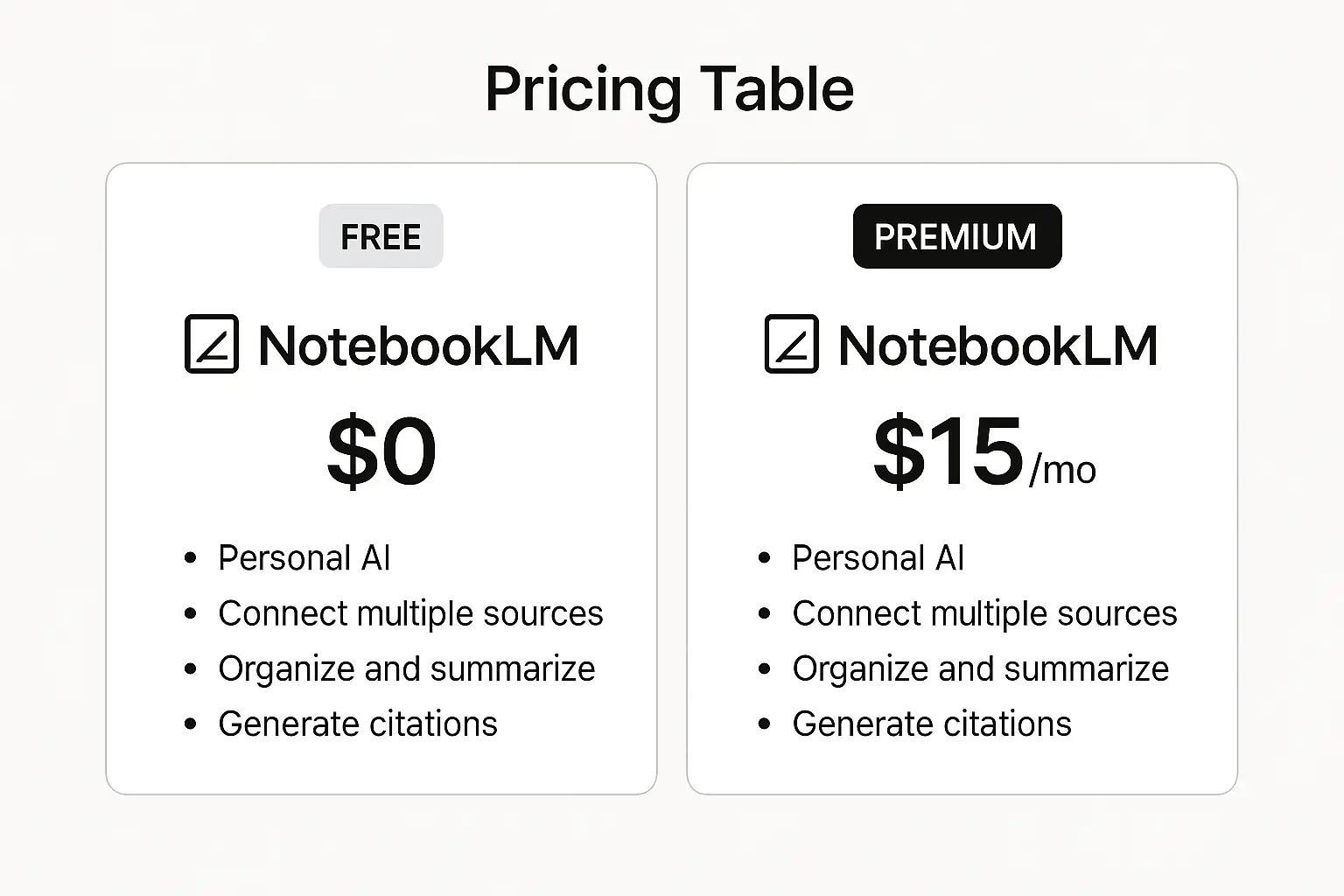
Pricing — Generous Free Plan, Premium for $10/Month
NotebookLM’s free plan is powerful enough for most users. You can manage your notes, use automated research, summarization, and Q&A features—all at no cost.
For individual research or work, the free plan is more than sufficient, so newcomers can start without any financial commitment.
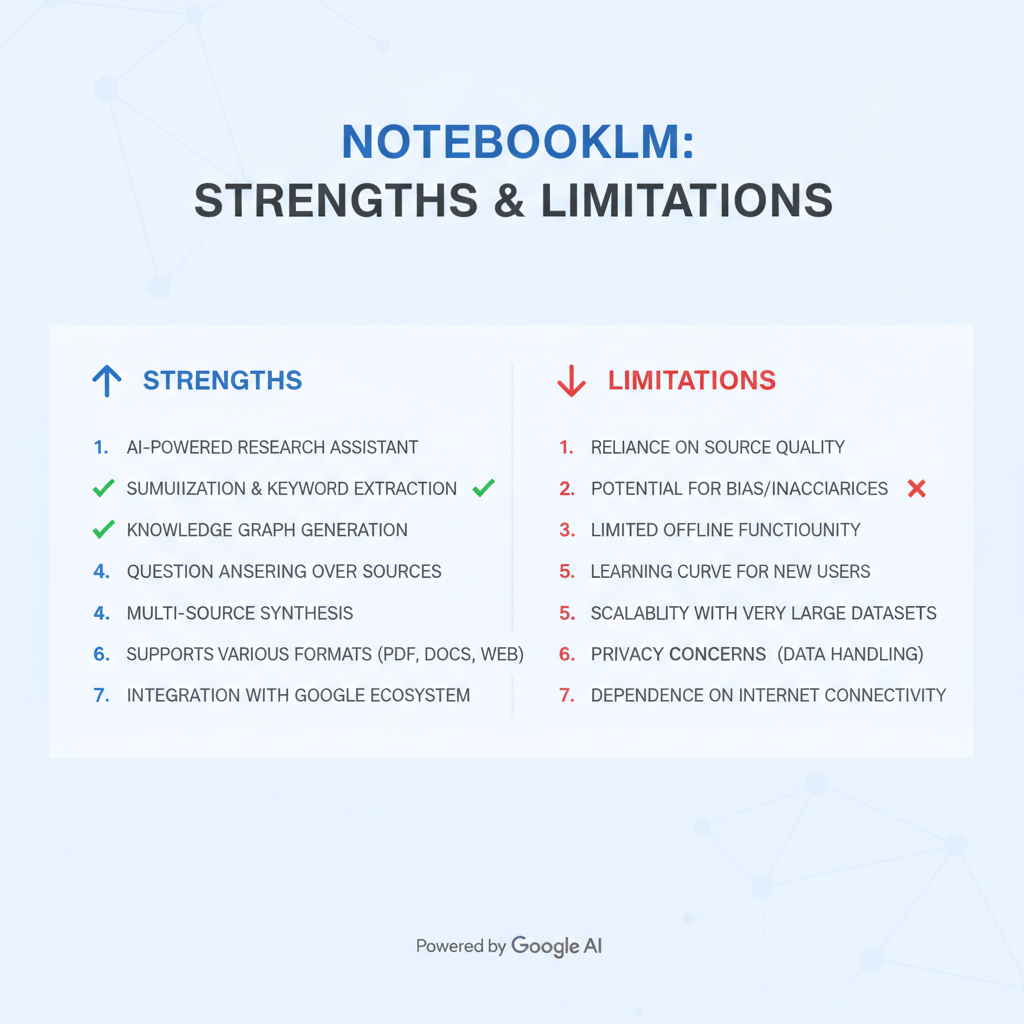
Honest Pros and Cons
Pros
Cons
> Always check your organization’s security and confidentiality policies before uploading sensitive research data to external platforms.
Who Should Use NotebookLM?
A great tool for students who need to conduct extensive research and literature reviews, saving significant time and effort.
Ideal for anyone who needs AI-powered automation for workplace research, report writing, and organizing ideas.
Recommended for those who want to experience digital transformation firsthand by trying out AI productivity tools.
NotebookLM is more than just an AI agent—it’s a true partner for research and work. If you’re looking to try a new AI tool, this is a perfect place to start.
Conclusion and Further Resources
Try NotebookLM today and see for yourself how AI automation can supercharge your research productivity. Google’s AI research assistant helps you cut down on repetitive tasks and focus on what matters most.
If you’re interested in AI automation and productivity tools, check out A Practical Guide to Automating Repetitive Tasks with Zapier and AI and Boosting Productivity with AI Tools.
Sign up for NotebookLM now and experience a whole new dimension of research!


Services by Botonglee