NotebookLM: The Complete Guide to Google’s AI Research Assistant Transforming AI Trends and Productivity
In an era where artificial intelligence is revolutionizing productivity and research workflows, NotebookLM stands out as a next-generation AI agent at the forefront of automation and digital transformation. Developed by Google, this tool has quickly established itself as an essential productivity solution for researchers, students, and anyone needing to search, organize, and analyze information efficiently. In this guide, you’ll find a step-by-step walkthrough—from installation and core features to practical use cases—so anyone can get started with NotebookLM right away.
What is NotebookLM? — Google’s Next-Gen Productivity Tool for AI Research and Information Management
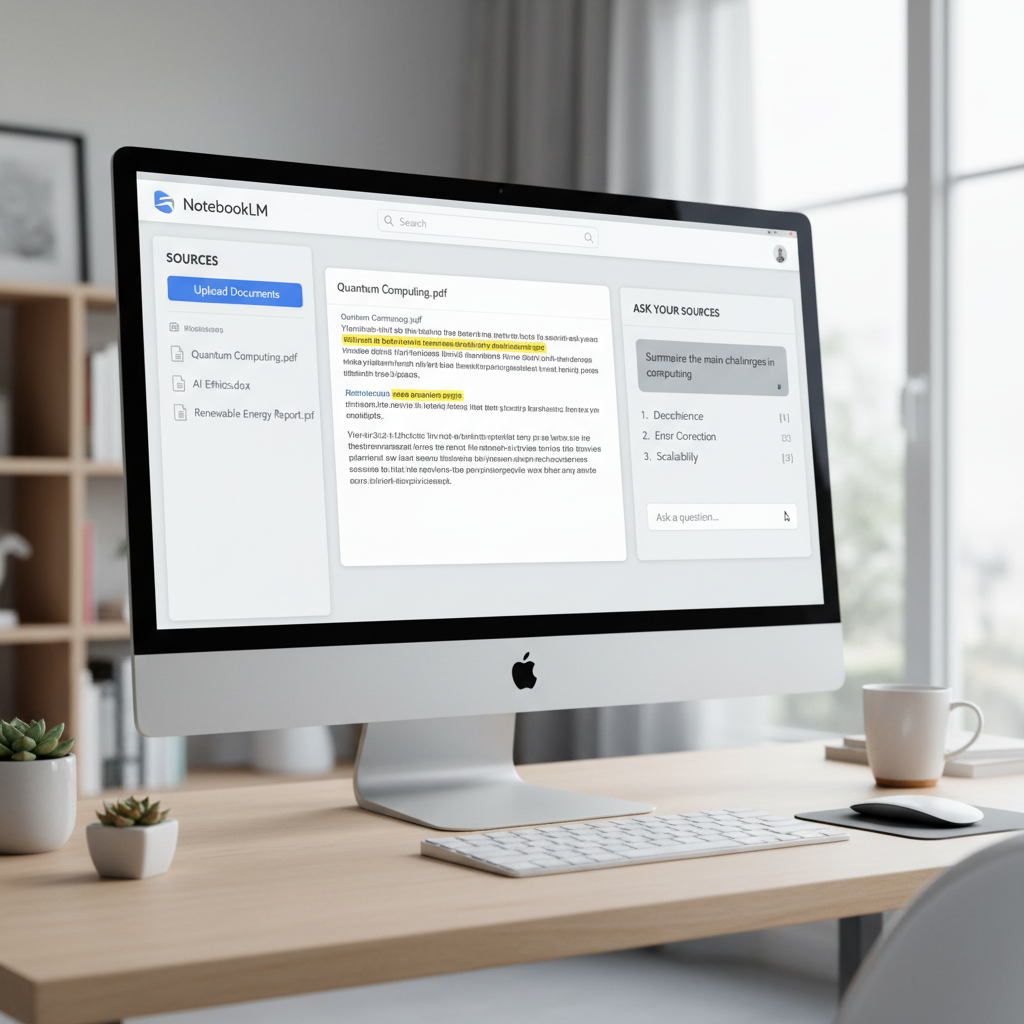
NotebookLM is an AI-powered research assistant developed by Google. It allows users to ask questions in natural language within a notebook environment, then finds, summarizes, analyzes, and visualizes relevant data. Unlike traditional search or document management tools, NotebookLM leverages generative AI to deeply understand and reorganize information, enabling researchers and students to process complex materials quickly and efficiently.
What sets it apart is its ability to understand user context and deliver tailored responses. As AI expands from automating repetitive tasks to supporting complex cognitive work, NotebookLM is leading the way in productivity tools and AI-driven automation.
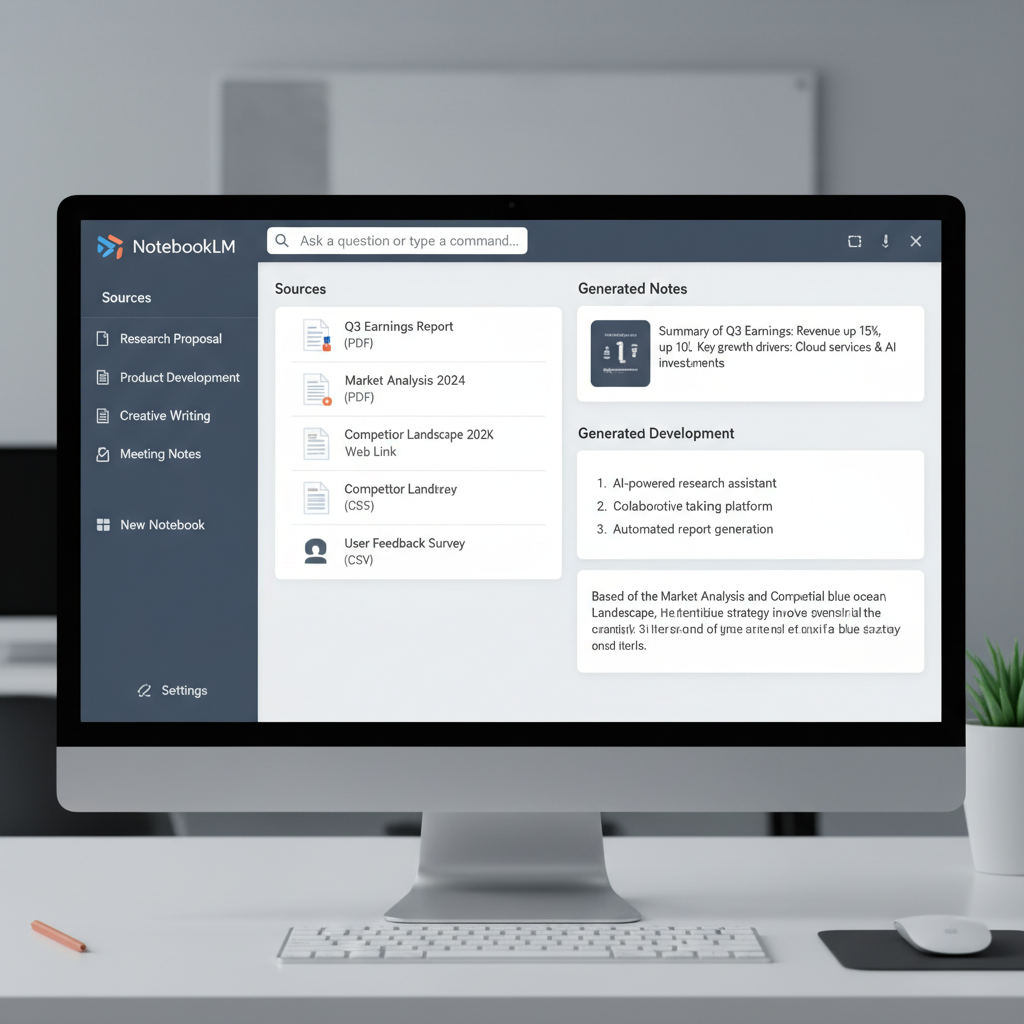
How to Sign Up — Get Started with NotebookLM in 5 Minutes
Anyone with a Google account can access NotebookLM, though as it’s currently in beta, there are a few initial steps to complete. Here’s a simple guide:
Since NotebookLM is a Google service, you’ll need a Google account. If you don’t have one, sign up at Create a Google Account.
Go to https://notebooklm.google.com. You’ll be prompted to log in.
During the beta phase, you may need an invitation code. If you don’t have one, click ‘Request Invitation’ and apply. Invitations are typically sent via email within 1–3 days.
Once you receive your invitation, enter your name, research field, and areas of interest on the profile setup page. This helps the AI personalize its assistance.
After logging in, click ‘Create New Notebook’ to get started. The main screen features file upload and question input sections.
For the best experience, use the latest version of Chrome or Edge, and ensure pop-ups and cookies are enabled.
A key advantage is seamless integration with the Google ecosystem, allowing you to import research materials directly from Google Drive.
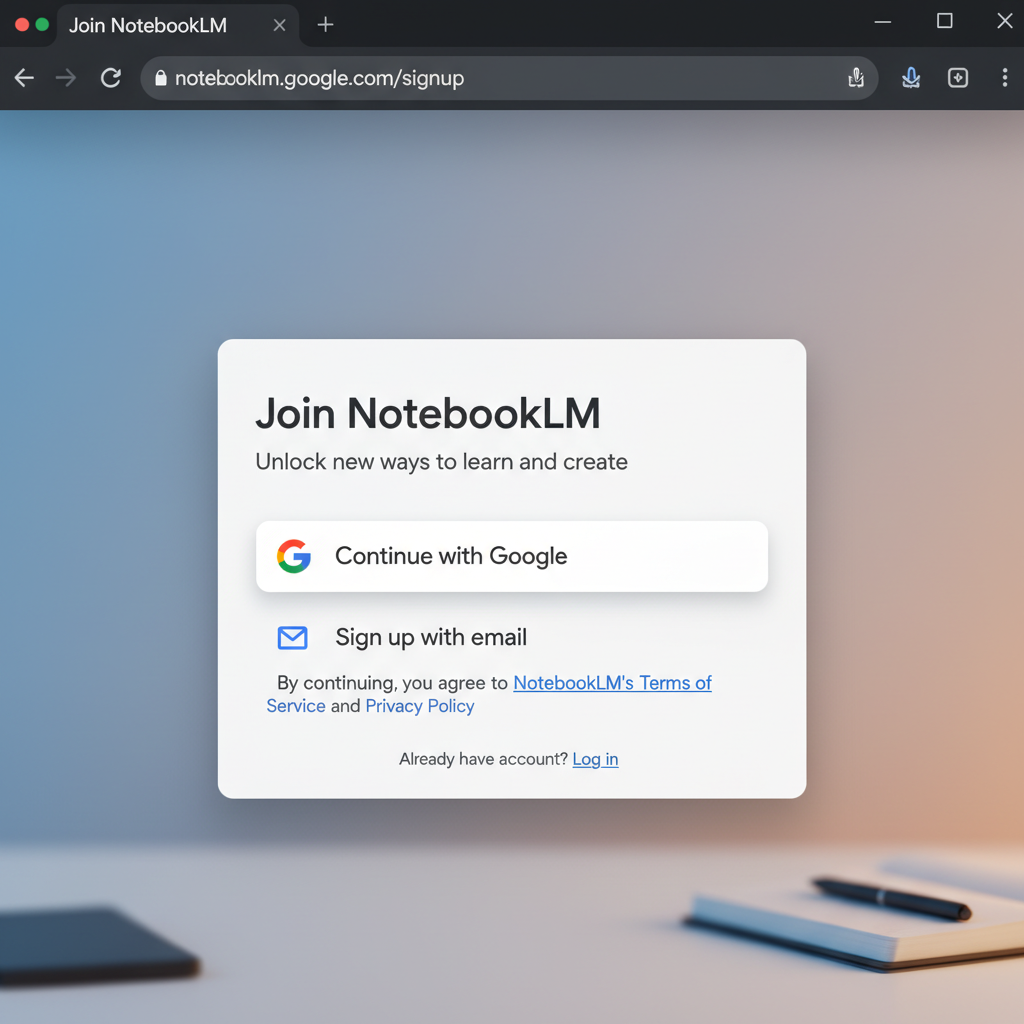
Core Features and Real-World Examples — 4 Key Tasks You Can Do with NotebookLM
NotebookLM’s powerful features showcase the true potential of AI automation and generative AI. Here are four core functions and practical examples of how they can be used:
1. Natural Language Questioning
2. Document Summarization
3. Data Visualization
4. Project Management Tool Integration
Additionally, NotebookLM offers features like automatic note tagging and document recommendations within your notebooks, making it especially strong at rediscovering information and connecting context.
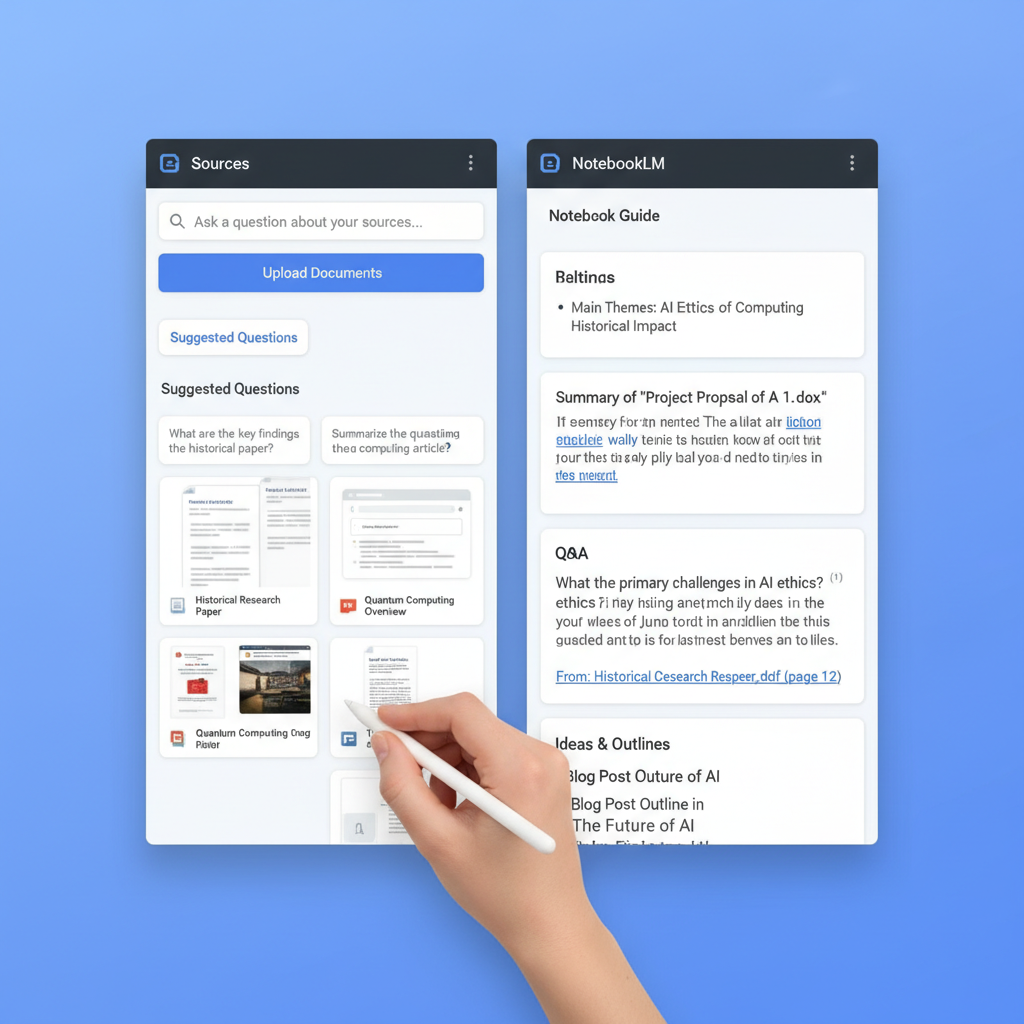
Real-World Use Case — How Botonglee Uses NotebookLM for Research and Work
As an AI researcher and content creator, I’ll share concrete ways I’ve used NotebookLM in practice.
1. Writing Research Papers and Information Retrieval
One of the biggest challenges in preparing a thesis is quickly understanding and organizing a vast amount of prior research. By entering keywords into NotebookLM, it summarizes existing studies and extracts key issues for your research notes. For example, when I asked about ‘ethical issues in generative AI,’ it automatically connected the main points and references from the five latest papers, saving me from manually searching through each document.
2. Data Analysis and Visualization
I uploaded experimental data as a CSV file and used the visualization feature. Previously, I had to create charts manually in Excel, but NotebookLM generated optimal graphs in seconds, saving significant time and effort—especially useful when preparing presentation materials.
3. Project Planning and Collaboration
During the initial planning phase of a research project, I gathered various documents and schedules in NotebookLM and shared them with my team for real-time feedback. Thanks to integration with Google Drive and Calendar, we no longer needed to exchange files via email, greatly improving team efficiency.
These examples illustrate how AI automation is transforming everyday research workflows. For further insights on AI-powered project management, check out 5 Ways to Delegate Project Management to Notion AI.

Pricing — Google’s AI Assistant Is Highly Usable Even for Free Users
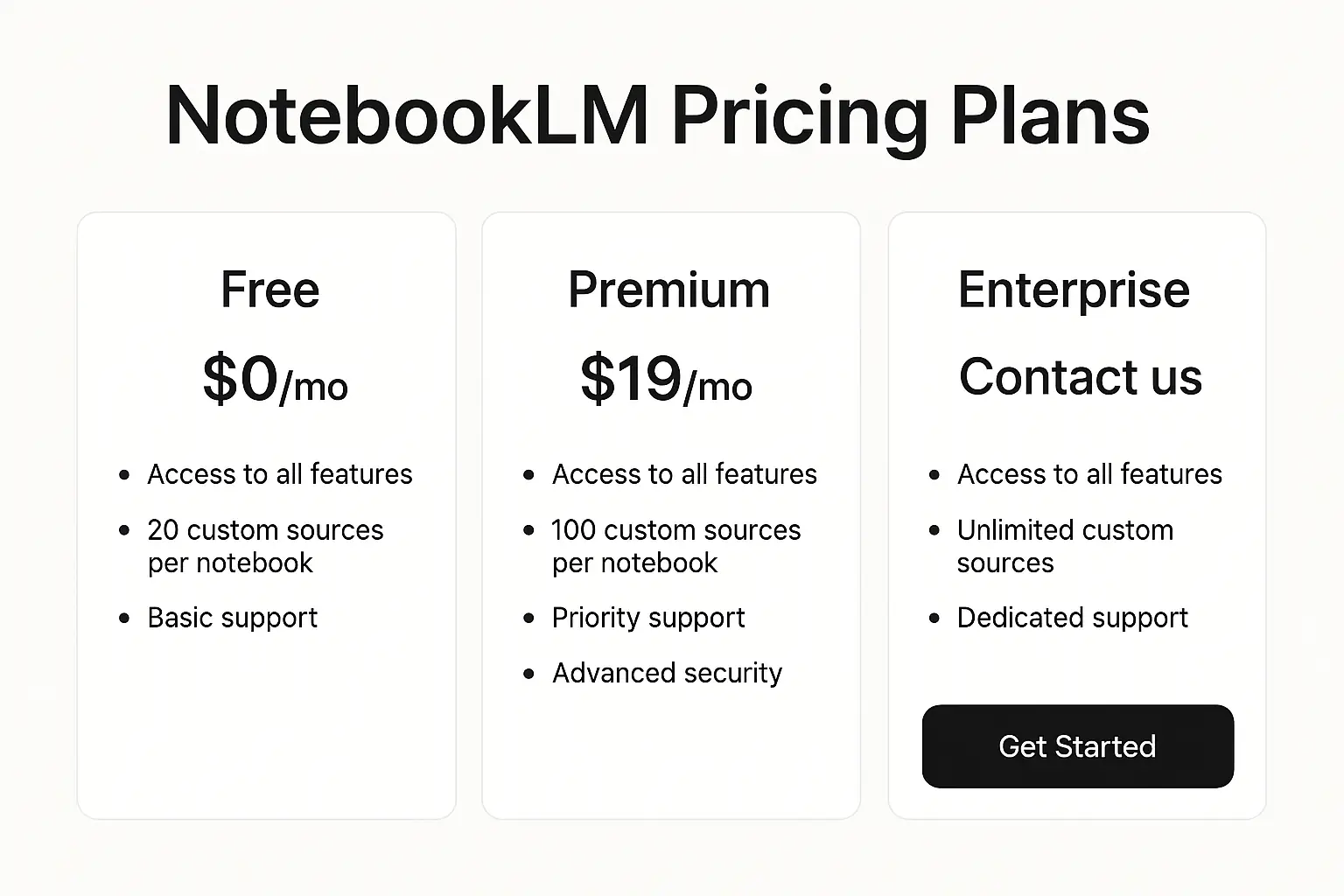
NotebookLM is currently in beta and offers the following pricing structure:
Most features—including natural language queries, document summarization, and small-scale data visualization—are available for unlimited free use.
For around $10 per month, the premium plan offers large-scale data processing, advanced analytics tools, and priority customer support.
Free users can upload files up to 100MB at a time and are limited to 50 searches per day, which is generally sufficient for individual users.
There are no installation or license fees beyond linking your Google account.
Compared to other AI agents and generative AI tools, NotebookLM maintains a reasonable pricing policy, making it accessible for researchers and students alike.
Strengths and Limitations — The Real Picture of NotebookLM as an AI Research Assistant
Strengths
Limitations
Keep these points in mind to make the most of NotebookLM.
Who Should Use NotebookLM?
However, professionals needing highly specialized, industry-specific AI or those working exclusively with Korean-language documents may need to supplement NotebookLM with other tools.
Conclusion and Further Resources
NotebookLM is an innovative AI research assistant designed for the era of automation and digital transformation. Once you try it, you’ll see firsthand how AI can dramatically improve the efficiency of research and information management. Visit the official NotebookLM page to install it now and take your research and work productivity to the next level.
Try NotebookLM today! Install it now and boost your research efficiency.

Services by Botonglee