5 Open-Source AI Tools, Tested: Hy-MT2, Qwen3-TTS, ACE-Step, FLUX.2 klein, InfiniteTalk
AI news pours in every week,
but ask "so what can I actually use today?"
and the answers get thin.
So I narrowed it down to three criteria.
One: it runs on my own computer —
no subscription, no usage fees.
Two: it supports Korean.
Three: I can put it to work on content today.
I installed and tested the recent releases
against these criteria.
Only the ones that passed are here.
1. Translation — a 2GB model that beats commercial translators
Hy-MT2 is a translation-only model released by Tencent.
It's small — 1.8 billion parameters —
yet on translation benchmarks it outperforms
models dozens of times its size
and commercial translation APIs.
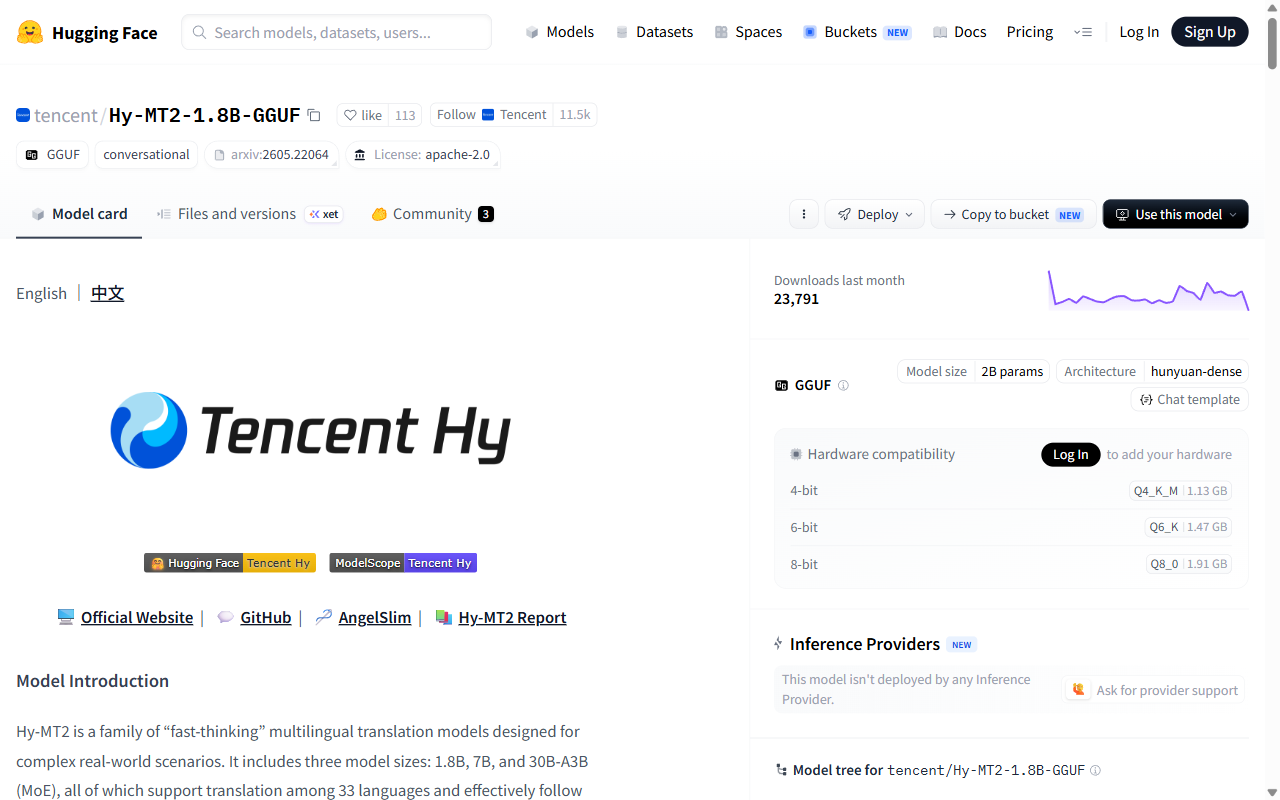
It covers 33 languages including Korean,
and the license is Apache 2.0 —
free for commercial use.
I ran it myself.
Translating a 3-minute meditation script,
25 sentences, into English took 4.4 seconds.
Cost: zero.
Then I found something important.
It translated "들이쉬고," (breathe in)
as "Take a break and meditate."
The model read the Korean word for "inhale"
as the word for "rest."
A breathing cue became a break announcement.
Three of the 25 sentences had errors like this.
Let the machine provide the speed,
but keep the final judgment with a human —
or hand the review to a stronger AI.
Verdict: excellent as a first-draft translator. Publishing it unreviewed is how accidents happen.
Download: Hugging Face · GitHub · easiest to run via Ollama
2. Voice — clone your voice from a 3-second sample
Qwen3-TTS, from Alibaba.
Give it a 3-second voice sample
and it reads any text in that voice.
On speaker-similarity benchmarks
(how close the clone sounds to the original)
it beat well-known commercial services,
and it supports 10 languages including Korean.
The small version runs on an 8GB graphics card —
a gaming laptop is enough.
One caveat: with voices,
your ears are more accurate than benchmarks.
If tone matters to your work —
meditation, narration, audiobooks —
always listen before you commit.
Download: Hugging Face (1.7B cloning) · lightweight 0.6B
3. Music — a full track in under 10 seconds
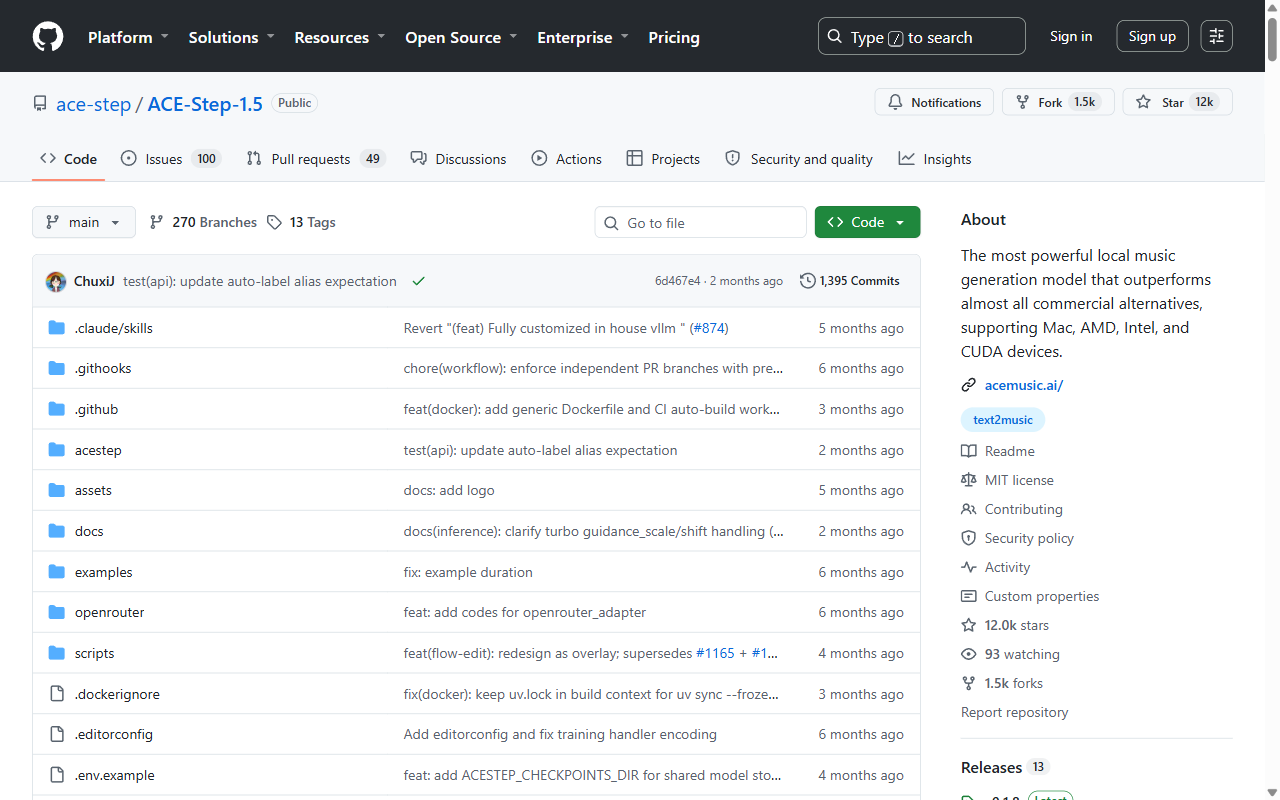
ACE-Step 1.5, a music generation model
released this January.
It's the first open-source music model
whose quality genuinely competes
with commercial services.
Three things stand out.
A full track generates in under 10 seconds.
There's a version that runs on a 4GB graphics card.
And you can train it on a few of your own tracks
so it generates in your style.
If you've been pulling background music
from a web service one track at a time,
this is worth a try.
Download: GitHub
4. Images — a frontier model now fits an ordinary GPU
FLUX.2 by Black Forest Labs originally needed
server-class hardware (32GB+ of VRAM).
The klein version, released in January,
shrinks it to 4B parameters —
small enough for a consumer graphics card.
I verified this one myself too.
On a 16GB card, the first image took 18 seconds
including model loading, using 13.4GB of VRAM.
The watercolor below is that first result —
straight from a one-line prompt, no retouching.

Because it inherits the architecture
of the full-size model,
it follows instructions noticeably better
than older models of the same size —
including style directions like
watercolor bleed and paper texture.
Download: Hugging Face · runs in ComfyUI (three files: model, text encoder, VAE)
5. Talking avatars — one photo speaks for 10 minutes
InfiniteTalk is an open-source lip-sync model.
Give it one photo and an audio file,
and it generates a talking video —
lips, head movement, and expressions
all matched to the voice.
Where earlier tools capped out
at clips of a few seconds,
this one generates up to 10 minutes continuously.
If your content has a character or a host,
you now have a new option:
a talking video with no filming.
Download: Hugging Face · GitHub
On the watchlist — MiniMax H3
A video generation model released in early August.
It produces 2K video with sound in a single pass —
but the open-weights release is still a promise,
not a download.
Judge it when it actually ships.
Three principles
These crystallized while installing
and testing everything above.
One. AI drafts, humans review.
As the translation case shows:
take the speed from the machine,
but never hand over the final judgment.
Two. Check your hardware before the leaderboard.
The "best" model that doesn't fit
your graphics card is someone else's model.
Start with the VRAM number.
Three. Don't rebuild your pipeline — swap one piece.
Tearing down a working workflow is a gamble.
Translation, music, images —
swap one piece, compare, then decide.
What you can try today
*One note: the first draft of this English post
was translated by Hy-MT2 —
the model in section 1 —
and then reviewed and rewritten.
It misread "use" as "write" in the very first paragraph.
The workflow works; the review is not optional.*
Services by Botonglee