The Ultimate Guide to Building an Automated AI Image Generation Pipeline with ComfyUI
If you're interested in AI image generation, you've probably wondered, "Isn't there an easier, faster way to automate repetitive tasks?" Creating multiple images, switching styles, and handling repetitive processes manually can be time-consuming and tedious. As AI trends continue to spread, automating image generation is quickly becoming a key productivity tool that boosts both work efficiency and creative quality.
By reading this guide, you'll learn how to build your own automated image generation pipeline using ComfyUI, a powerful AI tool. This article is structured for beginners, covering everything from installation and core features to real-world use cases, pricing, pros and cons, and practical tips for automating repetitive tasks with ComfyUI.
Follow along, and you'll find that setting up an automated AI image generation pipeline is much easier than you might think.
Go to guideHow to Get StartedDiscover how to use ComfyUI right now!What is ComfyUI? The Starting Point for Automated AI Image Generation
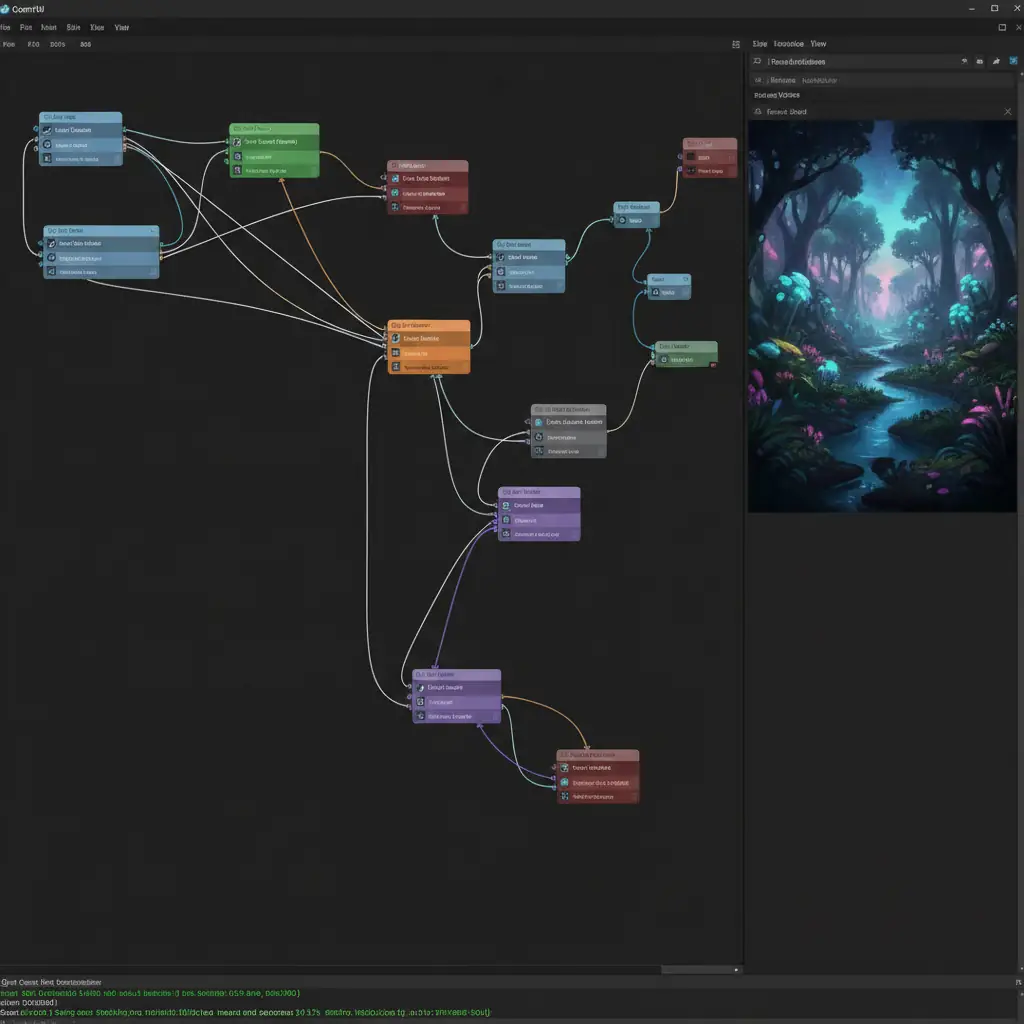
ComfyUI is an open-source tool that makes automating AI-based image generation easy with an intuitive graphical interface. You can design your workflow using simple drag-and-drop, without any complex coding, making it a rapidly adopted productivity tool in the AI image generation space. It's especially optimized for building pipelines that automate repetitive and standardized image tasks.
ComfyUI's standout feature is its automation. It lets you easily handle repetitive tasks like tweaking parameters or testing multiple models during the image generation process. Compatible with a wide range of generative AI models, ComfyUI is versatile for many fields—marketing content, illustration, social media images, and more.
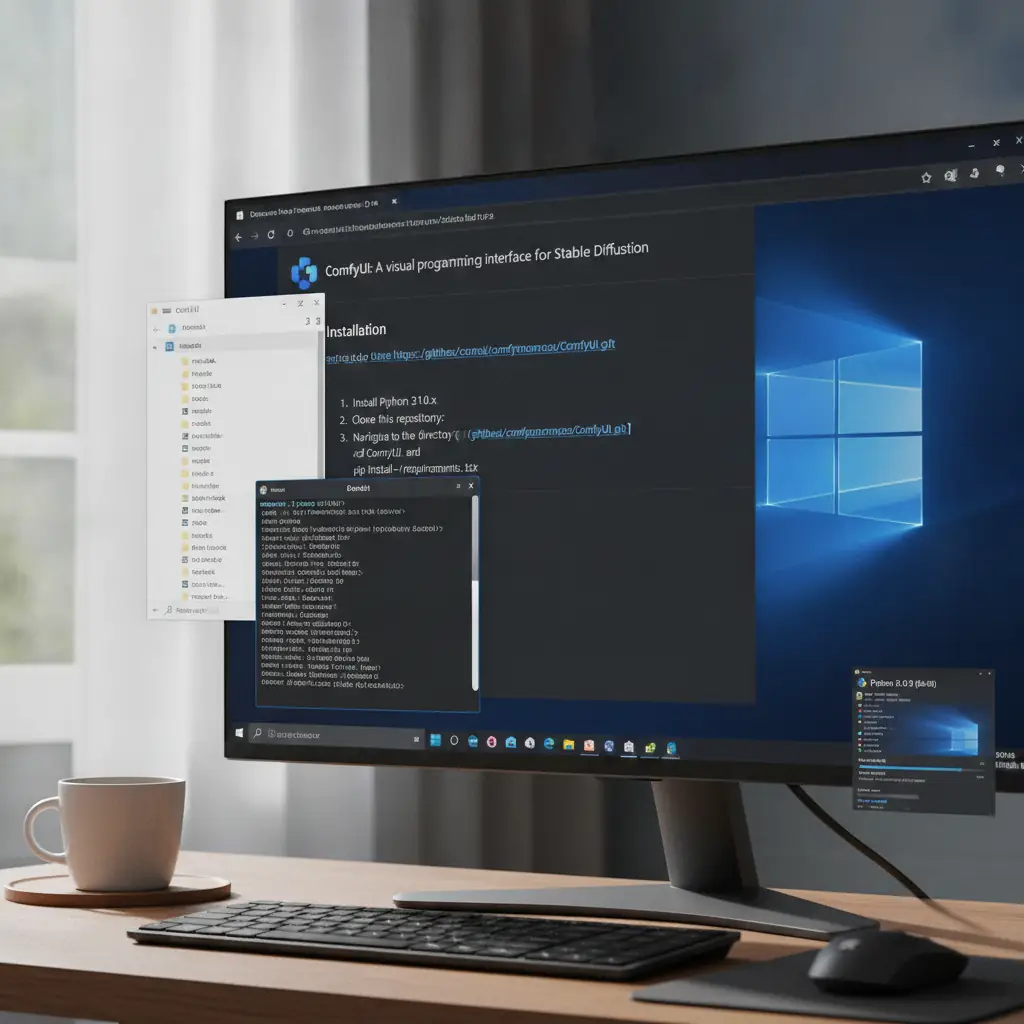
Installation and Getting Started: 5 Easy Steps
ComfyUI is open source and can be used right after installation—no registration required. However, downloading the latest version from the official website and joining the community can provide more resources and support.
1. Visit the Official ComfyUI GitHub
2. Prepare Your PC Environment
3. Unzip and Install Dependencies
```bash
pip install -r requirements.txt
```
4. Run ComfyUI
```bash
python main.py
```
5. Join the Community (Optional)
> Tip: Make sure Python and your GPU drivers are installed beforehand. If you encounter errors during setup, double-check your Python version and CUDA compatibility.
Core Features and Real-World Use Cases
ComfyUI is a versatile tool that lets you visually design and automate complex AI image generation workflows. Here’s a summary of its main features and how to use them:
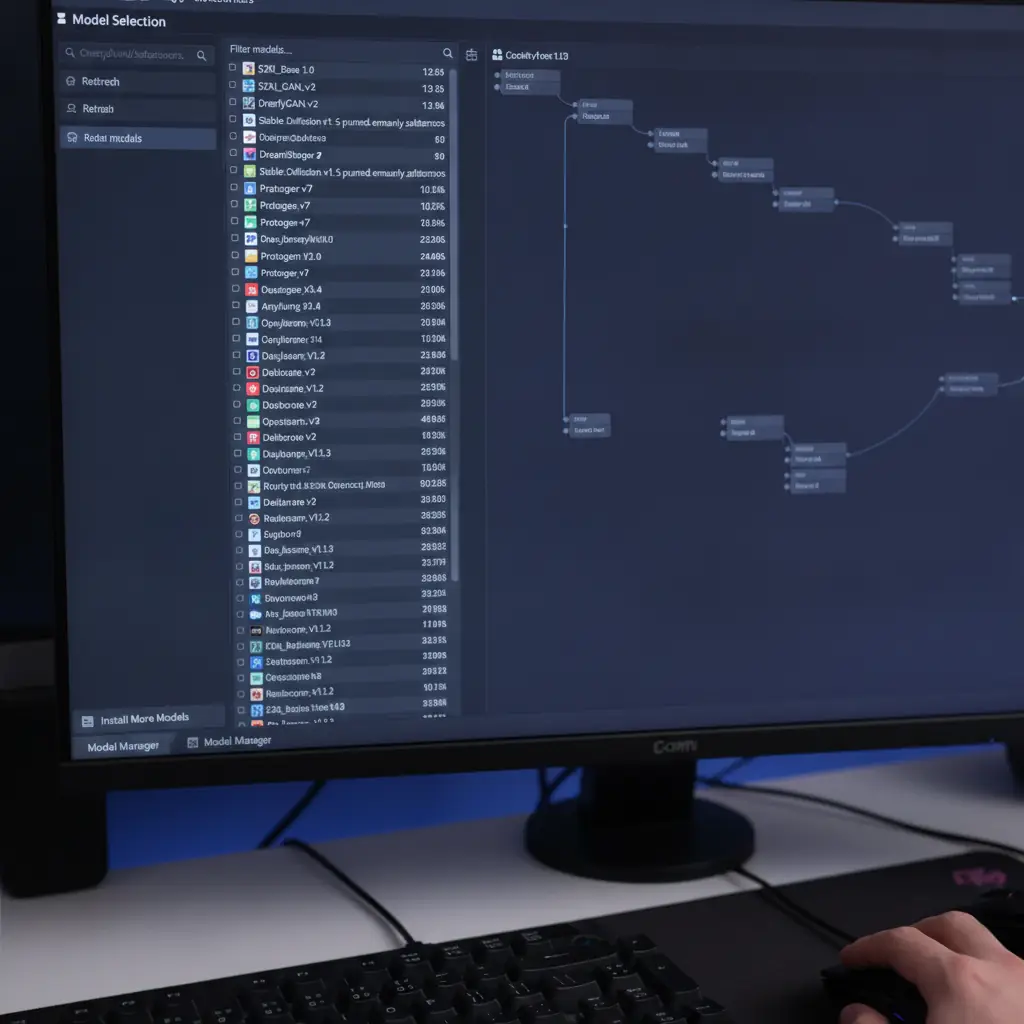
1. Easy Model Selection and Switching
You can easily load and use various AI image generation models like Stable Diffusion, ControlNet, and LoRA. Load model weights and switch between models within the UI to compare results.
2. Parameter Tuning and Prompt Input
Adjust detailed parameters like image resolution, seed values, and style directly in the UI. Prompt input is intuitive, making it easy to experiment with different keywords.
3. Node-Based Automated Pipeline Design
Design your workflow as a node graph, allowing multiple processes to run automatically. Batch image generation, style transfer, and post-processing can all be bundled and executed in one go.
4. Templates and Custom Script Support
Save frequently used settings as templates for reuse, and insert Python scripts for advanced automation.
5. Real-Time Preview and Adjustment
Preview generated images in real time and instantly tweak results as you work.
Real-World Scenarios: How Botonglee Uses ComfyUI
When first using ComfyUI, my main focus was reducing content creation time. Since I needed to produce social media images every week, building an automated pipeline was essential.
Scenario 1: Automated Themed Image Generation for Social Media
This allowed me to produce nearly 90 images per week in just a few minutes, massively reducing manual workload.
Scenario 2: Creating Presentation Images for Workshops
Scenario 3: Custom Brand Illustration Work
Using ComfyUI, I experienced firsthand how AI image generation automation can go beyond convenience to truly revolutionize the way I work.

Pricing: From Free to Premium—Practical Options
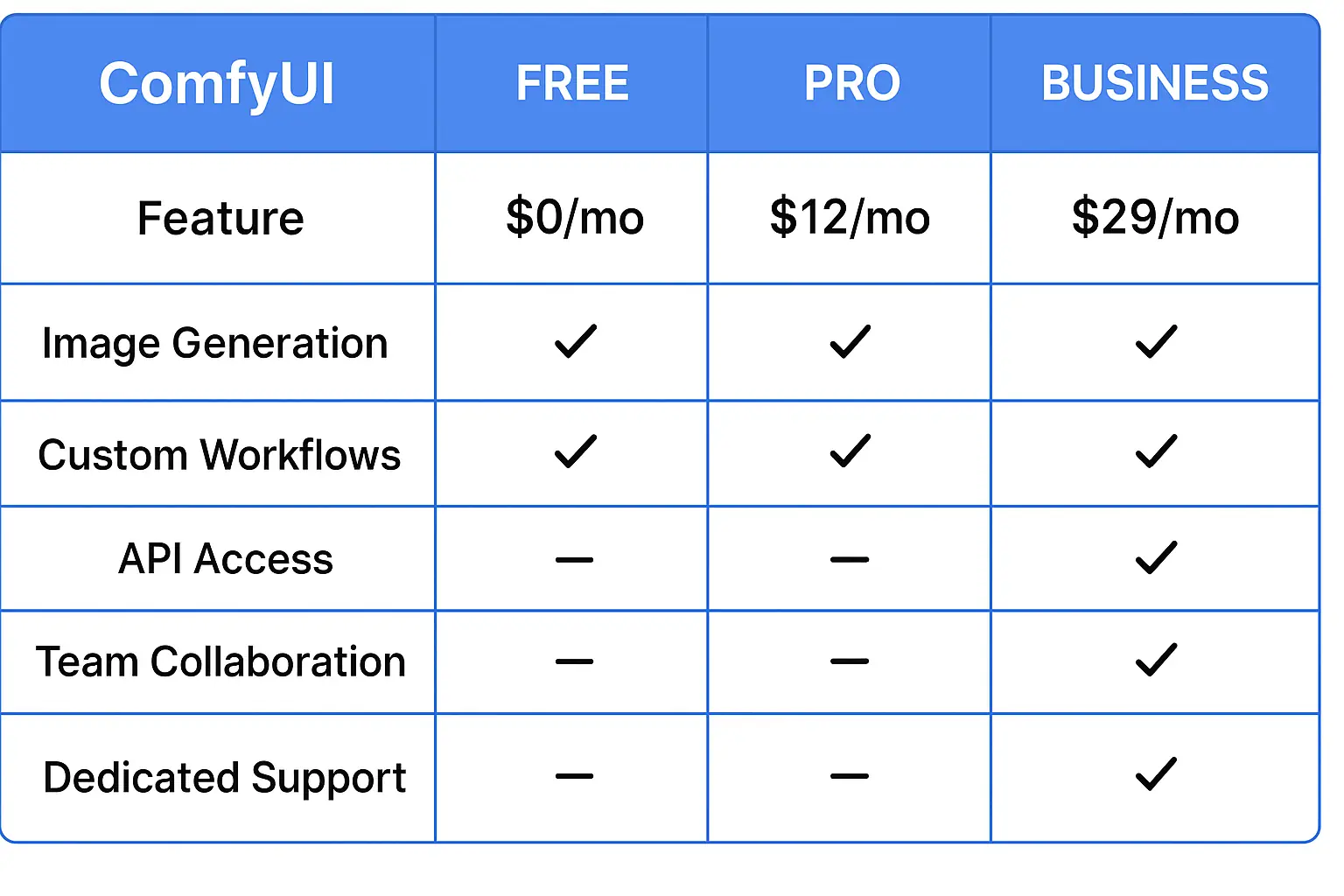
ComfyUI is open source and free to use. Anyone can download the source code from GitHub and start using the main features right away.
However, there are some pricing tiers and limitations to be aware of:
Most features are available for free, but if you have heavy workloads, need high-resolution images, or want to use certain premium models, a paid subscription may be necessary. Free users may be limited by their GPU performance and available storage.
> Tip: Start with the free version to get familiar with the workflow, then consider upgrading if your needs grow.
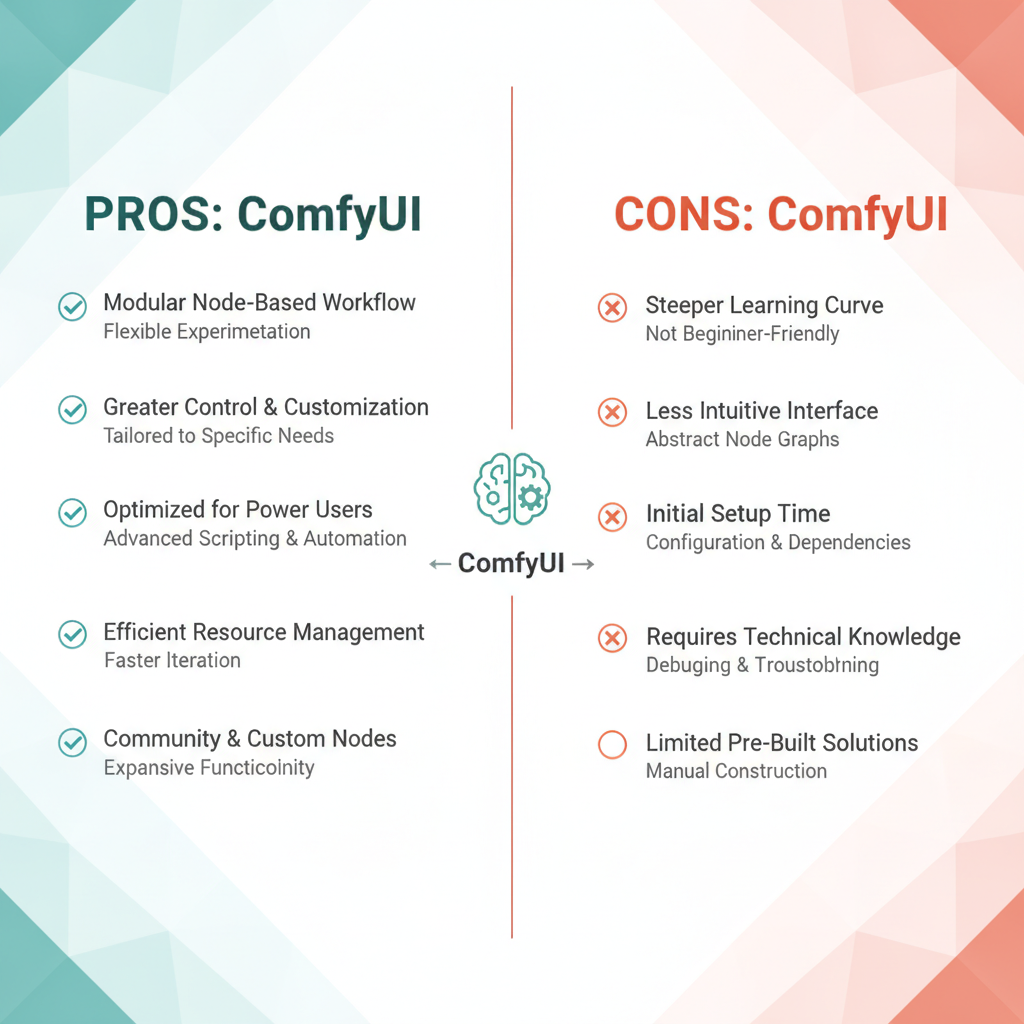
Honest Pros and Cons of ComfyUI
Pros
Cons and Considerations
> Note: Without a GPU, local use is difficult, and you should consider the cost of cloud-based alternatives.
Who Should Use ComfyUI?
ComfyUI is recommended for a wide range of users interested in AI image generation:
On the other hand, those who find setting up their computer environment daunting may prefer cloud-based services with installation support. If you want to focus on AI generation without a GPU, check out our Claude Artifacts In-Depth Review for other productivity tools.
ComfyUI lowers the barrier to automated AI image generation while offering powerful features. Based on the installation guide, core features, use cases, pricing, and pros and cons covered in this review, I encourage you to try it for yourself. In this era of digital transformation powered by AI agents, mastering productivity tools like ComfyUI is key to work innovation and enhancing your creative capabilities.
For more in-depth reviews of AI trends and productivity tools, check here.

Services by Botonglee