Using AI to Write Social Media Posts? Don't Have It Summarize Your Blog — Three Things to Decide First
When you hand your Instagram or Threads account to an AI tool, the first idea that comes to mind is almost always the same: take a blog post you have already written and have the AI shrink it. You don't need a new topic, the facts are already checked, and the AI is genuinely good at it. It will turn a long article into five tidy lines, add line breaks, and close with a neat one-sentence summary.
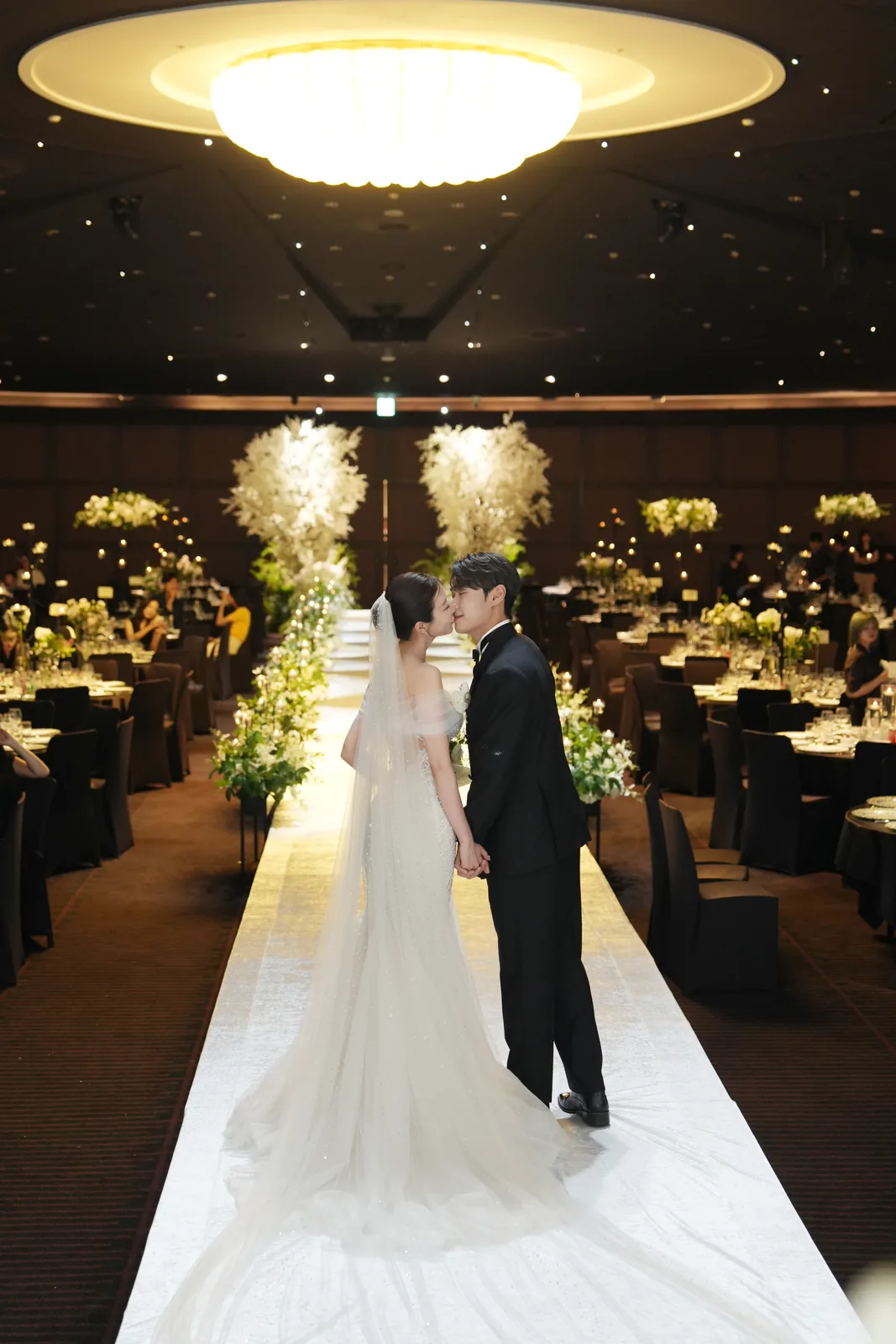
I run a small rental studio and a wedding-day photography service in Seoul, along with a meditation platform and a couple of online services, mostly on my own. Since August this year I have been letting AI draft my social media posts. In September I published two posts made exactly this way: one condensed a blog article about the steps from booking a wedding photographer to receiving the photos, the other explained the difference between renting the studio and booking a photo shoot. When I read them back after they went up, my verdict was short: "There's nothing fun about this."
Nothing in them was wrong. There was simply no reason to read them. This post is for small business owners and freelancers who want AI to help with social media, and it collects what I changed afterwards. The short version: let the AI write the sentences, but keep three decisions for yourself — what to post, what voice to use, and where and when it goes out.

Why a summarized blog post turns into a manual
People arrive at a blog and at a social feed in completely different ways. A blog reader usually searched for something — "wedding photographer booking steps," for example. They already have a question, so well-organized information is exactly what they want. A social feed is where people who were not looking for anything stop scrolling. What makes them stop is not the amount of information; it is the moment of "wait, that's me."
When you compress an information-heavy article, the information survives and the reason to read disappears. That is how you end up with a manual. And there is a second problem: your own booking steps or policies are only useful to the handful of people who have already decided to contact you. To everyone who doesn't know you yet, it is someone else's shop notice.
So I changed the default. I no longer summarize blog posts for social media as a matter of routine. A social post starts from something that actually happened that week, or a real decision I made.
One line before writing: useful, entertaining, or relatable?
After "there's nothing fun about this," I set one rule: a post has to be clearly useful, clearly entertaining, or clearly relatable — at least one of the three — or it doesn't go up. Not a post that touches all three a little, but one that does one of them properly.
Before I ask the AI for anything, I fill in one line: "This post is ___ (useful, entertaining or relatable), and it is for ___." If I can't fill it in, nothing goes up that day. I would rather have every post earn its place than post every day.
Give AI only an idea, and it fills the gaps with sentences you've seen before
Hand an AI a single thought — "a feeling of lack can actually point you in a direction," say — and ask for a post, and you will get something smooth almost instantly. The trouble is that you could find most of those sentences with a quick search. When there is an idea but no event, the AI fills the empty space with what anyone might say. It happened to me: a post where I only passed along two lines of thought came out that way and had to be rewritten.
So now I give the idea together with one thing that actually happened — who I talked to, what I saw that day. If I haven't provided one, the AI is told to ask first. The same approach works for blog writing, and I wrote it up separately in Using AI to Write Your Small Business Blog? Make It Ask You Questions First.
Five kinds of AI sentences I cut
My early social drafts were set up to lean on humor, wit and wordplay by default. I replaced that with a plainer standard: state the confirmed facts and my own judgment, plainly. Wit only when it comes naturally out of the actual situation or something I actually said. On top of that, the AI is told up front not to use these five:
AI is good at exactly these sentences, so it reaches for them without being asked. That is why they sit in my prompt as an explicit list.
Pick one voice and keep it simple
For a while on Threads I used a mixed rule. Korean has a clipped, note-to-self way of ending sentences that is common in casual online writing, and the rule was to use that for my own musings and switch to polite speech only for lines addressed to the reader. Reading the posts after they went up, the voice felt awkward. So I decided: just write kindly. Now it is polite, friendly language from start to finish.
Kind does not mean adding explanations or exclamation marks. It means speaking to the reader calmly. A rule like "switch between two voices depending on the situation" makes the AI decide sentence by sentence, and the awkwardness lives at those switch points. One voice is better.
One more thing: sentences I have edited myself are off-limits for further polishing. While fixing spelling, AI sometimes smooths a line back into something sleeker. A little rough is fine. The version I edited is my voice.
AI cuts whatever looks risky first
When you make yoga videos with AI, you get failed clips where the human body simply falls apart the moment the model folds forward or crosses its legs. In early September I decided to post a set of those failures and handed the AI the six clips I had picked. It set two of them aside, saying they might run into platform rules. Those two were the strangest ones — which is to say, the funniest. With failure clips, stranger is better. I told it to use everything I had chosen.
AI trims anything that looks risky before anything else. That call is often right, but what is interesting usually lives close to that line. Let the AI flag a concern once; keep the decision to cut with a person.
Channels and the publish button stay with a person
In late September I decided to lower the share of business posts on my personal Instagram and mix in more everyday and personal stories. The AI read "less" as "none." For more than a month, posts went out on Threads only and my Instagram sat almost empty. It was only corrected after I asked twice why everything was going to Threads.
Two rules came out of that:
Publishing happens in steps:
It looks like a lot of steps, but my part is just choosing and checking. I also made sure that edits I asked for never send the post back to square one for approval. A fresh check is needed only when the AI changed something I haven't seen.
Compare engagement at the same post age
There is one more trap when you ask AI which posts performed well. On Instagram, reactions cluster right after posting while views keep accumulating, so the engagement rate of the same post drifts down over time. One of my posts had a noticeably different engagement rate on day one than on day five.
Put a two-week-old post next to a one-day-old post and conclude "this kind of post works better," and you will probably be wrong. Compare day one with day one, week one with week one. When I ask AI to analyze results, I state that condition first.
A prompt you can copy
This is roughly what I give the AI along with a social media request. Replace the ○○ parts with your own details.
"Don't summarize a blog post. Write a social media post that starts from what actually happened, below. What happened: ○○. Before writing, state in one line whether this post is useful, entertaining or relatable, and who it is for. If it is none of the three, don't write it — tell me so. Use friendly, polite language from start to finish. Don't use ad-copy sentiment, personification puns, sentences that end on a moral, status-report voice, or the same promo line every time. Don't invent experiences or numbers beyond the facts I give you. Don't re-polish sentences I have edited. Make versions for both ○○ and ○○, and if you want to drop a channel or cut anything, write down why and ask me first. Show drafts as candidates only — I decide what gets posted."
In short
If you want to see how I turn an AI draft into my own writing, it is in How to Turn an AI Draft Into Your Own Work, and the photography pricing breakdown mentioned above is in Why Photography Quotes Always Say "Contact Us".
Services by Botonglee