When Switching AI Tools Makes Results Worse
Anyone producing images or text with AI ends up using more than one tool. When one gets stuck you move to the other, and you compare outputs to pick the better one.
Most people keep one prompt through all of that. You spent time polishing it, carrying it across is convenient, and using the same words feels like a fair comparison.
Running a single prompt through two tools that make the same kind of output, something odd kept happening to me: a line added to fix one tool made the other one go wrong in exactly the opposite direction. Only when I gave up on the shared template and wrote separate rules for each tool did the results settle down.
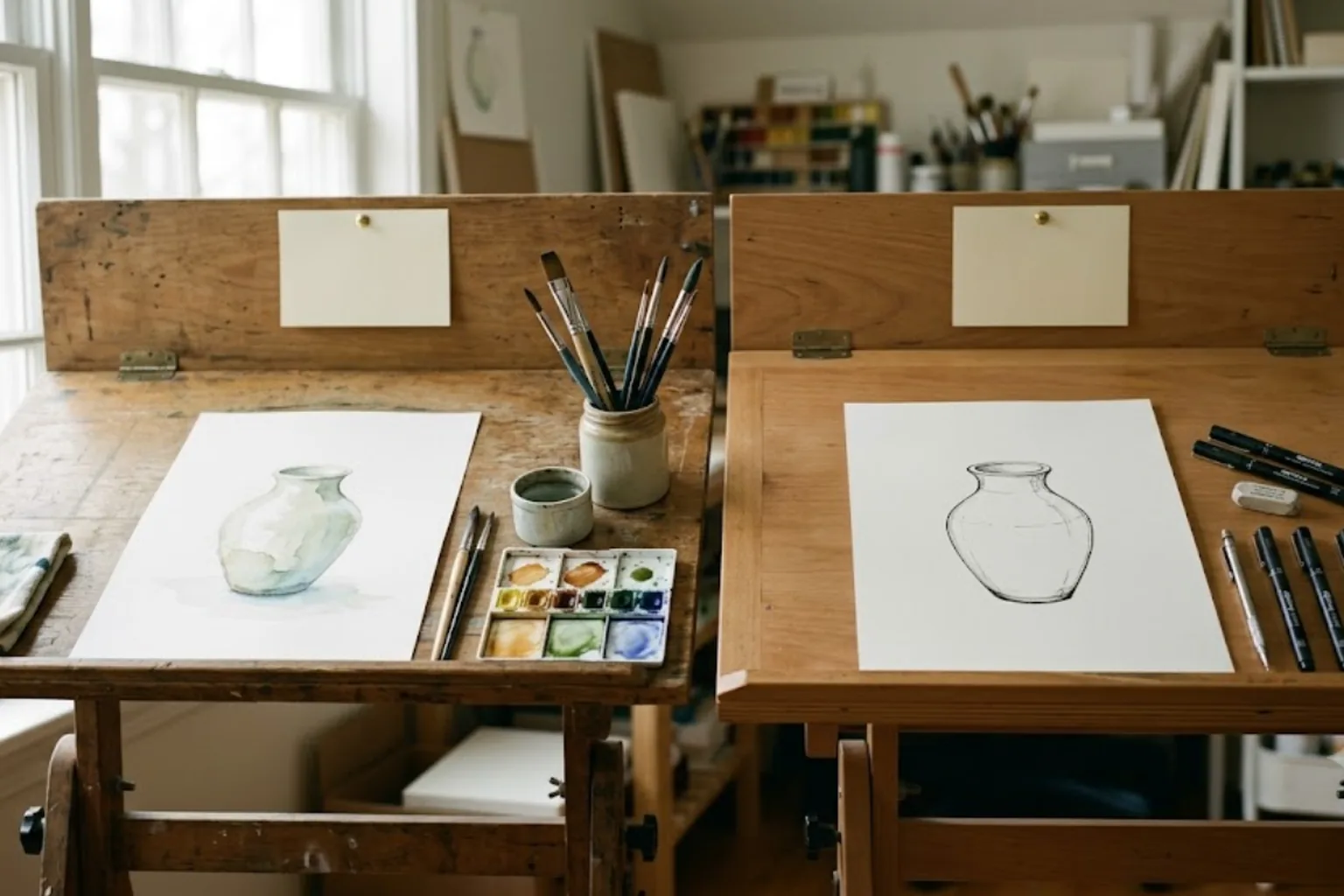
Each tool reads the same sentence differently
AI tools do not read a prompt evenly the way a person does. Each one puts weight in different places.
So a corrective line that fixed a miss in one tool creates a new problem in the other. The medicine for one is the poison for the other.
How a shared template becomes a patchwork
It starts small. Tool A makes colours too strong, so you add "keep the colours muted." In tool B that one line makes everything washed out, so you add "but keep it crisp." Now tool A is loud again.
A few rounds of that and the prompt is full of sentences pulling against each other. Once you start writing conditions like "do this, but not that, except when…", it has already gone too far. The prompt fits neither tool, and nobody can tell which line is actually changing the result.
It feels as though one more round of polishing will solve it. It will not, because the two tools want different things to begin with.
What stays shared and what gets split
Splitting does not mean writing two prompts from scratch. Dividing the prompt into two layers is what makes it manageable.
Shared — what to make
Per tool — how to say it
Now the shared layer is edited once, and each tool's layer is touched only when that tool misbehaves. Fixing one no longer shakes the other.
Signals that it is time to split
Any one of these means it is time for two versions.
In short
For how AI-made images end up in actual product listings, see wholesale apparel photos without a shoot. For the standard I use to judge automation, see the day you rest is the real test.
Services by Botonglee